How Ambient Light Sensors Make Smart Devices More Energy Efficient
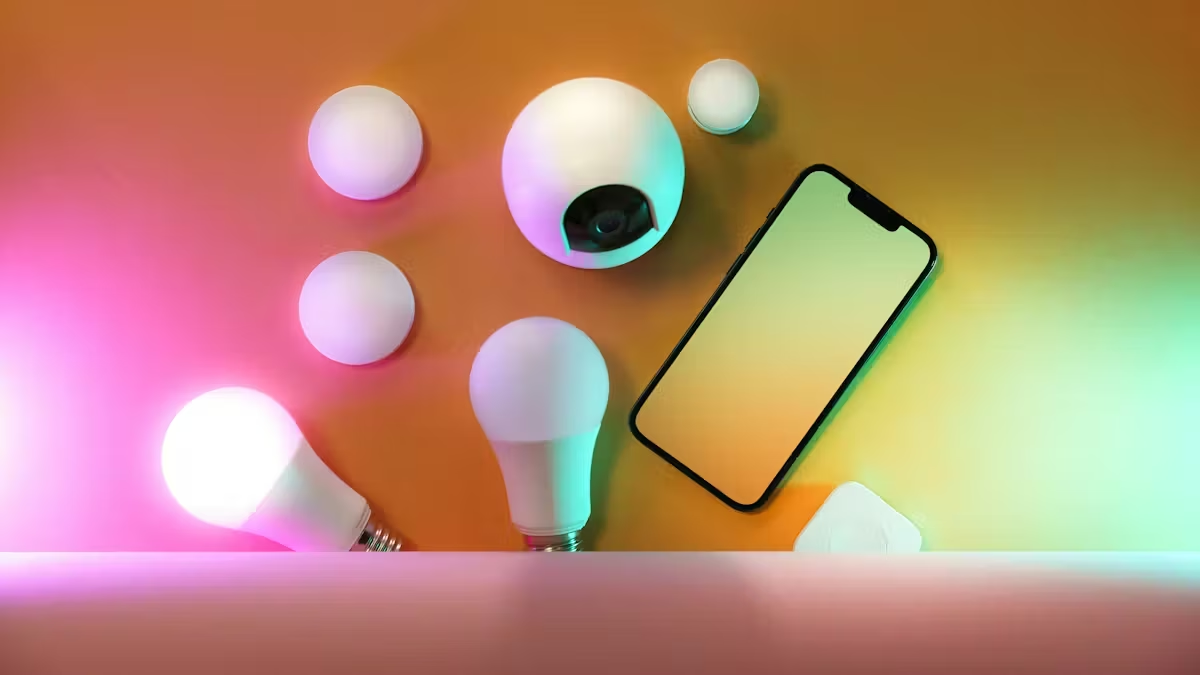
You can save energy each day because an ambient light sensor helps your smart devices change things like screen brightness or lighting based on the light near you. This means you use less energy, your battery lasts longer, and you feel better when using your devices. Many phones, tablets, and home gadgets already have this technology, so you make your devices use energy better without doing anything extra.
Key Takeaways
Ambient light sensors change screen brightness when the light around you changes. This helps save energy and makes the battery last longer.
Smart lighting systems use sensors to turn lights on or off. This stops wasting power and makes electricity bills lower.
Adaptive brightness features help stop eye strain. They change the screen brightness by themselves to make your eyes comfortable.
Using smart devices with ambient light sensors helps the environment. They use less energy and make less pollution.
Adding smart lighting to homes and workplaces can save a lot of energy. This makes everything work better and more efficiently.
Ambient Light Sensor Basics
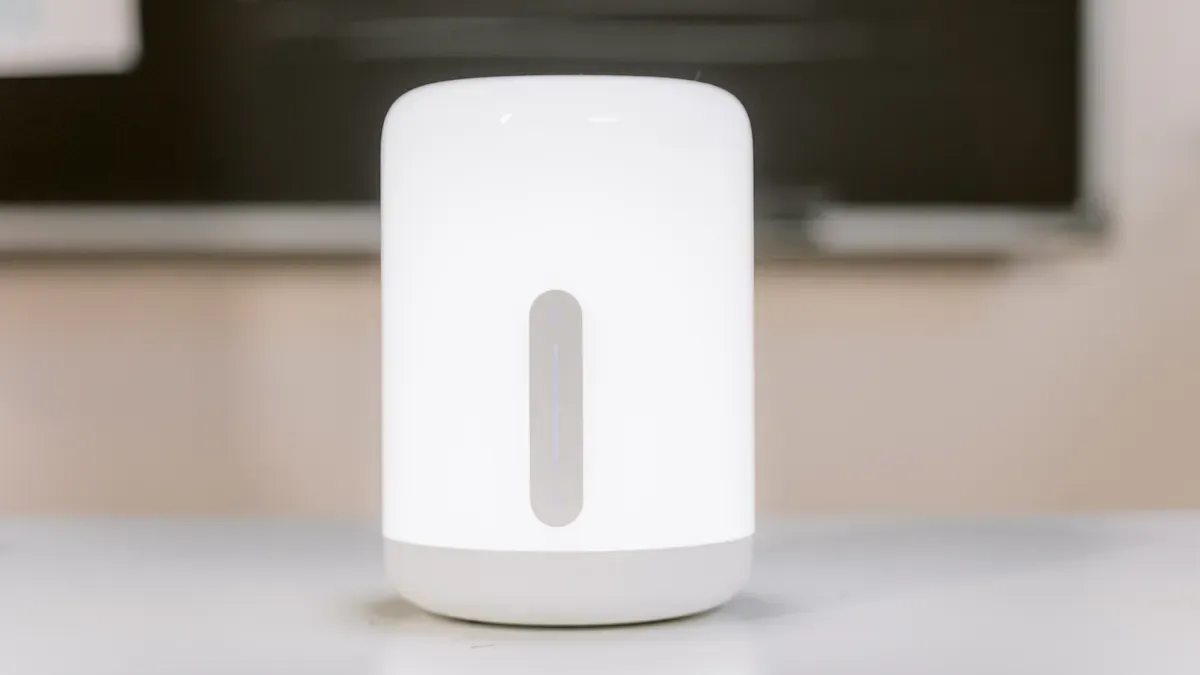
How Ambient Light Sensors Work
When your phone screen gets dim in a dark room or bright outside, you are using an ambient light sensor. These sensors check how much light is around you. They help your device change its brightness right away.
Light sensors, also called photodetectors, are important for checking how bright or dark it is. They help your device change the screen’s brightness. This saves energy and makes using your device feel better.
An ambient light sensor can see different kinds of light, like:
Ultraviolet (UV)
Visible light
Infrared (IR)
This is how the process happens:
The sensor finds light by changing photons into electrical signals.
Photodiodes inside the sensor make a current when light touches them.
The amount of current shows how bright the light is.
The device’s control system uses this signal to change the screen or lights.
There are two main types of technology in these sensors: photodiodes and phototransistors. Photodiodes work fast and are good for exact control. Phototransistors are more sensitive but work slower.
Feature | Photodiodes | Phototransistors |
|---|---|---|
Sensitivity | High sensitivity, suitable for precision control | More sensitive because of internal amplification |
Response Time | Fast response time | Slower response time |
Applications | Smoke detectors, medical devices, optical systems | Remote controls, object counters, ambient light sensors |
Current Output | Small, often needs amplification | Stronger current output because of amplification |
Noise | Less noise | More noise, not as good for high-speed uses |
Types of Smart Devices Using Sensors
You can find ambient light sensors in many smart devices. These sensors help your devices use less energy and make life easier. Here are some common types and examples:
Device Category | Notable Examples |
|---|---|
Automotive Systems | Headlights turn on by themselves when it gets dark. |
Agriculture | Sensors check sunlight for watering plants in smart farms. |
Security Systems | Sensors watch for light changes in security systems. |
Smart Home Automation | Lights change based on how bright the room is. |
Industrial Automation | Lights turn off in empty rooms to save energy. |
Healthcare Devices | Light therapy devices change light for better treatment. |
Photography Equipment | Cameras change settings by themselves when the light changes. |
You see these sensors most in things like smartphones and tablets. They are also in cars, smart home systems, and medical devices. In smart homes, the ambient light sensor can change your lights to match the time of day. This helps you save energy and feel more comfortable.
Optimizing Energy Efficiency

Real-Time Light Adjustment
You see real-time light adjustment when your device changes brightness. The ambient light sensor checks how bright it is around you. It sends this to your device. Your device uses controls to change the screen or lights. This happens in just a few seconds. You always get the right light and do not waste energy.
Smart lighting systems use special computer programs to make changes. Some types are supervised learning, reinforcement learning, and Deep Deterministic Policy Gradient (DDPG). These programs help your device learn and get better over time. They make sure you have the best lighting for what you need.
Algorithm Type | Description |
|---|---|
Supervised Learning | Trains with labeled data for predictive maintenance. |
Reinforcement Learning | Improves through trial and error using feedback. |
Deep Deterministic Policy Gradient (DDPG) | Adapts to changing conditions for real-time light adjustment. |
You get help from these smart systems because they use daylight harvesting and occupancy detection. Daylight harvesting means your device uses sunlight as much as it can. Occupancy detection makes sure lights turn on only when someone is in the room. These features help save a lot of energy.
Mechanism | Energy Savings (%) |
|---|---|
Motion sensor activation | |
Daylight harvesting (with sensors) | 20–30% |
Tip: Watching light in real time and using automatic controls saves energy and keeps your space comfy all day.
Adaptive Brightness in Devices
Adaptive brightness is a feature in many smart devices. It uses the ambient light sensor to change the screen brightness for you. Your device will dim the screen in a dark room. It will make the screen brighter outside. You do not have to do anything.
Adaptive brightness helps you in many ways:
It saves battery by lowering brightness when you do not need it.
It stops your eyes from hurting by keeping the screen comfortable.
It makes your device last longer because it does not use full power all the time.
Feature | Result |
|---|---|
Adaptive Brightness Disabled | 1.8–2.3 extra hours of screen-on time |
Dark Mode Enabled | Fewer reports of visual fatigue |
You can also use night modes and dark mode. These work best on OLED screens when most of the screen is dark. They help you save more energy and make your device easier on your eyes.
Night modes can lower battery use on OLED screens.
They work best when dark parts cover at least 65% of the screen.
If set up wrong, they can use more power.
Adaptive brightness uses automatic controls to save energy and keep things easy to read. The system lowers brightness when you do not need it bright. It also keeps your screen clear. You do not have to change settings, so it is hands-free.
Feature | Description |
|---|---|
Energy Savings | Lowers brightness when full intensity isn’t needed |
Viewer Comfort | Stops eye strain in dark places |
Smart & Hands-Free | No need to keep changing settings |
Automatic Brightness | Best for good performance |
Ambient Light Sensor System | High-accuracy sensor with a 0-150,000 lux range |
Smart auto-dimming | Changes fast when weather or sunlight changes |
Real-time feedback | Takes 1-3 seconds to adjust brightness |
Energy saver | Cuts power costs by up to 60% |
Extends LED lifespan | Stops using high brightness when not needed |
Always perfect visibility | No more screens that are too bright or too dark |
You might see some problems with adaptive brightness. Devices need the right hardware and software to work together. Sometimes, old systems need updates to use these features. Devices from different brands may not always work well together.
Smart Lighting and Automation
Smart lighting uses ambient light sensors to change lights in your home or office. These systems check how much daylight there is. They use controls to turn lights on or off. When there is enough sunlight, smart lighting dims or turns off the lights to save energy. If a room is empty, occupancy detection turns off the lights so you do not waste power.
Feature | Traditional Controls | Demand Response |
|---|---|---|
Energy Savings | 20%-76% savings depending on setup | 20%+ reduction during peak demand |
Automation | Fixed schedules, occupancy sensors | Real-time adjustments via smart tech |
Energy Data Insights | Limited | Detailed, real-time |
Smart lighting gives you many good things:
You use less energy because lights only turn on when needed.
You make less pollution because you use less power.
Lights last longer because they are not used too much.
You pay less for electricity because you use less energy.
You feel better because lighting matches your needs.
Using smart lighting shows you care about the planet.
You can also set up lighting schedules and change brightness or color. Smart lighting systems let you make the best place for work, study, or relaxing.
Smart lighting uses daylight harvesting to use sunlight as much as possible. Automatic lighting changes keep your space bright enough without wasting energy. Occupancy detection makes sure lights only stay on when someone is there.
Smart lighting systems check daylight, measure brightness, sense motion, and see if someone is in the room.
When there is enough daylight, the system dims or turns off the lights.
If a room is empty, the lights turn off by themselves.
When someone comes in, the lights turn on for comfort and saving energy.
Note: Automatic lighting changes help you save energy, pay less, and make your space comfy without extra work.
Everyday Benefits for Smart Devices
Lower Power Consumption
You can save money by using smart lighting at home or work. These systems use sensors to check how much daylight is in the room. The lights get brighter or dimmer depending on the sunlight. You do not waste energy on lights that are too bright or left on. Studies show that using LEDs and smart controls can cut energy use by 60–80% compared to old lights. This means you pay less for power and help the Earth.
Here is a table that shows how much energy you can save with smart lighting and ambient light sensor technology:
Metric | Value |
|---|---|
Improvement in runtime | Up to 381.96% |
Reduction in total energy consumption | 70.96% |
Improvement in battery runtime | 244.31% |
Increase in overall energy efficiency | 29.04% |
Smart lighting helps you use only the energy you need. You save money and help stop waste every day.
Extended Battery Life
Smart lighting does more than just save power. It also helps your devices last longer before you need to charge them. When your phone or tablet uses an ambient light sensor, it changes the screen brightness to match the light around you. This means your device does not use extra power.
Adaptive brightness can make your screen stay on 12–18% longer than if you set the brightness yourself.
Smart lighting in laptops and tablets means you do not have to charge as often. You get more time from each charge, and your battery stays healthy longer. Devices with smart lighting can even run without batteries for longer, so you do not worry about charging all the time.
Reduced Environmental Impact
When you use smart lighting, you help the planet. Smart devices with ambient light sensors use less energy, so power plants burn less fuel. This means less pollution and fewer CO₂ emissions. You also do not need to change batteries as much, which makes less trash and saves resources.
Smart lighting systems use things like daylight harvesting and occupancy sensing. These features make sure lights are only on when needed. You help protect the Earth every time you use smart lighting at home, school, or work.
You can do more with your smart devices when they have ambient light sensors. These sensors let your device change to match the light in your space. This helps you use less energy and spend less money on electricity. It is also good for the Earth. Many buildings use these sensors to save money and meet green rules. You get longer battery life and a nicer time using your device.
Smart sensors help stop wasting energy at home and at work.
Outdoor lights only turn on when needed, so they save more power.
Pick devices with ambient light sensors if you want to live smarter and help the planet.
FAQ
What is an ambient light sensor?
An ambient light sensor checks the brightness around you. Your device uses this information to adjust its screen or lights. You get the best view and save energy.
How do ambient light sensors help save energy?
Your device lowers brightness when there is enough light. This action reduces power use and extends battery life. You do not need to change settings yourself.
Which devices use ambient light sensors?
You find these sensors in:
Smartphones
Tablets
Laptops
Smart home lights
Car dashboards
Can you turn off adaptive brightness?
Yes, you can turn off adaptive brightness in your device’s settings. You control the screen brightness manually if you prefer.
See Also
Understanding MLED Technology: A Comprehensive Overview
The Energy Efficiency of Multi-Frequency Displays Compared to Traditional Screens
Exploring Smart Window Technology for Contemporary Architecture