What Is an Ambient Light Sensor and How Does It Work
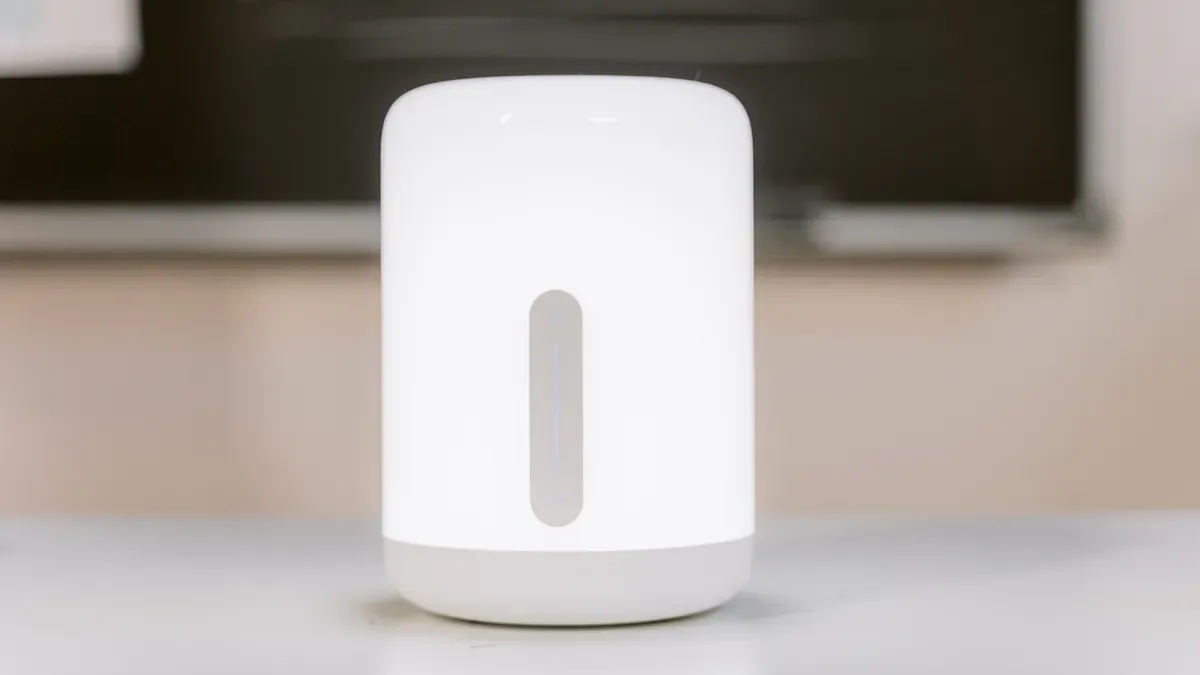
An ambient light sensor measures the amount of light in your environment. You often find these sensors in smartphones, smartwatches, and smart home devices. They help your devices adjust brightness automatically, making screens easier to see and saving battery life.
The market for these sensors in consumer electronics is growing fast, reaching USD 4.89 billion in 2025 and expected to hit USD 12.82 billion by 2034.
Ambient light sensors optimize lighting based on natural light levels, reducing energy use and supporting sustainability.
More smart devices and home automation systems rely on these sensors to improve comfort and efficiency.
Key Takeaways
Ambient light sensors automatically adjust device brightness based on surrounding light, enhancing visibility and saving battery life.
These sensors are crucial in various devices, including smartphones and smart home systems, improving user comfort and energy efficiency.
Understanding the differences between photodiodes and phototransistors helps you choose the right sensor for your needs.
Recent advancements in sensor technology lead to smaller, more sensitive devices, paving the way for smarter homes and cities.
Using ambient light sensors contributes to sustainability by reducing energy waste and optimizing lighting in various environments.
Ambient Light Sensor Basics
Definition
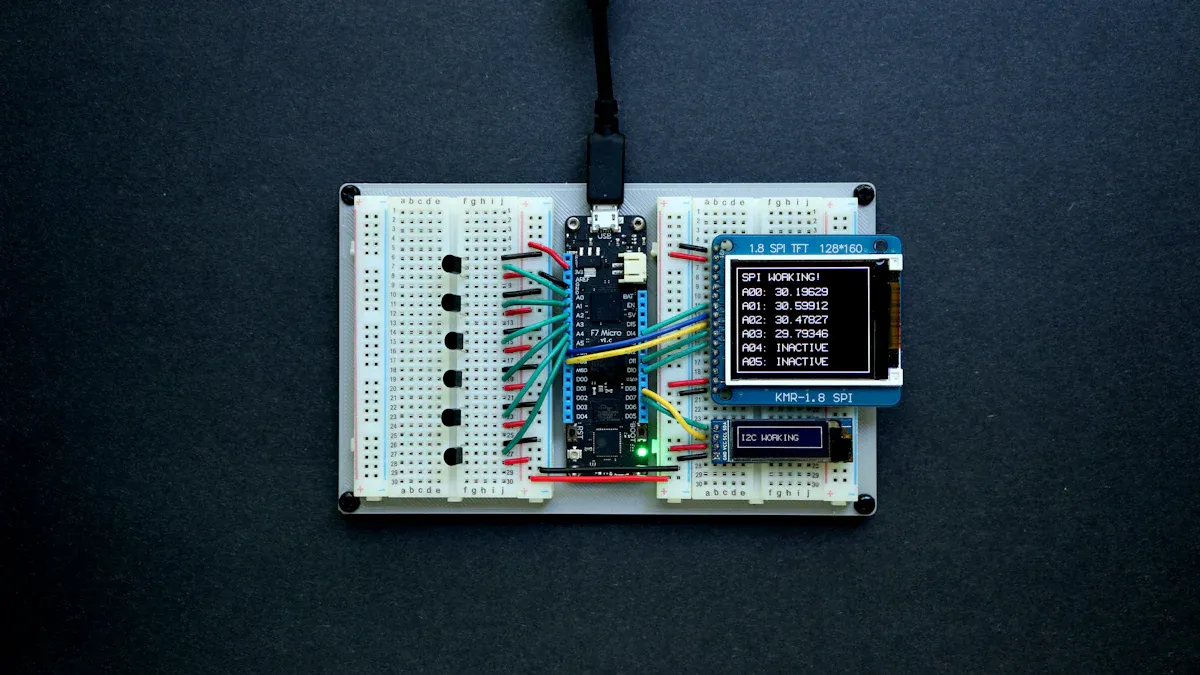
You use an ambient light sensor to measure the amount of light around you. This sensor helps your device understand how bright or dim your environment is. You find it in smartphones, tablets, cars, and smart home systems. The sensor works by detecting the intensity of light and sending this information to your device. Your device then uses this data to make decisions about display brightness or lighting.
Ambient light sensors often simulate the way your eyes respond to light. Your eyes adjust to different lighting conditions, and these sensors help your devices do the same. This feature matters because it improves how you see screens and saves energy.
Purpose
The main purpose of an ambient light sensor is to make your device smarter and more efficient. You benefit from automatic adjustments that match your surroundings. For example, your phone screen gets brighter when you step outside and dims when you move indoors. This helps you see better and also saves battery power.
Tip: Automatic brightness adjustment not only improves comfort but also extends battery life.
Here is a table that shows the main functions of ambient light sensors in modern devices:
Function | Description |
|---|---|
Adjusting Display Brightness | Automatically changes screen brightness based on ambient light conditions to enhance visibility. |
Optimizing Energy Consumption | Reduces battery usage by adjusting lighting based on environmental light levels. |
Enhancing User Interaction | Improves user experience by adapting device settings to current lighting conditions. |
Regulating Interior Lighting | In vehicles, it adjusts dashboard displays and interior lighting for driver comfort. |
Supporting Smart Buildings | Automates lighting systems to save energy by turning lights on/off based on ambient light. |
Monitoring Environmental Conditions | In industrial settings, it ensures proper lighting for safety and productivity. |
You see ambient light sensors in many devices because they help your device respond to changes in light. This makes your experience smoother and more comfortable.
Ambient light sensors face some challenges. Manufacturers deal with high costs, especially for budget devices. Sometimes, the sensor struggles to measure light accurately in changing conditions. Low-current outputs can limit performance. The competitive market also affects how companies price and produce these sensors.
How Ambient Light Sensors Work
Sensor Components
When you look inside an ambient light sensor, you find two main components: photodiodes and phototransistors. These parts help the sensor detect and measure the amount of light in your environment. Each component has a unique role and set of features. The table below shows how they work and what makes them different:
Component | Function | Characteristics |
|---|---|---|
Photodiodes | Convert light into electrical current using the photoelectric effect. | Highly accurate, quick response, output matches light intensity, used in many devices. |
Phototransistors | Detect light and amplify the signal for a stronger output. | More sensitive to low light, ideal for dim conditions, common in ambient light sensors. |
Photodiodes give you precise measurements. They respond quickly to changes in light. Phototransistors, on the other hand, work well when you need to sense very low levels of light. You often find both types in different sensor designs, depending on the device’s needs.
Manufacturers calibrate each sensor to make sure it measures light accurately. They use special equipment in labs to test how each sensor responds to different colors and angles of light. This process helps the sensor match the way your eyes see light, especially in the visible spectrum from 400 to 700 nanometers. Calibration also includes cosine correction, which improves accuracy when light hits the sensor from different directions.
Note: Calibration ensures that your device’s sensor gives you reliable results, no matter where or how you use it.
Detection Process
You might wonder how a sensor turns light into something your device can use. The process happens in several steps:
Light Detection: The sensor’s photosensitive surface captures light from your surroundings. The amount of light changes with the environment, such as moving from indoors to outdoors.
Microstructure Response: Inside the sensor, tiny structures react to the light. These changes affect the sensor’s electrical properties.
Signal Conversion: The sensor’s circuitry converts these changes into electrical signals. The strength of the signal matches the intensity of the light.
Data Processing: The device’s controller reads the electrical signals. It interprets the data to understand how bright or dim your environment is.
Output & Adjustment: Your device uses this information to adjust settings. For example, it might change the screen brightness or turn on backlighting.
You see this process in action every time your phone screen gets brighter in sunlight or dims in a dark room. The sensor detects the light, converts it into a signal, and your device responds automatically.
Light sensors try to match the way your eyes sense brightness. They are calibrated to respond to the same range of light that humans see best. However, in very low light, your eyes and the sensor might not always agree on the exact color or brightness. This happens because your eyes change sensitivity in the dark, while the sensor follows its own calibration.
Tip: Light sensors help your device “see” the environment almost as well as you do, making your experience smoother and more comfortable.
Applications of Light Sensors
Consumer Devices
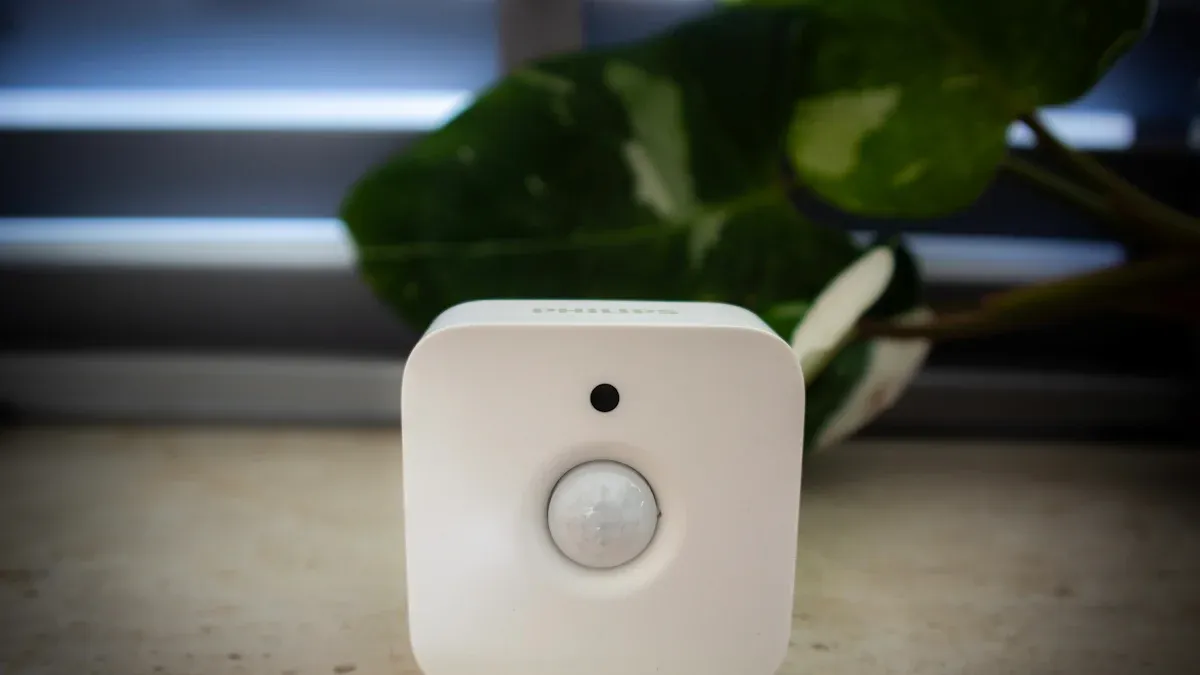
You interact with ambient light sensors every day in your favorite devices. Smartphones, tablets, and laptops use these sensors to adjust screen brightness for comfortable viewing. When you move from a bright room to a dim space, your device changes the display automatically. This adjustment helps you see the screen clearly and saves battery power. Smart home systems also use sensors to control lighting and improve energy efficiency. You find these sensors in commercial spaces, where they help manage lighting based on the environment. Museums use them to protect artifacts by controlling light exposure. Farmers rely on sensors to monitor light for healthy plant growth.
Application | Description |
|---|---|
Screen Brightness | Automates screen adjustments for optimal viewing in smartphones and laptops. |
Smart Homes | Enhances lighting control and energy efficiency. |
Commercial Spaces | Adjusts lighting based on ambient conditions. |
Cultural Heritage | Controls light exposure to preserve artifacts. |
Agriculture | Monitors light conditions for optimal plant growth. |
Tip: Automatic brightness adjustment not only improves your comfort but also extends battery life.
Automotive Systems
You benefit from ambient light sensors in modern cars. These sensors improve driver visibility and safety by enabling adaptive lighting features. When you drive at night, the sensor adjusts dashboard displays and interior lighting to reduce eye strain. It also helps the car’s lighting system respond to changing conditions, making your driving experience safer and more intuitive. Modern dashboards use ambient lighting to help you see controls clearly and create a comfortable atmosphere.
Adaptive lighting enhances visibility.
Dashboard displays adjust brightness for comfort.
Ambient lighting improves night-time driving.
Smart Wearables
Smart wearables, such as fitness trackers and smartwatches, use light sensors to optimize display brightness. When you exercise outdoors, the sensor increases screen brightness so you can read your stats easily. Indoors, it dims the display to save battery life. These sensors make your wearable device more responsive and efficient. You enjoy longer battery life and better visibility, no matter where you go.
Note: Light sensors help your devices respond to your environment, making technology smarter and more energy efficient.
Types of Light Sensors
Photodiode Sensors
You often see photodiode sensors in devices that need fast and accurate light detection. These sensors use the photoelectric effect to convert light into electrical signals. Photodiodes respond quickly, usually in nanoseconds, so your device can adjust to changes in light almost instantly. You benefit from their moderate sensitivity, which works well in environments with steady light levels. Photodiode sensors help your device measure light intensity and make precise adjustments.
Phototransistor Sensors
Phototransistor sensors give you higher sensitivity to light. They amplify the signal, making them ideal for detecting low levels of light. You notice their slower response time compared to photodiodes, but they excel in dim conditions. Phototransistors are common in ambient light sensors where your device needs to pick up subtle changes in light. You rely on these sensors when you want your device to react to faint light sources.
Note: Phototransistor sensors are about 100 times more sensitive than photodiode sensors, but they react more slowly.
Here is a table that compares the two types:
Criteria | Photodiode | Phototransistor |
|---|---|---|
High (ns–µs) | Lower (µs–ms) | |
Light Sensitivity | Moderate | High |
Response Time | Fast (nanoseconds) | Slow (microseconds) |
Sensitivity | Low | 100× higher |
Key Features
You find several features that set high-performance light sensors apart from basic models. High-performance sensors offer a wide dynamic range, so your device can handle both bright sunlight and dim indoor light. They tune spectral accuracy to match human eye sensitivity, which peaks at 560 nanometers. Customizable alerts let your device warn you when light levels reach certain thresholds. Anti-tamper designs protect the sensor from interference. Signal stability ensures your device gets consistent readings.
Sensitivity lets your sensor detect changes in light quickly.
Calibration helps your device measure light accurately.
Response time affects how fast your device reacts to new light conditions.
Photoresistors, also called LDRs, are simple and affordable. They change resistance based on light exposure, which makes them perfect for low-power applications like automatic streetlights and garden lighting.
Tip: Choosing the right sensor depends on how quickly you need your device to react and how sensitive it must be to light.
Feature | High-Performance Ambient Light Sensors | Basic Models |
|---|---|---|
Dynamic Range | Wide (1–54,388 Lux) | Limited |
Spectral Accuracy | Tuned to human eye sensitivity | Less accurate |
Customizable Alerts | Threshold alerts | No alert system |
Anti-Tamper Design | Tamper switch for security | No security features |
Signal Stability | Exceptional stability | Variable stability |
You use light sensors in many devices because they help your technology respond to changing light conditions. Understanding the differences and features helps you choose the best sensor for your needs.
You rely on ambient light sensors to make your devices smarter and more efficient. These sensors help you save energy and improve comfort in daily life.
Sensors adjust lighting based on your environment, reducing waste.
They turn off lights in empty rooms and dim lights when sunlight is strong.
Recent advancements have made sensors more sensitive and smaller, boosting their use in smart homes and cities. You can expect features like color temperature adjustment and integration with smart city projects.
Trend Description | Expected Impact | Timeline |
|---|---|---|
Growth in AR and VR devices | Realistic lighting for better experiences | Until 2032 |
Lower costs and fewer emissions | By 2030 | |
Automated agriculture | Sustainable farming and electricity savings | By 2030 |
Public transport implementation | Improved comfort and energy efficiency | By 2030 |
Ambient light sensors shape the future of technology and energy savings. You benefit from smarter devices and a more sustainable world.
FAQ
What devices use ambient light sensors?
You find ambient light sensors in smartphones, tablets, laptops, smartwatches, cars, and smart home systems. These sensors help your devices adjust brightness and save energy.
How do ambient light sensors save battery life?
Your device uses the sensor to lower screen brightness in dim light. This action reduces power use and extends battery life. You get more time between charges.
Can you turn off automatic brightness on your device?
Yes, you can turn off automatic brightness in your device’s settings. You control the screen brightness manually if you prefer.
Do ambient light sensors work in the dark?
Ambient light sensors detect very low light, but they do not work in complete darkness. In total darkness, your device cannot adjust brightness based on sensor input.
See Also
Understanding MLED Technology and Its Applications Today
A Comprehensive Overview of Smart Window Innovations
Essential LED Terminology: SMD, COB, COG, and More