The Difference Between TFT and Capacitive Touch screen
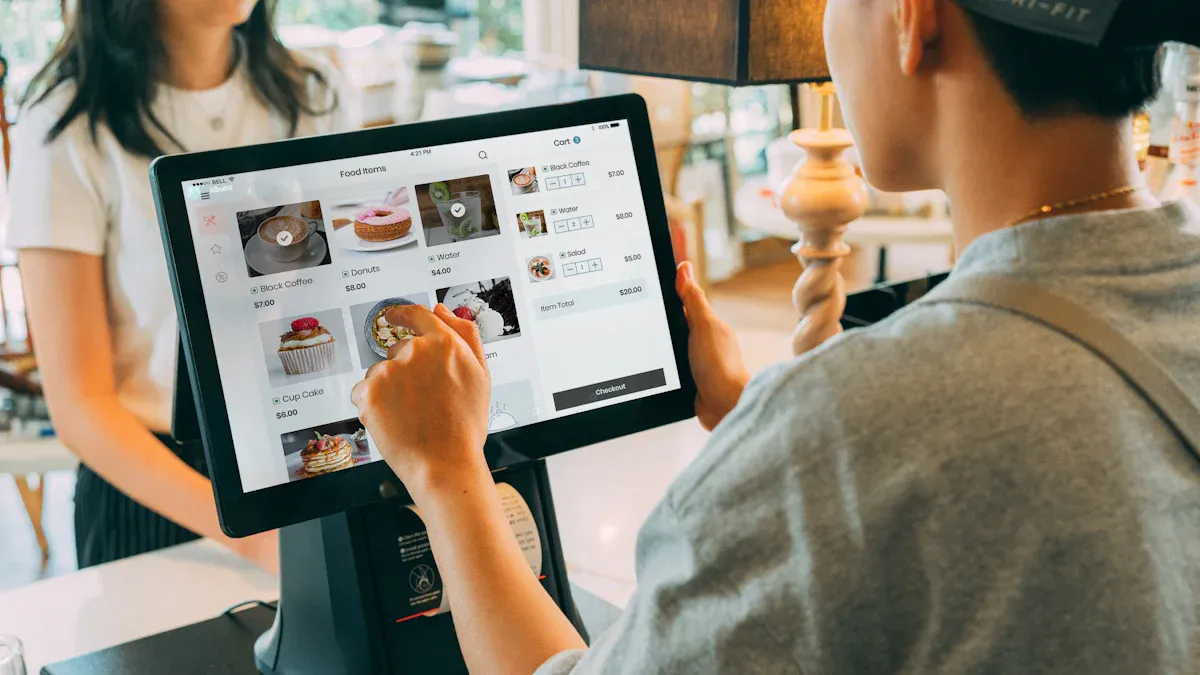
You may ask what the difference between TFT and capacitive touch screens is. TFT displays show clear pictures and bright colors, which helps you see things well. On the other hand, capacitive touch screens let you use your device easily; they are very sensitive and can sense more than one touch at once. Picking the right type changes how you use your phone or tablet, and it also matters for industrial machines. BOE is a top company in both kinds, helping you have a great experience.
According to Strategic Market Research, the TFT LCD panel market may reach $64.1 billion by 2030.
The capacitive touch screen market may grow 4.1% each year from 2025 to 2032, driven by the increasing demand for smart devices.
Key Takeaways
TFT displays show bright colors and clear pictures. They work well for phones and tablets. Capacitive touch screens let you use devices easily. They react to light touches and can sense more than one finger at a time. You pick TFT or capacitive touch based on what you need. TFT is good for seeing things clearly. Capacitive touch makes using the device easier. BOE is a top company both for TFT and capacitive touch. They make new ideas for better screens. Many new devices use both types. This gives you great pictures and fast touch controls.
What Is TFT?
TFT Display Technology
TFT means Thin Film Transistor. This kind of LCD uses transistors for each pixel. Each pixel has its own transistor. That helps control how bright and colorful the screen is.
TFT displays let you control each pixel for better pictures.
Every pixel’s transistor makes colors bright and even.
Many screens use TFT because they look sharp and bright.
How TFT Works
TFT display technology uses thin-film transistors to control pixels. The screen has many layers, and each layer does something special.
Layer Type | Description |
|---|---|
Glass Substrate Layer | Has thin-film transistors that control voltage to sub-pixels. |
Liquid Crystal Layer | Holds liquid crystals that change light when electricity moves through. |
RGB Color Filter Layer | Uses red, green, and blue filters to make colors. |
Polarizer Filters | Lets only some light pass, which makes the screen clearer. |
When you press a button or watch a video, the transistors change the voltage for each pixel. This makes the liquid crystals move and lets different amounts of light through. That is why you see bright colors and smooth changes on the screen.
Features of TFT
TFT displays have some great features:
You can see the screen from more angles than old LCDs.
They react fast, usually in 1-5 milliseconds.
The contrast is high, so things look clear.
You notice these things when you play games or watch videos. TFT screens look much better than older screens when you compare color and sharpness.
Pros and Cons of TFT
Advantages | Disadvantages |
|---|---|
Cheap to make in large numbers | Needs a backlight, so it uses more power |
Easy to read outside in bright light | Thicker and heavier than OLED |
Lasts a long time | Slower response than OLED |
Colors look bright and clear | Not as good at showing colors from all angles |
TFT displays last a long time and work well outside. But you might see less accurate colors than with IPS or OLED screens.
BOE and TFT
BOE is a leader in making TFT displays. Their screens are in many devices, like phones and TVs. BOE uses new oxide TFT technology to make screens better. Their displays show bright colors and can even bend or roll. BOE’s work helps you get screens that look great and work well.
What Is Capacitive Touch?
Capacitive Touch Technology
You use capacitive touch screens on many devices. Phones, tablets, and ATMs have them. This technology senses your touch using your body’s electricity. When you touch the screen, you change its electric field. You do not need to press hard like with old screens. The screen reacts to even a gentle touch. This makes using it smooth and simple. You can tap or swipe to control your device.
How Capacitive Touch Works
Capacitive touch screens use layers that hold electricity. Here is how it works:
The screen keeps an electric charge on its surface.
Your finger changes the charge when you touch it.
The controller finds this change and locates your touch.
The system figures out the exact spot you touched.
The device does what you want, like opening an app.
You can use more than one finger at once. This lets you pinch, zoom, or turn pictures. This is different from TFT displays.
Features of Capacitive Touch
Capacitive touch screens have many cool features:
Feature | Description |
|---|---|
The screen knows swipes, pinches, and other moves. | |
Touch Differentiation | It can tell a finger, palm, or stylus apart. |
Palm Rejection Technology | The screen ignores your palm when you draw or write. |
Superior Touch Sensitivity | You only need a soft touch to use it. |
Rapid Response Times | The screen reacts very quickly. |
High Touch Accuracy | You can tap tiny icons easily. |
Optical Performance Benefits | The screen stays bright and clear. |
Durability and Scratch Resistance | The glass does not scratch easily and lasts long. |
Multi-Touch Capabilities | You can use many fingers for better control. |
Pros and Cons of Capacitive Touch
Pros of Capacitive Touchscreen | Cons of Capacitive Touchscreen |
|---|---|
Costs more | |
Easy and fun to use | May not work with gloves |
Very strong and tough | Can break if hit hard |
Nice and slim design | Sensitive to water or dirt |
Tip: If you want a screen that is quick and simple, capacitive touch is a great pick. It gives you a better way to use machines than older screens.
BOE and Capacitive Touch
BOE is a leader in capacitive touch screens. They have features like capacitive hovering. You can use the screen without touching it. BOE also uses IR gesture tech. You can control your device with hand moves. These new ideas make devices smarter and faster. When you look at TFT and capacitive touch, BOE mixes both to make top screens for today’s devices.
Difference between TFT and Capacitive Touch
Technology Comparison
You may wonder how TFT and capacitive touch are not the same. TFT is a display technology called Thin Film Transistor. It controls each pixel to make images bright and clear. Capacitive touch is a touch technology. It senses your finger’s electric field so you can use the device.
Here is a simple table that shows how TFT and capacitive touch are different:
Technology Type | How It Works | Ideal Use Cases |
|---|---|---|
TFT Display | Uses thin-film transistors to control each pixel for sharp images | Phones, tablets, cameras |
Capacitive Touch | Senses the electrostatic field of your finger using a grid of electrodes | Smartphones, tablets, ATMs |
TFT makes the pictures you see on the screen. Capacitive touch lets you move things or pick apps. Most new devices use both, so you get a nice screen and easy controls.
Note: BOE puts both technologies in many products. This gives you smooth and colorful screens.
Image Quality and Touch Response
TFT displays are great for image quality. They show bright colors, sharp details, and wide viewing angles. You can watch videos or play games and see everything clearly. Capacitive touch does not change the picture, but it makes the screen react fast when you touch it.
Here is a table that shows how TFT and capacitive touch are different in image quality and touch response:
Feature | Capacitive Touch Technology | |
|---|---|---|
Image Quality | Excellent color, sharpness, and viewing angles | Keeps the display clear and bright |
Touch Response Speed | Needs a touch layer for interaction | Detects even the lightest touch, very fast response |
TFT gives you great pictures. Capacitive touch makes sure your taps and swipes work right away. You will see the difference when you use a device that needs both good images and fast touch.
Use Cases and Applications
You can see how TFT and capacitive touch are used in many devices. TFT displays are in smartphones, tablets, cameras, and gaming consoles. They give you clear pictures and fast refresh rates. Capacitive touch screens are also in smartphones, tablets, and laptops. They let you use more than one finger and keep the screen clear.
Here are some common uses:
Smartphones and tablets for watching videos and playing games
Laptops and ATMs for easy touch control
Cameras and gaming consoles for sharp images and fast action
Devices like phones and tablets often use both TFT and capacitive touch. This way, you get a screen that looks good and reacts quickly.
Cost and Reliability
You may want to know about cost and reliability. TFT displays are cheaper to make in big numbers. They last a long time and work well in many places. Capacitive touch screens cost more because they need special materials and careful design. They are strong and do not scratch easily, but they can break if hit hard.
If you want a device that is not expensive and lasts long, TFT is a good pick. If you want a screen that feels smooth and reacts fast, capacitive touch is better. Many devices use both, so you do not have to pick just one.
Tip: BOE is a leader in mixing TFT and capacitive touch. You get the best of both—great pictures and easy touch.
The difference between TFT and capacitive touch is important when you choose a device. You want a screen that looks nice and works well. BOE’s products show how both technologies can work together for a better experience.
Combining TFT and Capacitive Touch
Integrated Solutions
Many devices today use both TFT displays and capacitive touch. Companies put these together to make screens that look sharp and react fast. Capacitive touch works really well with TFT LCDs. You can use gestures and the screen can sense when your hand is close. You can swipe, pinch, and zoom with your fingers. These screens work with bare fingers, so they are simple to use.
Wearables, cameras, and phones use TFT capacitive touchscreens.
Home panels and car displays also use these screens.
Sizes go from 2.4 inches up to 10.1 inches. You see them in small gadgets and bigger machines.
Some screens, like the 5-inch IPS Wide Capacitive Touchscreen TFT, have glass that sticks out for easy mounting. This design fits well in medium appliances and car dashboards.
Benefits of Combination
When you use a device with both TFT and capacitive touch, you get many good things. Capacitive touch screens last longer and work better than old resistive screens. You can use gestures like swiping and pinching, which makes devices easier to use. The glass on top keeps the screen safe and the picture clear.
Feature | Benefit |
|---|---|
IPS Display Technology | Wide viewing angles and accurate colors |
Capacitive Touch | |
HDMI Input | Easy plug-and-play connectivity |
TFT Architecture | High-quality interactive screens |
Multi-touch lets you use more than one finger.
The screen reacts faster than resistive touch screens.
You see brighter pictures and the surface is tough.
Tip: Devices with both give you clear images and smooth controls. You get a screen that looks nice and is fun to use.
BOE’s Innovations
BOE is a leader in mixing TFT and capacitive touch. Their FIT (Full In-cell Touch) technology is in car displays. FIT puts the touch part inside the screen, so the picture looks better and there are fewer layers. This design costs less and is more reliable.
BOE also uses TDDI (Touch and Display Driver Integration). TDDI puts the touch and display driver in one chip. You get better touch, less power use, and a simpler supply chain. OGS (One Glass Solution) takes away an extra glass layer, so the screen is thinner and works better.
Technology | Description | Benefits |
|---|---|---|
FIT (Full In-cell Touch) | Touch layer inside the display | Lower cost, better reliability |
TDDI | Touch and display driver in one chip | Superior touch, less power |
OGS | Removes extra glass layer | Thinner display, better efficiency |
You see BOE’s new ideas in many modern devices. These changes help you get screens that are bright, fast, and last a long time.
Source: BOE Technology Group
Applications
Consumer Devices
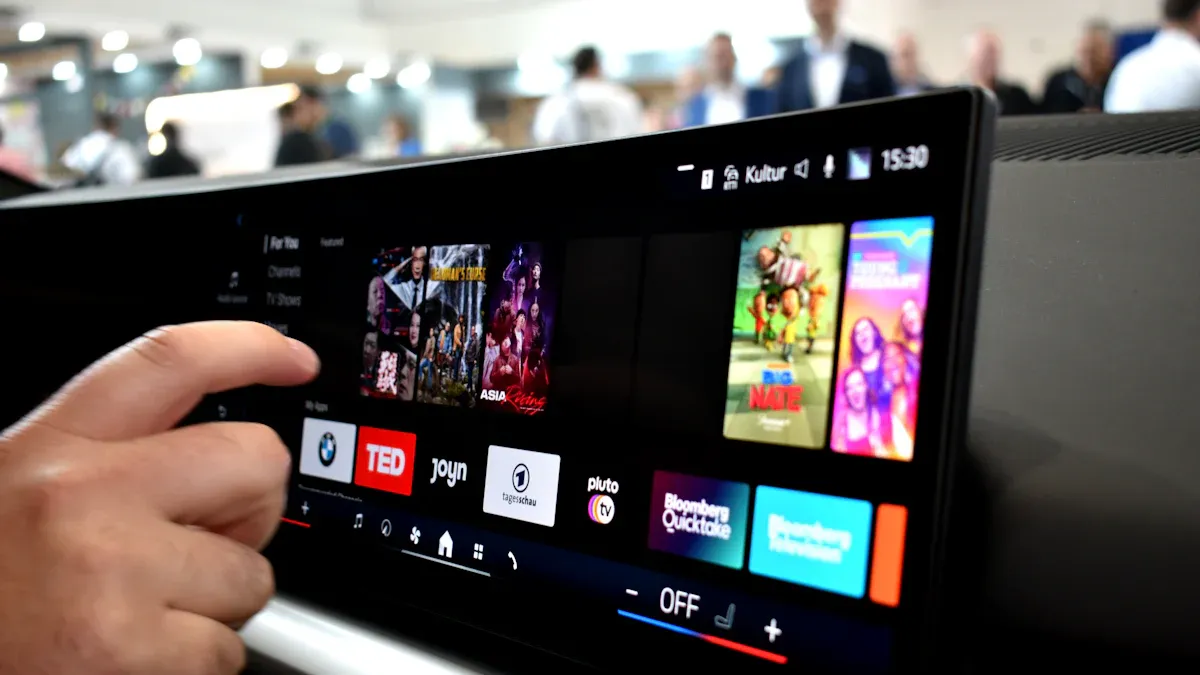
You see TFT displays and capacitive touch screens every day. These help your phone and tablet work well. TFT displays show bright colors and clear pictures. You see sharp images when you watch videos or play games. Capacitive touch screens let you swipe, tap, and zoom easily. You control your device with simple moves. Many companies pick TFT displays because they cost less and look good. Capacitive touch screens make your device respond fast and accurately.
Smartphones use TFT displays for sharp pictures.
Tablets use capacitive touch screens for easy control.
You get better use and smooth performance.
Source: BOE Technology Group
Industrial Uses
Factories and workplaces use TFT and capacitive touch screens. You find these screens in control panels and data systems. They help you watch machines and see important information right away. The table below shows how these screens help at work:
Application Area | Benefits |
|---|---|
Control Panels | Easy-to-use screens for watching and controlling machines |
Data Visualization | Good displays for seeing complex data live |
You get screens that are simple to use and help keep things safe. Workers can see data fast and make better choices.
Future Trends
You will see new changes in TFT and capacitive touch soon. The market is growing with better screens and more uses. Companies now make digital signs and strong screens for phones. You will see brighter colors and sharper pictures with quantum dot technology. Big brands have new products, like Samsung’s 89-inch microLED TV and BOE’s 95-inch OLED screen with 8K.
TFT LCDs now have new features for many uses.
Digital signs and phones need better screens.
Quantum dots make colors and pictures better.
New products have bigger screens and higher resolution.
Source: Samsung Newsroom | Source: BOE Technology Group
You will enjoy these new ideas as screens get smarter and easier to use.
You need to think about your device’s use before choosing a screen. TFT LCDs work well for many electronics and show clear images. Capacitive touch screens give you smooth, fast control but may not work with gloves. Many devices use both for the best experience. BOE leads in both technologies and brings new ideas to the market.
Factor | Why It Matters |
|---|---|
Intended Use | Pick based on where you use the device |
Touch Features | Decide if you need multi-touch |
Durability | Check if the screen will last |
Tip: Always match your display and touch needs to your device’s job. BOE’s screens help you get the right fit.
FAQ
What is the main difference between TFT and capacitive touch screens?
TFT makes the pictures you see on the screen. Capacitive touch lets you use your fingers to control things. Most new devices use both for a better experience.
Learn more: BOE Technology Group
Can you use a capacitive touch screen with gloves?
Most capacitive touch screens do not work with normal gloves. You need special gloves made for touch screens. Some new screens have a glove mode that helps.
Tip: Look in your device’s manual to see if gloves will work.
Are TFT displays good for outdoor use?
TFT displays are bright and clear, so they work outside. You can see the screen even in sunlight. Some models are extra bright for better outdoor use.
Source: BOE Technology Group
Which lasts longer: TFT or capacitive touch screens?
TFT displays last a long time and do not wear out fast. Capacitive touch screens also last long but can break if you drop them. Both types are strong enough for daily use.
Note: Take care of your device to help it last longer.
Why do most smartphones use both TFT and capacitive touch?
TFT gives you sharp pictures. Capacitive touch gives you fast and easy control. Using both together makes your device better.
Clear pictures
Quick response
Multi-touch support
Source: BOE Technology Group
See Also
Choosing Between TFT And LCD Displays For 2025
Understanding The Differences Between LCD And LED Displays
Exploring The Differences Between OLED And LED Displays