What is the Dirty Screen Effect and why does it matter for your TV in 2026
You may notice uneven colors or strange shadows when you watch your TV. This problem is called the Dirty Screen Effect. It can make sports, movies, and even games look less clear, especially on the latest TV screens. If you want the best picture, you need to know about this issue. It affects both new and older TVs.
Key Takeaways
The Dirty Screen Effect (DSE) causes uneven colors and blotchy patches on your TV screen, affecting picture quality.
You can spot DSE by watching scenes with solid colors or during fast camera movements, especially in sports.
To minimize DSE risk, choose high-quality TVs, especially OLED models, and test them in-store before buying.
If you notice DSE after purchase, report it to the retailer quickly for possible returns or exchanges.
Understanding DSE helps you make informed choices, ensuring a better viewing experience with your TV.
Dirty Screen Effect Explained
What DSE Looks Like
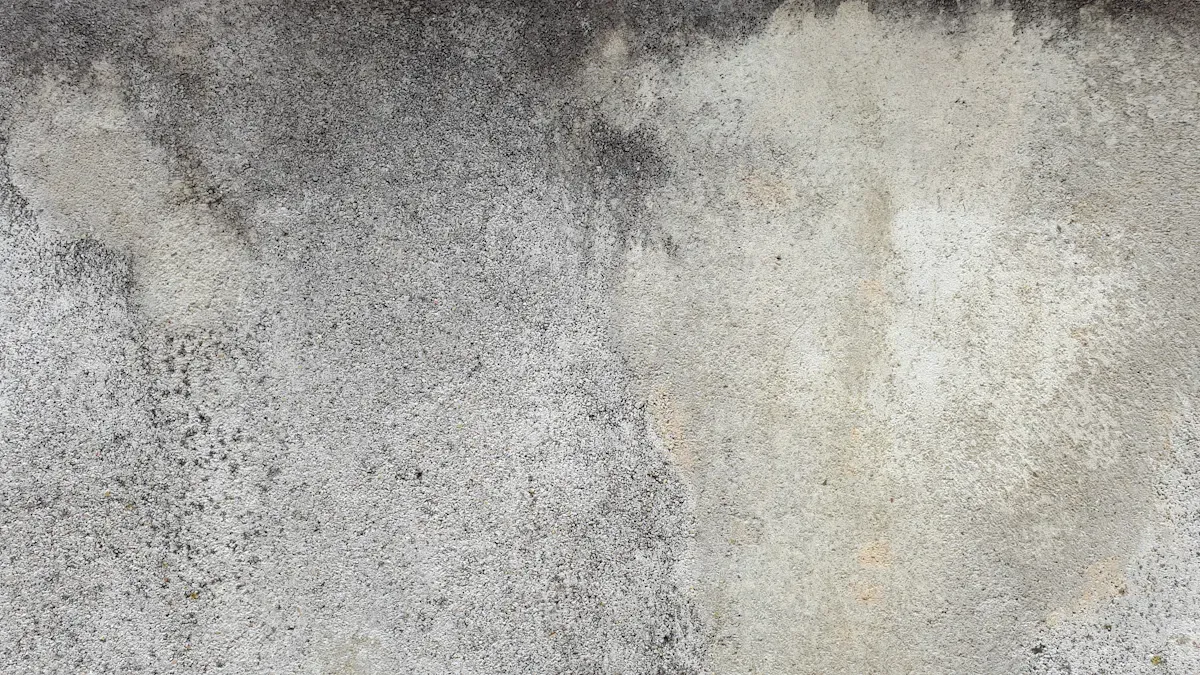
You may notice the Dirty Screen Effect when your TV shows uneven colors or strange marks on the screen. This problem often appears as faint bands, blotchy shadows, or areas that look slightly darker than the rest of the display. TV calibration experts have found that these issues show up in a few common ways:
Faint vertical or horizontal bands that run across the screen
Subtle blotches that look like smudges or dirty spots
Slight darkening in certain areas, especially near the edges or center
On OLED TVs, these marks usually look like soft bands or small patches. On LCD TVs, the effect can be more obvious, with larger patches caused by backlight problems. You will often see the Dirty Screen Effect during scenes with large areas of one color. For example, you might notice it when watching a soccer match, playing a video game with a bright background, or viewing a snowy landscape.
Tip: To spot the Dirty Screen Effect, try watching a scene with a single, solid color. This makes any unevenness stand out.
Why DSE Matters for TV Owners
The Dirty Screen Effect can change how you enjoy your TV. When you watch a movie or play a game, you want the picture to look smooth and clear. DSE can make this difficult. You may see shadows or bands move across the screen during slow camera pans. Dark scenes can look patchy instead of deep and even. Sports fans often notice DSE because the effect stands out on bright fields or ice rinks.
If you care about picture quality, you need to understand what the Dirty Screen Effect is and how it can affect your viewing. Even the newest TVs in 2026 can show these problems. Knowing what to look for helps you make better choices when buying or setting up your TV.
Spotting the Dirty Screen Effect
Common Signs and Symptoms
You can spot the Dirty Screen Effect by looking for certain visual cues on your TV. These signs often appear as:
Vertical dark lines, especially during fast-moving scenes or when the screen shows light colors
Horizontal streaks that may cross the screen
Darker edges or a dirty-looking center area
Blotchy patches that look like smudges or uneven spots
Many users notice these symptoms when watching sports or playing video games. The effect can distract you from the action and make the picture look less clear.
Tip: If you see lines or patches that do not match the content, you may have the Dirty Screen Effect.
When DSE Is Most Noticeable
You will notice the Dirty Screen Effect more during certain types of content or scenes. Here are some common situations:
Watching hockey or soccer, especially when the camera pans across the ice or field
Viewing full-screen solid colors, such as a gray or white background
Watching very dark or very light scenes, where the screen should look even
The effect stands out in scenes with little detail and large areas of one color. You may also see it more in a dark room or when the camera moves slowly across the screen.
At-Home Testing Methods
You can check for the Dirty Screen Effect at home using simple tests. One of the best ways is to use a gray uniformity test. This test shows a solid gray image on your TV, making any uneven spots or lines easy to see.
Test Type | Effectiveness in Revealing DSE |
|---|---|
Gray Uniformity Test | Exposes variations in gray levels, highlighting DSE. |
Professional Calibration | More precise, but not needed for basic detection. |
You can find test patterns online or use a USB drive to display them on your TV. Try different solid colors like gray, white, or black. If you see lines, bands, or blotches, your TV may have the Dirty Screen Effect.
Note: Always check for DSE soon after you set up a new TV. Early detection helps you decide if you need to exchange or return the TV.
Causes and Prevalence
Why DSE Happens
You may wonder what causes the Dirty Screen Effect. This issue starts during the manufacturing process. Sometimes, screens develop uneven colors or brightness because of mistakes or mishandling. Physical stress during shipping or installation can also change how the screen displays images. Each TV panel can show different levels of DSE, even if they come from the same factory. You might see more problems in one unit than another, which makes this effect unpredictable.
Here is a table that shows the main reasons for DSE:
Aspect | Description |
|---|---|
Inconsistencies in brightness or color patches from production mishandling | |
Physical Stress | Pressure during shipping or setup can cause uneven display layers |
Variability | Each panel may show different levels of DSE, even within the same model |
Note: You cannot always predict which TV will have DSE. This is known as the "panel lottery."
Which TVs Are Affected
You will find that some TV types are more likely to show the Dirty Screen Effect. LED TVs, especially entry-level models, often have this problem because of their backlighting technology. OLED TVs usually have better uniformity and fewer issues, but they can still show some panel-related problems. If you want a TV with less risk of DSE, OLED models are a safer choice.
Entry-level LED TVs show DSE more often.
OLED TVs offer better screen uniformity.
QLED TVs can also show DSE, but the risk depends on the quality of the panel.
How Common Is DSE Today
You may ask how often DSE appears in modern TVs. The effect is still common, especially in affordable LED models. Manufacturing differences mean that two TVs from the same series can look very different. This is called the panel lottery. Higher-end TVs use better production methods, so they are less likely to show DSE. If you buy a budget TV, you have a higher chance of seeing this effect.
DSE is more frequent in entry-level LED TVs.
OLED TVs are less likely to show DSE.
Panel lottery means you cannot guarantee uniformity, even with the same model.
Minimizing and Fixing DSE
Tips for Avoiding DSE When Buying
You can lower your risk of seeing the Dirty Screen Effect by making smart choices before you buy a TV. Experts recommend these steps:
Look for TVs with high-quality panels. OLED models usually have better screen uniformity.
Be careful with budget TVs, especially those under $500. These often lack advanced local dimming, which can make the effect worse.
Test the TV in-store if possible. Ask to see solid color screens, like gray or white, to check for uneven spots or bands.
Read reviews and user feedback about panel uniformity for the model you want.
Tip: Choosing the right panel type can help you avoid problems with screen uniformity.
What to Do If You Notice DSE
If you spot the Dirty Screen Effect soon after buying your TV, you should act quickly. Most retailers and manufacturers have clear steps for you to follow:
Action to Take | Description |
|---|---|
Contact the retailer first. Tell them about the issue as a fault. |
You should check your TV as soon as you set it up at home. If you see uneven colors or bands, report the problem right away. Some stores may allow returns or exchanges within a short window.
Can DSE Be Fixed?
You may wonder what options you have if your TV shows the Dirty Screen Effect. Most brands consider small amounts of DSE "within specification." This means they may not offer a repair or replacement. Many users report that support teams from major brands like Samsung and Sony do not treat DSE as a fault. They often say the effect is normal and does not qualify for a service call.
Most brands do not replace TVs for DSE alone.
Some users find that vertical banding gets more attention than DSE.
You may feel frustrated by the lack of clear rules about DSE in warranties.
Some people try gentle screen massage or running pixel refresher tools, but these methods rarely fix the problem. If the effect is severe and you are still within the return period, you should ask for an exchange.
Note: Early testing and quick action give you the best chance to resolve DSE issues.
You need to know what the Dirty Screen Effect is before you buy a TV in 2026. This issue can cause splotches or lines on your screen and lower your viewing quality. You can spot problems early by testing your TV with solid colors and checking for uneven areas. Take action quickly if you notice issues. Stay informed and choose your TV carefully for the best experience.
DSE often appears in less expensive TVs because of quality control differences.
Understanding DSE helps you avoid disappointment with your purchase.
FAQ
What is the Dirty Screen Effect?
You see the Dirty Screen Effect when your TV shows uneven colors, bands, or blotchy patches. This issue makes the screen look dirty, especially during scenes with solid colors.
What causes DSE on my TV?
Manufacturing errors, panel uniformity issues, and physical stress during shipping or setup cause DSE. Each TV panel can show different levels of this effect.
What types of TVs show DSE most often?
Entry-level LED TVs show DSE more often. OLED TVs usually have better uniformity, but you may still see some issues. QLED TVs can also show DSE, depending on panel quality.
What can you do if you notice DSE?
You should test your TV with solid color screens. If you see DSE, contact the retailer quickly. Some stores allow exchanges or returns within a short window.
What tests help you spot DSE at home?
You can use a gray uniformity test or display solid color images. These tests make uneven spots, bands, or blotches easy to see. You find test patterns online or use a USB drive.
See Also
2025 LCD Screens: Innovations Enhancing Clarity And Efficiency
Top Digital Screen Innovations To Watch In Museums 2025
Essential Eye-Friendly Display Technologies To Explore In 2025