Guide to Buying the Best E-Paper Display for Your DIY Project
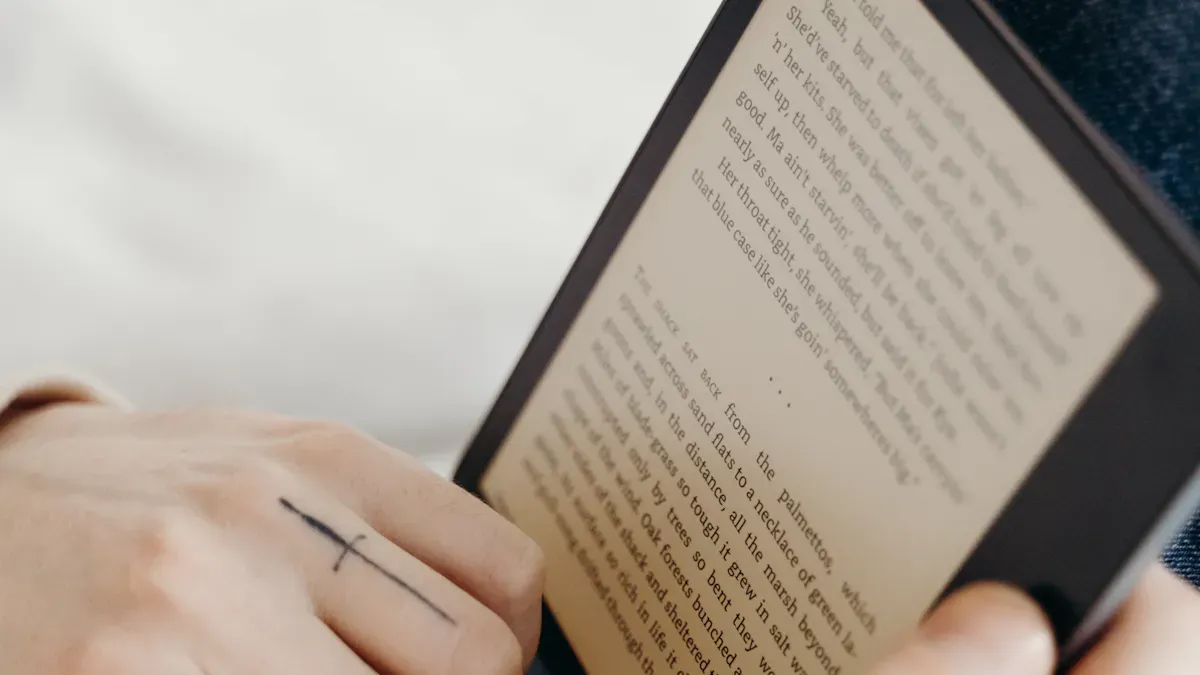
You see more makers and hobbyists choosing e-paper for their projects every day. E-paper displays offer clear text and graphics even in bright sunlight. You get low power consumption, which means your e-paper project can run longer on a single charge. Many people prefer e-paper because it feels gentle on the eyes during long use. If you want reliable technology for your next project, BOE provides advanced e-paper display solutions trusted around the world.
Benefit | E-Paper | LCD/OLED |
|---|---|---|
Power Consumption | Low | Higher |
Readability | Excellent in sunlight | Varies |
Eye Comfort | Better for long use | Can cause strain |
Key Takeaways
E-paper displays offer excellent readability in bright sunlight, making them ideal for outdoor projects.
Low power consumption allows e-paper displays to run for weeks or months on a single battery, enhancing project longevity.
Choose the right size and resolution for your project to ensure clear text and images, especially for detailed graphics.
Consider the refresh rate; e-paper displays are best for static content, while faster displays suit dynamic projects.
Select a reliable supplier like BOE for quality e-paper solutions and strong technical support.
What Is an E-Paper Display?
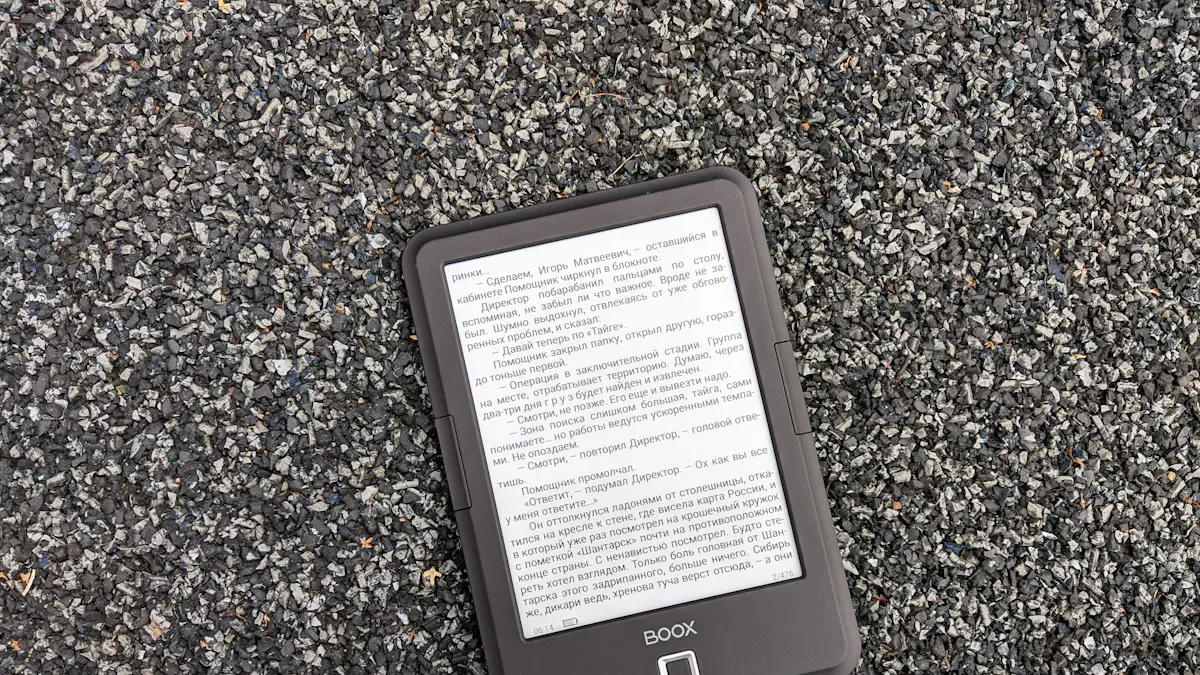
How E-Paper Technology Works
You might wonder how e-paper displays create images that look like real paper. E-paper, also called epds, uses tiny capsules filled with charged ink particles. Each capsule contains white and black pigments. When you apply a voltage, the electric field moves these pigments to the top or bottom of the capsule. This movement forms the text and graphics you see on the screen. The display does not need power to keep the image. It only uses energy when you change the content. This makes e-paper very efficient for battery-powered projects.
E-paper displays use reflective technology. They do not emit light like LCD or OLED screens. Instead, they use ambient light, which gives you a high-contrast image and a wide viewing angle. You get excellent readability, even in bright environments. E-ink displays are sunlight readable, so you can use them outdoors without glare or eye strain.
Display Technology | Light Source | Type | Visibility in Sunlight |
|---|---|---|---|
E Ink | Ambient light | Reflective | Excellent |
LCD | Backlight | Emissive | Poor |
OLED | Self-emitting | Emissive | Poor |
Benefits for DIY Projects
You will find many reasons to choose epds for your DIY projects:
E-paper displays offer excellent readability in all lighting conditions, including direct sunlight.
You can run your project for weeks or months on a single battery because e-paper uses very little power.
E-paper displays have a sleek design and require almost no maintenance.
You can power e-paper with solar energy for outdoor projects, making them cost-efficient and eco-friendly.
E-paper technology gives you a comfortable reading experience. The screen does not flicker or strain your eyes, even after long use.
You can use e-paper in many creative ways. For example, you can build digital information boards, smart notebooks, or electronic shelf labels. E-paper displays help you create devices that are easy to read, energy-saving, and reliable.
Key Factors for E-Paper Display Selection
Choosing the right e-paper display for your DIY project means looking at several important features. You want your project to work smoothly and last a long time. Let’s break down the main factors you should consider before you buy.
Size and Form Factor
You need to pick a display size that fits your project. Small epds work well for wearables or badges. Larger screens suit dashboards or information panels. The form factor affects how you mount and connect the display. Some e-paper displays use flex cables with different pin layouts. You should check if the cable contacts face up or down and if the driver board fits inside your device.
Feature | Description |
|---|---|
Required Pins | E-paper displays need 8 pins from the driver board, including busy and reset pins. |
Flex-Cable Compatibility | 24-pin flex-cable may have contacts facing up or down; compatibility is maintained in most cases. |
SPI Mode | Displays may use either 4-line or 3-line SPI; most now use 4-line SPI for simplification. |
Resistance Requirements | Some displays require different resistances (0.47 Ohm or 3 Ohm) for proper functionality. |
Driver Board Size | A good driver board should be compact (max height of 5mm) to fit inside frames. |
Component Layout | Ideally, components should be on one side to minimize space and complexity. |
You should always plan for easy integration. A compact driver board and simple cable layout make your build cleaner and more reliable.
Resolution and Readability
Resolution tells you how sharp the text and images will look. Higher pixel density means you can use smaller fonts and fit more information on the screen. You get crisp text and clear images, even with complex layouts.
Higher pixel density allows for smaller fonts and denser layouts without loss of clarity, making text easier to read and images sharper. It also enhances the readability of complex documents by maintaining clear distinctions between different text elements.
If you want to display detailed graphics or lots of information, choose an e-paper display with high resolution. This helps your project look professional and easy to use.
Color vs. Monochrome E-Paper
You can choose between color and monochrome epds. Monochrome displays show black and white images. Color displays add red, yellow, or full color, but they work differently.
Feature | Monochrome E-Paper Displays | Color E-Paper Displays |
|---|---|---|
Power Consumption | More efficient | Less efficient |
Refresh Rate | Faster | Slower |
Complexity | Simpler | More complex |
Color e-paper displays require multiple sub-pixels for each color pixel, which complicates the refresh process.
Achieving color changes involves multiple waveform adjustments, leading to increased refresh times.
Current color e-ink technologies do not emit RGB light directly, adding layers of complexity.
If your project needs fast updates and long battery life, monochrome epds are a better choice. If you want to show colorful graphics and do not mind slower refresh rates, color e-paper displays can make your project stand out.
Power Consumption
One of the biggest reasons to use e-paper is low power consumption. E-paper displays only use energy when you change the image. They use almost no power to keep the image on the screen.
Display Type | Typical Power Consumption |
|---|---|
E-Paper (E-Ink) | <1mW |
LCD (TFT) | 100-400mW |
OLED | 50-300mW |
Display Type | Estimated Runtime |
|---|---|
Color TFT LCD | 10-20 hours |
AMOLED | 15-30 hours |
E-Paper | 10,000+ hours |
You can run your epds project for weeks or months on a single battery. This makes e-paper displays perfect for portable or outdoor devices.
Interface and Compatibility
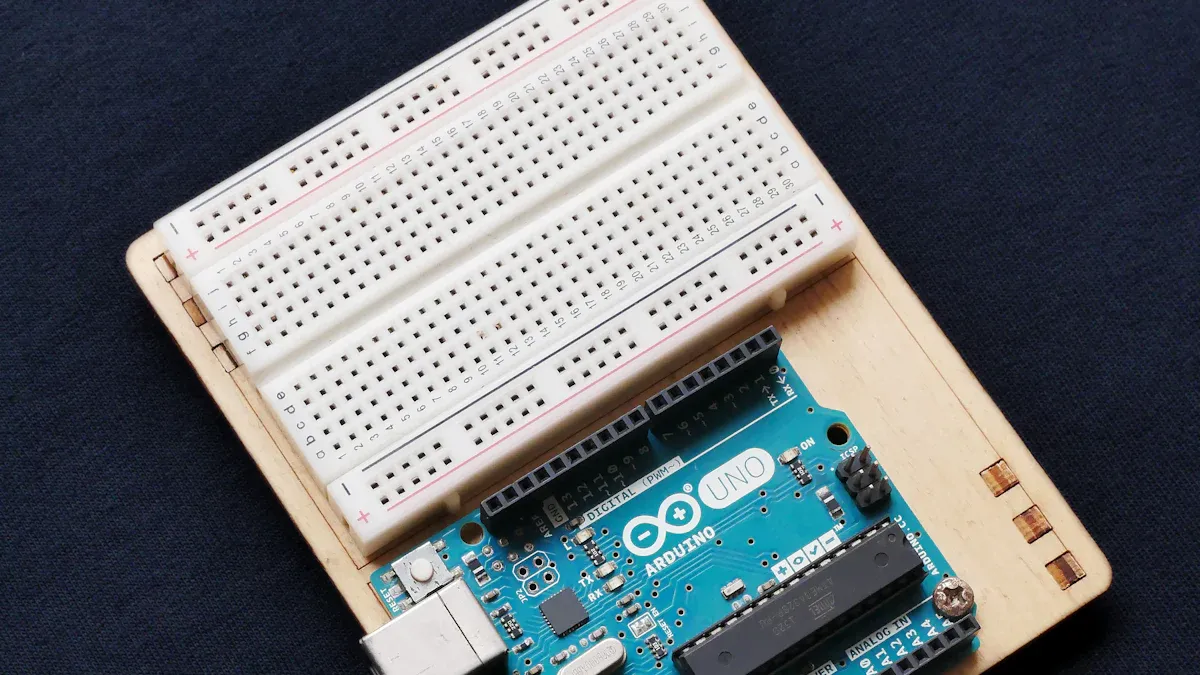
You need to connect your e-paper display to a controller like Arduino or Raspberry Pi. Most epds use SPI or I2C interfaces. These are common on many DIY platforms.
Interface Type | Compatible Platforms |
|---|---|
SPI | Arduino, Raspberry Pi, ESP32 |
I2C | Arduino, Raspberry Pi, STM32 |
E-paper display modules work well with low-power applications. You get high-contrast visuals and paper-like readability in sunlight. These displays come in many sizes and resolutions, so you can find one that matches your needs. When you plan your integration, check the interface type and make sure your controller supports it.
Refresh Rate
Refresh rate tells you how quickly the display updates. Most epds update slower than LCD or OLED screens. Some new e-paper displays offer faster refresh rates, which help with interactive projects.
The live demonstration showcased the Modos Paper Monitor's impressive quick refresh rate, allowing for smooth transitions and minimal lag, which is crucial for interactive DIY projects.
Feature | E-Paper Displays | Other Displays (e.g., LCD) |
|---|---|---|
Refresh Rate | Slower, unsuitable for quick updates | Faster, suitable for dynamic content |
Ideal Use Cases | Static content (reading, note-taking) | Video playback, real-time interaction |
If your project needs to show static content, like a clock or a dashboard, e-paper displays work very well. For fast-changing graphics or video, you may want to look at other display types.
Tip: Always match the refresh rate of your e-paper display to your project’s needs. For static or slow-changing information, epds are ideal.
Why Choose BOE as Your Supplier?
BOE stands out as a reliable supplier and innovator in display technology. You get access to advanced e-paper solutions, strong technical support, and a wide range of display options. BOE’s focus on quality and integration makes it easier for you to build successful DIY projects with e-paper.
E-Paper Displays for DIY Projects
Home Automation Dashboards
You can use e-paper displays to build smart home dashboards that show real-time data like temperature, humidity, or energy use. E-paper displays offer excellent readability, even in direct sunlight. This makes them perfect for both indoor and outdoor use. The following table compares different display types for dashboards:
Display Type | Contrast Ratio (Indoor) | Contrast Ratio (Direct Sun) | Readability Score (1-10) |
|---|---|---|---|
2.9″ E-Paper B/W | 12:1 | 15:1 | 9.5 |
2.4″ LCD | 800:1 | 2.5:1 | 3.0 |
1.3″ OLED | 10000:1 | 4:1 | 4.5 |
A customer reported a 94% drop in support tickets after switching from LCD to e-paper due to better visibility in sunlight. E-paper displays also retain information during power outages, so you always see the latest data.
Clocks and Information Panels
You can create clocks and information panels that remain visible at all times. E-paper displays use almost no power to keep the time or show schedules. You do not need to worry about glare or eye strain. Many makers use e-paper for custom clocks, calendar panels, and weather stations. E-paper displays keep information on the screen without constant refreshing, which saves energy and extends device life.
Wearables and Portable Devices
E-paper displays work well in wearables and portable devices. Their small size fits compact designs, and their low power use means longer battery life. You can read the screen clearly in bright sunlight or dim rooms. E-paper displays maintain images without constant refreshing, which reduces battery drain. You can use e-paper displays in badges, fitness trackers, or portable e-ink readers. These features make epds a top choice for portable projects.
E-paper displays provide superb readability in all lighting.
The small size of epds fits wearables and portable devices.
E-paper displays extend battery life by using less power.
Art Displays and Signage
You can use e-paper displays for digital art frames, interactive comic books, or custom signage. The Inky Impression, for example, works well for electronic photo frames because of its energy efficiency and vibrant color palette. You can also use epds for custom e-paper monitors or interactive art installations. E-paper displays allow for easy customization and development, letting you update content as often as you like without worrying about power use. Projects like CrowPanel use e-paper displays with high resolution and multiple interfaces, making them versatile for many creative uses.
Tip: E-paper displays let you experiment with new ideas and bring your creative projects to life. Their flexibility and low power needs make them ideal for both simple and advanced DIY development.
BOE E-Paper Solutions and Advantages
BOE leads the world in display technology and IoT innovation. You can trust their products for quality and reliability. BOE creates advanced solutions that help you build smarter and healthier environments. Their displays power devices in homes, schools, and many industries.
BOE's Eye-Care E-Paper Displays
You want a display that protects your eyes during long use. BOE's eye-care epds use special technology to reduce blue light and glare. This helps you avoid eye strain and keeps your vision healthy. The displays use a paper-like texture, which makes reading comfortable. You can use these epds for e-readers, digital notebooks, and smart labels. The energy-efficient display technology lets your device run longer without frequent charging.
Tip: If you care about eye comfort, choose BOE's eye-care epds for your next project.
BOE's Smart Classroom and Campus Solutions
You can improve learning with BOE's smart classroom screens and interactive boards. These solutions use epds to create a natural reading experience for students and teachers. The displays support both Android and Windows systems, so you can switch easily. You get features like NFC for quick data sharing and high-resolution cameras for clear video. BOE's campus screens also help schools share information and build a healthy digital environment. You can find these displays in art rooms, science labs, and hallways.
Classroom screens protect students' eyes with low blue light.
Interactive boards make lessons more engaging and fun.
Campus screens help schools share news and culture.
BOE gives you the tools to create smart, healthy, and connected spaces.
Potential Drawbacks of E-Paper Displays
While e-paper displays offer many advantages, you should also consider a few limitations before starting your DIY project.
Refresh Rate Limitations
E-paper displays update images much slower than LCD or OLED screens. You will notice that changing the content can take a few seconds. This slow refresh rate makes e-paper a poor choice for video playback or any project that needs fast, real-time updates. If you want to display moving graphics or interactive content, you may see ghosting, where traces of the previous image remain visible. E-paper works best for static content, such as ultra-low-power digital signage, clocks, or dashboards that do not change often.
Note: The slow refresh rate and ghosting effect can make e-paper less suitable for applications that require smooth motion or instant feedback.
Drawback | Description |
|---|---|
E-paper displays are not suitable for video display due to their low refresh rates. | |
Ghosting Effect | A shadow of a previous image may remain visible after refreshing parts of the screen. |
Limited Color Range
You will find that most e-paper displays show only black and white. Some models add a few colors, like red or yellow, but full-color options remain rare and more expensive. The limited color range means you cannot use e-paper for projects that need rich, vibrant images. If your project focuses on text, simple graphics, or extremely low power consumption, this may not be a problem. For colorful art or media, you might want to consider other display types.
Cost Considerations
E-paper displays usually cost more than basic LCD screens. The price can range from $10 to several hundred dollars, depending on size and features. Specialized manufacturing and unique properties, such as sunlight readability and low power use, add to the cost. You may find LCD displays more affordable for simple projects, but e-paper gives you benefits like long battery life and clear outdoor visibility.
Display Type | Typical Cost Range | Comparison to Other Technologies |
|---|---|---|
E-Paper Displays | $10 to several hundred dollars | Generally more expensive than basic LCD displays due to specialized manufacturing and unique properties like better sunlight readability and lower power consumption. |
LCD Displays | Varies widely, often cheaper | Basic LCD displays are typically less expensive than e-paper displays. |
Tip: Always balance your project needs with your budget. E-paper is a smart investment for projects that require extremely low power consumption and excellent readability.
Sourcing and Integration Tips
Supplier Reliability
You want a supplier that meets strict requirements for quality and consistency. Reliable sourcing ensures your e-paper project works as expected and lasts a long time. When you evaluate suppliers, look for these important criteria:
Criteria | Description |
|---|---|
Technical Expertise | Proven experience in electrophoretic display technology and manufacturing processes. |
Quality Systems | Implementation of robust quality management systems (e.g., ISO 9001). |
Production Capacity & Scalability | Ability to meet current demand and scale for future growth. |
Supply Chain Stability | Reliable sourcing of raw materials and components. |
Intellectual Property Compliance | Clear adherence to patents and proprietary technology rights. |
Industry Standards | Compliance with international standards for safety and environment. |
Quality Verification Methods | Factory audits, sample testing, certification review, and client references. |
BOE stands out as a trusted supplier. You benefit from their advanced technology, strong quality systems, and global reputation. Choosing BOE helps you avoid common sourcing risks and gives you confidence in your project’s success.
Documentation and Community Support
You need clear documentation and active community support for smooth integration. Good documentation helps you understand wiring, setup, and troubleshooting. Community forums and wikis give you answers when you face unknown issues. You can:
Use libraries like inkBoard, which offer guides that make dashboard development easier.
Choose boards with strong wiki documentation, such as Seeed Studio, to help with customization.
Ask questions in online communities to solve problems quickly.
You save time and avoid frustration when you have access to these resources.
Software Libraries and Examples
You should use software libraries that match your platform for fast integration and reliable results. Many popular libraries support e-paper displays and make development easier.
Library | Description | Platform Compatibility |
|---|---|---|
Elecrow | Specific libraries for Arduino that simplify control of their e-paper panels. | Arduino |
GxEPD2 | A widely used library for standardizing code across various e-paper displays. | Arduino |
You can find many code examples and tutorials for these libraries. This support helps you move from idea to working project faster. When you choose BOE, you get access to high-quality displays and strong integration support for your DIY journey.
You can choose the best e-paper display for your project by following these steps:
Define your core requirements. Decide what information your project will show, how often you will update it, and where you will use it.
Engage with an expert supplier like BOE to get advice and avoid common mistakes.
Start by reading reviews and trying a simple project. Share your experiences or questions in the comments below.
FAQ
What makes e-paper displays different from LCD or OLED screens?
E-paper displays use reflected ambient light, not backlighting. You see clear images in sunlight. E-paper uses less power and causes less eye strain than LCD or OLED screens.
Can you use e-paper displays outdoors?
Yes! E-paper displays work well outdoors. Sunlight does not wash out the screen. You get excellent readability in bright environments.
How do you update content on an e-paper display?
You send new data to the display using a microcontroller, such as Arduino or Raspberry Pi. The display only uses power when you change the image.
What projects work best with e-paper displays?
E-paper displays suit clocks, dashboards, e-readers, and signs. You get long battery life and clear text. Choose e-paper for projects that show static or slow-changing information.
See Also
Top Software Solutions For Your LED Display Needs
User-Friendly LED Software For Beginners And New Users
Understanding LED And LCD: A Shopper's Guide