How to Pick the Best 4K Monitor for Your Office Setup
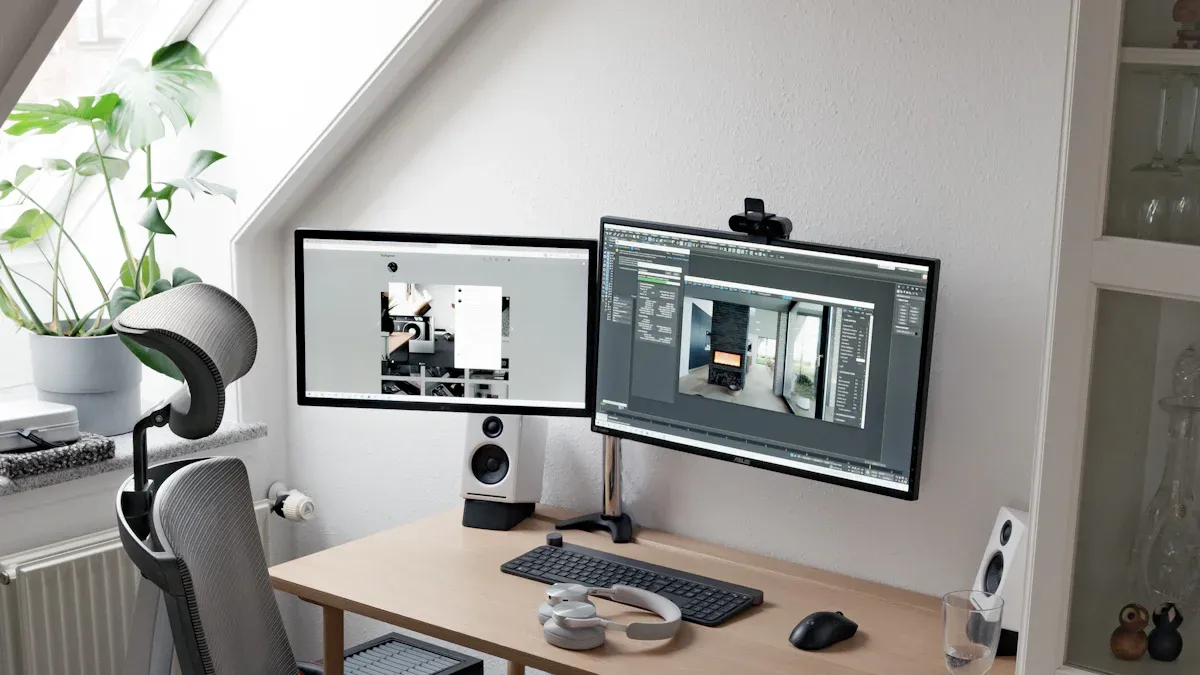
You want your workspace to boost focus and efficiency. A 4K monitor delivers sharp visuals that help you read documents, manage spreadsheets, and view detailed graphics with clarity. The right screen size reduces strain and fits your desk, while advanced features support long hours of office use. You gain more room to multitask and organize tasks, which elevates your productivity. If you care about eye comfort, display quality, and value, choosing a 4k screen for your office makes sense.
Key Takeaways
Choose a 27-inch or 32-inch 4K monitor for optimal workspace and comfort. This size balances clarity and usability for most office tasks.
Look for monitors with IPS panels for accurate colors and wide viewing angles. This feature enhances collaboration and visual quality.
Prioritize ergonomic features like adjustable stands and low-reflection coatings. These elements reduce eye strain and improve comfort during long work hours.
Consider connectivity options such as USB-C and HDMI. These ports simplify your setup and enhance compatibility with various devices.
Invest in a monitor with eye care technologies like low blue light and flicker-free features. These innovations protect your eyes and boost productivity.
What to Look for in a 4K Monitor for Office Use
Essential Features for Office Productivity
When you select a 4k monitor for your workspace, you want to maximize clarity, comfort, and efficiency. The right monitor transforms your daily workflow and supports long hours of office use. You should focus on several technical specifications that directly impact your experience.
Here is a quick reference table to help you compare the most important features:
Specification | Description |
|---|---|
Screen Size | The physical size of the monitor, impacting usability and workspace. |
Resolution | The number of pixels on the screen, crucial for image clarity. |
Pixel Density (PPI) | Indicates how many pixels are packed into one inch; higher PPI means sharper images. |
Aspect Ratio | Determines the monitor's shape; affects how applications are displayed side-by-side. |
Panel Technology | Different technologies (IPS, VA, OLED) affect color accuracy and viewing angles. |
Connectivity | Types of ports available (USB-C, HDMI, DisplayPort) influence compatibility with devices. |
Ergonomic Features | Adjustable stands and VESA compatibility enhance comfort and workspace flexibility. |
You want a 4k monitor with a large enough screen size to fit your desk and provide ample workspace. A 27-inch or 32-inch monitor often works best for most office setups. The 4k resolution ensures you see crisp text and detailed graphics, which reduces eye strain and boosts productivity.
Panel technology plays a key role in your viewing experience. IPS panels deliver accurate colors and wide viewing angles, which are ideal for collaborative work. VA panels offer strong contrast, while OLED panels provide deep blacks and vibrant colors. You should also consider pixel density, as a higher PPI means sharper images and smoother text.
Connectivity options matter for a modern office. Look for USB-C or Thunderbolt ports to simplify your setup and reduce cable clutter. HDMI and DisplayPort connections support high resolutions and refresh rates. Built-in USB-A ports let you connect peripherals like keyboards and mice. Some monitors even include Ethernet ports for a stable internet connection or a KVM switch to control multiple computers with one set of devices.
You should also pay attention to ergonomic features. Adjustable stands, tilt, swivel, and VESA mount compatibility help you create a comfortable and flexible workspace.
Tip: Choose a monitor with a matte finish or low-reflection coating to minimize glare and protect your eyes during long work sessions.
BOE’s Innovation in 4K Monitors
You want advanced technology that delivers both performance and comfort. BOE stands out as a global leader in display innovation, driving the industry with cutting-edge solutions for 4k monitors. The company’s commitment to research and development has resulted in several breakthroughs that set its products apart.
BOE’s ub cell 4.0 technology brings a new level of excellence to 4k displays. You benefit from an ultra-wide color gamut, which ensures vivid and accurate colors for all your office tasks. The panel offers consistent color performance across full viewing angles, so you see true-to-life images from any position. With an ambient contrast ratio of 1400:1 and low panel reflectivity, you experience clear visuals even in bright environments.
BOE integrates intelligent features such as ambient light sensors and gesture control. These features adapt the display to your surroundings and make your workflow more intuitive. The hardware-level AI low-power image enhancement algorithm reduces power consumption by over 20% while maintaining image quality. This innovation supports sustainability and lowers your energy costs.
Here is a comparison of BOE ub cell 4.0 with other leading 4k monitor technologies:
Feature | BOE UB Cell 4.0 | Other Technologies (OLED, Mini LED) |
|---|---|---|
Color Gamut | Ultra-wide color gamut | High brightness and contrast ratios |
Viewing Angles | Consistent color performance | Advanced features like anti-glare |
Ambient Contrast Ratio | 1400:1 | Varies, often high |
Panel Reflectivity | Low panel reflectivity | Varies |
Intelligent Features | Ambient light sensors, gesture control | AI integration, advanced features |
BOE’s 4k monitors also feature real-time brightness adjustment, which adapts to changing light conditions and reduces eye fatigue. The combination of round polarization and ultra-low reflection technology ensures a comfortable viewing experience, even during extended office hours.
When you choose a 4k monitor with BOE’s ub cell 4.0 technology, you invest in advanced features, superior display quality, and long-term comfort. This innovation makes BOE a top choice for anyone seeking the best in office display solutions.
Screen Size & Viewing Distance for Office Comfort

27-Inch vs. 32-Inch 4K Monitors
Choosing the right 4k monitor size for your office depends on your daily tasks and available desk space. You want a display that fits your workflow and supports your comfort throughout the day. For most office users, a 27-inch monitor offers a balance of sharpness and space efficiency. This size works well for standard applications like spreadsheets, presentations, and web browsing. If you handle design projects or need more room for multitasking, a 32-inch monitor provides a larger workspace and makes it easier to view multiple windows side by side.
Here is a quick comparison to help you decide:
Monitor Size | Pixel Density (PPI) | Optimal Viewing Distance (cm) | |
|---|---|---|---|
27-inch | 163 | 60 - 80 | Office tasks, data analysis, presentations |
32-inch | 138 | 80 - 100 | Creative work, multitasking, large layouts |
You should position your 4k monitor at a distance of about 70 to 100 cm from your eyes. This range helps reduce eye strain and allows you to see details clearly without leaning forward or backward.
Tip: Sit at arm’s length from your monitor and angle your gaze slightly downward for optimal comfort.
Desk Space and Ergonomics
Your desk setup plays a critical role in your comfort and productivity. You want to ensure your 4k monitor fits your workspace without crowding it. For smaller desks, a 27-inch monitor saves space and keeps your setup organized. Larger desks can accommodate a 32-inch monitor, giving you more screen real estate for complex tasks.
Follow these ergonomic guidelines for the best results:
Adjust the monitor height so the top edge is at or just below eye level.
Tilt the screen back 10-15 degrees to minimize glare.
Keep the monitor at arm’s length (about 20-30 inches) to reduce eye fatigue.
Use swivel features if you need to share your screen during meetings.
Proper positioning prevents neck and eye strain, supporting your health during long workdays. You create a more comfortable and efficient office environment by choosing the right 4k monitor size and following ergonomic best practices.
Visual Comfort & Eye Protection in 4K Office Monitors
Reducing Eye Strain with Advanced Technology
You spend hours in front of your 4k monitor each day. Eye comfort becomes essential for your health and productivity. Modern display technology addresses common issues like glare, flicker, and blue light exposure. These features help you work longer without discomfort.
Low blue light technology shifts the peak wavelength of blue light, protecting your eyes while maintaining color accuracy.
Flicker-free technology ensures stable light output, preventing eye strain during extended use.
Anti-glare coatings reduce reflections, preserving image quality and comfort.
Proper monitor settings, such as adjusting brightness and contrast, enhance readability and reduce fatigue.
A high-resolution 4k display, especially in larger sizes, delivers clarity similar to printed materials. You no longer need to squint or adjust your position constantly. This clarity minimizes fatigue and supports your focus throughout the workday.
Tip: Choose a 4k monitor with TÜV-certified low blue light and flicker-free features for the best eye protection.
BOE ub cell 4.0 Eye Care Features
BOE’s ub cell 4.0 technology sets a new standard for visual comfort in 4k monitors. You benefit from a combination of advanced features designed to protect your eyes and enhance your viewing experience.
Feature | BOE UB Cell 4.0 | Other 4K Monitors |
|---|---|---|
Circular Polarization | Yes, simulates natural light emission | Varies |
Ultra-Low Reflectance | 0.7% surface reflectivity | Higher reflectivity |
Glare Control | Mirror reflectance as low as 0.4% | Varies |
Yes, with real-time adjustments | Not commonly available |
The round polarization in BOE ub cell 4.0 simulates natural light, reducing visual fatigue. Ultra-low reflectance and advanced glare control keep your screen clear, even in bright offices. The smart adaptive display system uses AI sensors to adjust brightness automatically. This feature ensures your 4k monitor remains comfortable to view, no matter how lighting conditions change during the day.
You gain a display that protects your eyes and delivers outstanding image quality. BOE’s innovation helps you stay productive and comfortable, even during long office hours.
Productivity & Multitasking with 4K Monitors
Screen Real Estate for Office Tasks
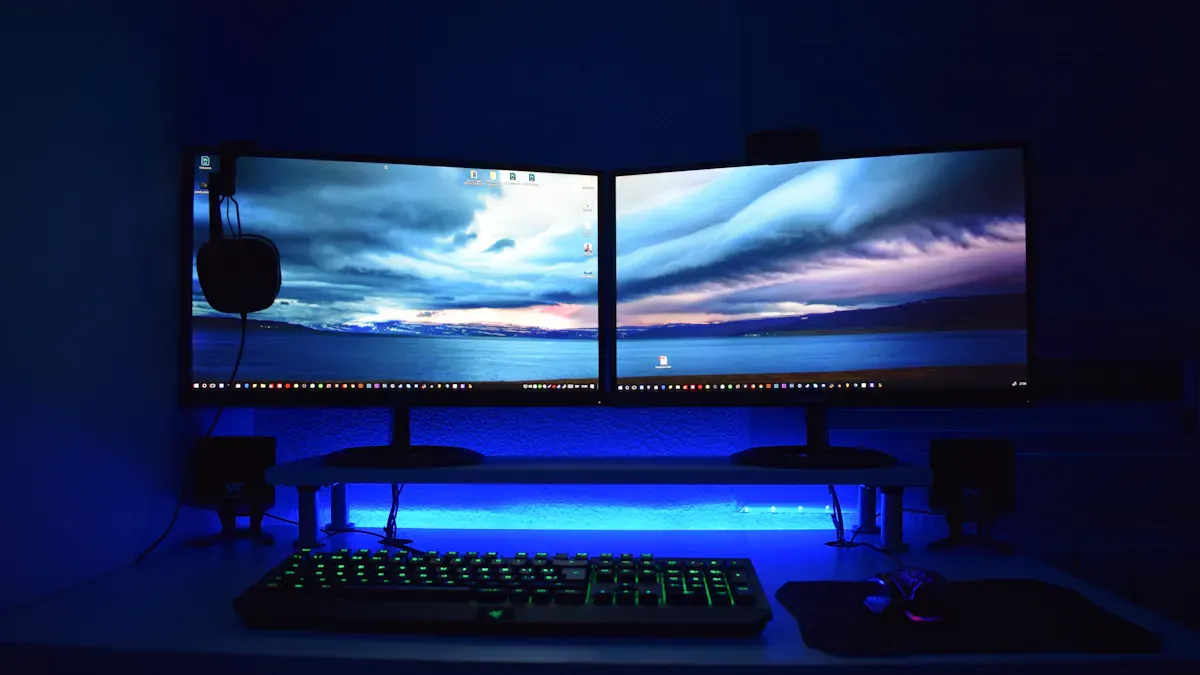
You gain a significant advantage when you use a 4k monitor for office tasks. The high resolution provides a workspace that supports multiple applications side by side. You can view spreadsheets, emails, and presentations without constant window switching. This setup boosts productivity and streamlines your workflow.
Benefit | Impact on Productivity |
|---|---|
Precision in Code Review | Detect 34% more subtle errors |
Workflow Efficiency | Display multiple tasks simultaneously |
Speed of Task Completion | Identify issues 2.8× faster |
A 4k monitor offers sharp images and clarity, making it easier to spot details and errors. You complete tasks faster and with greater accuracy. Investing in a monitor with advanced features fosters a more productive and engaged workforce. Enhanced monitor features, such as adjustable stands and smart brightness, further streamline your workflow and boost efficiency.
Tip: Arrange your workspace to maximize the screen real estate. You can keep reference documents open while working on reports or presentations.
Modern monitors with 4k resolution support unique workstyles. You can customize layouts to fit your needs, which leads to higher satisfaction and productivity. Companies that invest in high-quality monitors see measurable gains in employee engagement and task completion speed.
Color Accuracy for Creative Work
If you work in graphic design, video production, or photo editing, you need a color-accurate display. A 4k monitor delivers exceptional detail and vibrant imagery. The high resolution ensures you see every pixel, which is crucial for precision-demanding tasks.
Description | Source |
|---|---|
Higher resolutions provide better image detail and color accuracy | BenQ |
4k monitors allow access to high-resolution images in full detail | BenQ |
Exceptional detail for photo editing, graphic design, and video production | ViewSonic |
4k monitors offer vibrant, sharp imagery that enhances creative work | ViewSonic |
You benefit from features like wide color gamut and advanced calibration. These features guarantee consistent image quality and accurate colors. Creative professionals rely on monitors that maintain clarity and resolution across all tasks. You can trust a 4k monitor to deliver the performance needed for demanding projects.
Note: Choose a monitor with professional calibration features to ensure color accuracy for your creative work.
A 4k monitor with advanced features supports both productivity and creativity. You achieve better results and enjoy a more efficient workflow.
Budget & Value in Choosing a 4K Monitor
Price vs. Performance for Office Use
You want to make the most of your office investment. When you compare monitors, you notice a wide range of prices and specifications. A 4k monitor often costs more than a standard display, but the value comes from its advanced resolution and productivity features. You get sharper text, more workspace, and better color accuracy. These benefits help you complete tasks faster and with fewer errors.
You should not focus only on the initial price. Consider the performance you gain from a 4k monitor. High resolution allows you to open multiple windows side by side. You can review documents, analyze data, and join video calls without switching screens. Modern monitors include features like USB-C connectivity, ergonomic stands, and smart brightness adjustment. These features simplify your setup and support your comfort throughout the day.
Note: Investing in a monitor with advanced features can reduce the need for extra equipment and lower your total cost over time.
Long-Term Benefits of Quality Monitors
You want your office equipment to last. A premium 4k monitor offers durability and consistent performance for years. You avoid frequent replacements, which saves money and reduces downtime. Quality monitors protect your health and boost your job performance.
You experience less eye fatigue because of blue light filtering and flicker-free features.
Ergonomic design supports your posture and comfort during long work sessions.
High resolution ensures clear images, which helps you work efficiently.
Advanced features like smart brightness and low reflection keep your eyes comfortable.
A reliable monitor supports your workflow and prevents productivity loss.
A quality 4k monitor is a long-term investment in your health and productivity. You gain a display that adapts to your needs and supports your daily tasks. Over time, you see the value in fewer replacements, better comfort, and improved results.
Quick Recommendations for Office Users
Best 4K Monitor for General Office Work
You want a display that supports your daily workflow and keeps your eyes comfortable. The best 4k monitor for general office work offers a balance of clarity, ergonomics, and smart features. Look for a 27-inch or 32-inch 4k monitor with an IPS panel, adjustable stand, and low-reflection coating. These features help you read documents, manage spreadsheets, and join video calls with ease. Monitors with USB-C connectivity and built-in cable management simplify your setup. You stay productive and reduce eye fatigue during long workdays.
Tip: Choose a model with smart brightness adjustment and TÜV-certified eye protection for added comfort.
Best for Creative Professionals
If you work in design, photography, or video editing, you need the best 4k monitor with advanced color features. Creative professionals benefit from displays that deliver true-to-life color and sharp detail. The table below highlights features that matter most for creative work:
Feature | Benefit |
|---|---|
4K QD-OLED panel | Stunning color depth and infinite contrast for visual tasks |
Delta E <1 for precise color, essential for editing and grading | |
Color gamut coverage | 99% DCI-P3 and Display P3 for a wide range of colors |
Integrated colorimeter | Consistent calibration for professional color accuracy |
Anti-Glare Low Reflectance | Reduces glare, enhances visibility in bright offices |
You get the best 4k monitor for creative work by choosing a model with these features. This ensures your projects look accurate and vibrant on screen.
Why Consider BOE ub cell 4.0
You want the best 4k monitor that combines innovation, comfort, and performance. BOE ub cell 4.0 stands out as a top choice for office users. This display uses eye-safe technology that mimics natural light and covers 95% of the BT.2020 color gamut. You experience less eye strain and enjoy vivid, accurate colors. The ultra-low reflection panel achieves only 0.7% reflectivity, so you work comfortably even in bright environments. High dynamic clarity with a 165Hz refresh rate and 2ms MPRT minimizes motion blur, making every detail sharp. The smart eye safe system adjusts display settings based on your environment, keeping your eyes protected all day.
Note: BOE ub cell 4.0 delivers a premium experience for both general office users and creative professionals, making it the best 4k monitor for a modern workspace.
When you choose a 4k monitor for your office, you improve clarity, comfort, and productivity. You should balance screen size, ergonomic features, and budget to match your workflow. Models like BOE ub cell 4.0 offer advanced eye care and smart technology, making them ideal for long hours. Before you buy, review this checklist:
Screen size and resolution for your workspace
IPS panel and color accuracy
Ergonomic stand and narrow bezels
Low blue light and flicker-free features
Multiple connectivity options
Assess your needs to find the best fit for your office.
FAQ
What screen size works best for a small office desk?
You should choose a 27-inch 4K monitor for a small desk. This size gives you enough workspace without crowding your area. You can view documents and multitask comfortably.
How does BOE ub cell 4.0 protect your eyes during long work hours?
BOE ub cell 4.0 uses circular polarization, ultra-low reflection, and smart adaptive brightness. These features reduce glare and eye fatigue. You can work longer without discomfort.
Do you need special cables for a 4K monitor?
You need HDMI 2.0, DisplayPort 1.2, or USB-C cables for 4K resolution at 60Hz or higher. Check your monitor and computer ports before buying cables.
Can you use a 4K monitor with a laptop?
Yes, you can connect a 4K monitor to most modern laptops. Use USB-C, HDMI, or DisplayPort. Make sure your laptop supports 4K output.
What features should you prioritize for office productivity?
You should look for high resolution, ergonomic stands, low blue light, and multiple connectivity options. These features improve comfort and efficiency in your daily tasks.
See Also
Essential Guide to Choosing the Perfect 8K Monitor
Step-By-Step Process for Selecting Your Ideal Monitor
Best 10 Curved OLED Monitors for Creative Experts