Step-by-Step Guide to Making a Transparent Display at Home

You can build a transparent display at home using basic materials. You will learn how to make a transparent display with simple steps. Experiment with transparent displays to explore creative possibilities. The process invites you to try new ideas and customize your display.
Key Takeaways
Choose the right material for your transparent display. Acrylic is lightweight and easy to work with, while glass offers better scratch resistance.
Plan your LED strip layout carefully. Wider gaps between strips enhance transparency and improve the overall look of your display.
Follow safety precautions when cutting and assembling materials. Always wear protective gear and work in a clean, organized space.
Test your display thoroughly after assembly. Check for common issues like dim lighting or flickering, and troubleshoot as needed.
Explore creative customizations for your transparent display. Use it in unique ways, such as integrating it into architectural features or adding interactive controls.
Materials for a Transparent Display
Choosing Acrylic or Glass
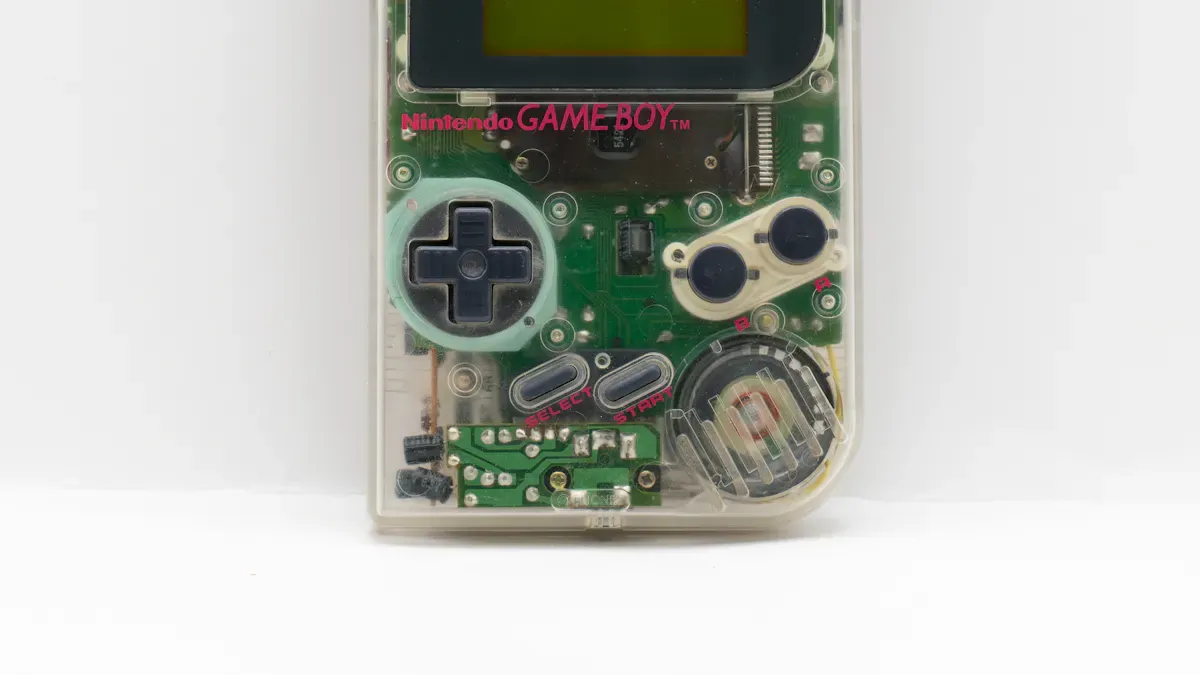
You need to select a clear substrate for your transparent flexible film screens. Acrylic and glass are the most common choices. Each material has unique advantages and drawbacks. The table below compares their main features:
Feature | Acrylic | Glass |
|---|---|---|
Impact Resistance | 10x more shatter-resistant than glass | Prone to crack when impacted |
Weight | About half the weight of glass | Heavy, inconvenient for transportation |
Clarity | High transparency comparable to glass | High clarity, but heavier |
Scratch Resistance | Prone to scratches, may need protective film | High hardness, less prone to scratches |
UV Resistance | Can be treated with UV inhibitors | Minimal UV protection |
Cost | More cost-effective for large projects | Heavier and more fragile, higher replacement costs |
Acrylic works well for most DIY transparent led film projects. You can cut and shape it easily. Glass offers better scratch resistance and clarity for permanent installations. Always wear gloves and eye protection when handling these materials.
Flexible LED Strips and Components
You will use flexible LED strips to create the light source for your transparent flexible film screens. Look for strips with high-quality components and customizable sizes. Reliable suppliers like Shalaxy, LEDYi, JasionLight, and Hongwei Photoelectric provide durable options for transparent led film displays.
Consider these factors when choosing LED strips:
Specification Aspect | Description |
|---|---|
Customization | Choose strips that fit your screen size and shape. |
Product Quality | High-quality LEDs last longer and look brighter. |
Technical Support | Good suppliers offer help with setup and troubleshooting. |
You may also need wiring, a power supply, and a driver board. Optional touch sensors can add interactivity to your transparent flexible film screens.
Tools Checklist
Gather these tools before you start:
Safety gloves and goggles
Ruler or measuring tape
Glass cutter or acrylic cutter
Soldering iron and solder
Screwdrivers
Double-sided tape or clear adhesive
Wire strippers
Tip: Always work in a well-ventilated area and keep your workspace clean to avoid accidents.
You can source most materials for transparent flexible film screens online or at local hardware stores. Costs depend on size, clarity, and brand. Custom shapes or advanced features may increase the price, but basic builds remain affordable for most DIYers.
How to Make a Transparent Display Surface
Cutting and Cleaning the Substrate
You need to prepare your acrylic or glass sheet before you start building your display. Begin by measuring and marking the exact size you want for your transparent display. Choose the right cutting method for your material. The table below shows common methods and their descriptions:
Method | Description |
|---|---|
Saw Cutting | Use the right blade and setup for clean edges; avoid high-speed steel blades to prevent melting. |
Band Saw | Fine-tooth blade recommended; suitable for curves; slower speeds help prevent blade drift. |
Scroll Saw | Ideal for intricate cuts; use a fine blade and support the work to avoid cracking. |
Laser Cutting | Use a Honeycomb Panel to improve cutting quality and prevent heat concentration. |
After you finish cutting, pay attention to smoke emissions if you use a laser cutter. Wait until the smoke clears before you handle the acrylic. Remove the sheet and clean any waste material from the work area. Always clean the processing area after cutting to keep your workspace safe and tidy. Use a soft cloth and a gentle cleaner to wipe the surface. This step helps you avoid scratches and keeps your transparent display clear.
Safety Precautions
You must follow safety rules when working with acrylic or glass. Protect your eyes by wearing safety glasses. Use gloves and other personal protective equipment to avoid cuts and burns. Secure the sheet so it does not move while you cut. If you use power tools, keep loose clothing away from moving parts. Use dust extraction to remove chips and dust from the air. Let hot offcuts or edges cool before you touch them. These steps help you stay safe while you learn how to make a transparent display at home.
Tip: A clean and organized workspace reduces accidents and makes your project easier to manage. 🛠️
Assembling Transparent LED Screens
Arranging LED Strips for Transparency
You need to arrange LED strips carefully to maximize the transparency of your transparent led screens. Start by planning the layout. Place the strips so they do not block too much light. You can widen the gaps between strips to let more light pass through. This technique helps you achieve a clearer transparent display.
You can use several techniques to improve transparency. The table below shows the most effective methods:
Technique | Description |
|---|---|
Optimizing structural spacing | Widen the gaps between LED strips. This allows more light to pass through and improves visibility. |
Adjusting LED arrangement | Place LEDs strategically. Minimize blocking surfaces and enhance transparency. |
Using lightweight materials | Use thin materials for support. These materials help you reach higher transparency levels. |
You should experiment with different arrangements. Try vertical, horizontal, or diagonal patterns. Each pattern affects the look and performance of your transparent led screens. If you use transparent led film, keep the strips as thin as possible. This approach helps you maintain the see-through effect.
Tip: Sketch your layout before you start. This step saves time and helps you avoid mistakes.
Attaching LEDs to the Surface
You must secure the LED strips to your transparent display surface. Choose the right adhesive or mounting method for your project. The table below lists common options and their best uses:
Adhesive Type | Description | Best For |
|---|---|---|
3M VHB Tapes | Strong, durable bond. Ideal for outdoor applications. | Outdoor and challenging indoor applications. |
3M 300LSE Tapes | Secure bond for low surface energy materials. | Tricky plastics or powder-coated metals. |
High-Quality Foam Tapes | Conforms to uneven surfaces for better adhesion. | Textured or uneven surfaces. |
Mounting Clips/Brackets | Provides mechanical support for long runs. | Vertical and overhead installations. |
Aluminum Mounting Channels | Offers support and heat dissipation. | High-end installations for durability. |
You can use double-sided tape for most transparent led screens. This method works well for acrylic and glass. If you build a permanent transparent led film display, consider mounting clips or aluminum channels. These options provide extra support and help with heat management.
Clean the surface before you attach the strips. Dust and oil can weaken the bond. Press the strips firmly to ensure good contact. If you use mounting clips, space them evenly along the length of the strip. This step prevents sagging and keeps your transparent led screens neat.
Note: Avoid hot glue for acrylic or glass. It can leave marks and reduce transparency.
You can now move to the wiring stage. Your transparent led screens are ready for the next step. You have created a strong foundation for your transparent display.
Wiring and Connecting the Display
Connecting LED Strips and Power
You need to connect your LED strips to a reliable power source. Start by checking the voltage and current requirements for your transparent led film. Most transparent led film displays operate at low voltage, often 12V or 24V. You should use a regulated power supply that matches the specifications of your LED strips.
Transparent LED displays usually consume between 300W and 800W per square meter. If you build a high-brightness transparent led film wall, expect power usage around 600W per square meter. Standard digital screens behind glass may use 300–400W per square meter. Transparent displays save energy compared to traditional signage, which can exceed 1000W per square meter.
Follow these steps to connect your LED strips:
Measure the total length of LED strips for your display.
Calculate the total power needed based on the area and brightness.
Choose a power supply with enough wattage and proper voltage.
Use wire strippers to prepare the wires.
Connect the positive and negative terminals from the LED strips to the power supply.
Secure connections with solder or reliable connectors.
Tip: Double-check all connections before powering up your transparent led film. Loose wires can cause flickering or damage.
Using a Driver Board
You need a driver board to control your transparent led film display. The driver board manages the signals and ensures the LEDs light up correctly. For transparent LED displays, you can use boards like the Driver PCB Board for Transparent OLED display 128x128px SH1107 1.12". This board works well for small and medium-sized transparent led film projects.
Look for these features in a driver board:
Compatibility with your LED strip type
Support for your display resolution
Reliable signal processing
Connect the driver board to your power supply and LED strips. Follow the manufacturer’s wiring diagram. Use screwdrivers and soldering tools for secure connections. Test the display after wiring to confirm proper operation.
Note: Always follow safety guidelines when working with electricity. Wear gloves and keep your workspace dry.
Testing and Troubleshooting Transparent Displays
Power-On and Initial Test
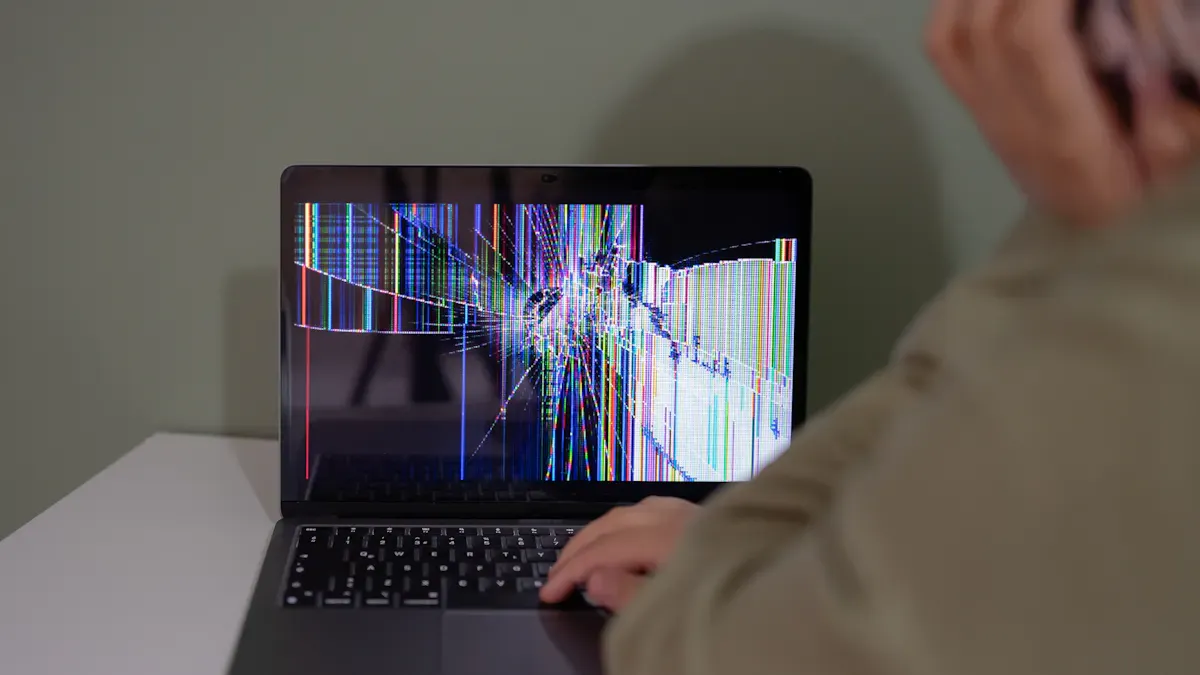
You have finished assembling your transparent led film. Now you need to test your display. Plug in the power supply and turn on the display. Watch for signs of proper operation. You may notice several common issues during your first test:
Privacy concerns
Color accuracy challenges
Cost and availability limitations
If your display lights up but looks dim or uneven, check the connections. Loose wires can cause flickering or partial lighting. If the display does not turn on, inspect the power supply and driver board. Make sure you have matched the voltage and current requirements. You should also check for any signs of overheating or burning smells. If you see these signs, turn off the display immediately and review your wiring.
Tip: Always keep your hands dry and wear gloves when handling electrical components. Safety comes first.
Improving Visibility and Contrast
You can improve the visibility and contrast of your transparent led film by adjusting the environment and display settings. Try these methods:
Place the display against a uniform background, such as a wall or curtain.
Avoid cluttered or high-contrast scenes behind the screen.
Use adjustable panels or blinds to control the background.
Implement indirect lighting to reduce reflections and glare.
Keep strong light sources away from directly behind the display.
Adjust screen brightness to match the room lighting.
Use larger fonts and high-contrast color schemes for important text.
Organize critical elements in less distracting areas.
Consider semi-opaque panels or blur effects to enhance readability.
Environmental factors play a big role in how your transparent display looks. The table below shows how different factors affect visibility and contrast:
Environmental Factor | Effect on Visibility and Contrast |
|---|---|
Lighting Conditions | Strong light or reflections can reduce image contrast and visibility. |
Spatial Structure | Overlapping background can affect how prominent the display appears. |
Installation Method | Proper installation is crucial for optimal performance in various settings. |
Content Strategy | Brightness and content matching are essential for clear visibility. |
You can experiment with these adjustments to find the best setup for your transparent led film. Try different backgrounds and lighting arrangements. You will see improvements in clarity and contrast.
Note: Clean your display regularly. Dust and fingerprints can reduce transparency and image quality.
Common Issues and Fixes
You may encounter several issues with your transparent led film. Uneven lighting, poor contrast, or no display are the most frequent problems. Use these troubleshooting steps to fix them:
Troubleshooting Step | Description |
|---|---|
Periodic cleaning and filter maintenance | Remove dust and debris to maintain display quality and stability. |
Regularly inspect mechanical connections | Ensure all connections are secure to prevent intermittent failures. |
Regular Power Supply Inspections | Check for voltage stability and overheating to prevent flickering or sudden display failure. |
Routine LED Module Cleaning | Clean dust from modules to improve heat dissipation and maintain consistent brightness. |
If you see uneven lighting, clean the LED modules and check for loose connections. If the display flickers, inspect the power supply for voltage drops or overheating. If the display does not show any content, review the driver board and wiring. Make sure you have followed the manufacturer’s instructions.
You can optimize image quality by using high-contrast colors and larger fonts. Organize important information in areas with less background distraction. Adjust the brightness to match the room. You will achieve a clearer and more readable transparent display.
Tip: Schedule regular maintenance for your transparent led film. This habit keeps your display running smoothly and extends its lifespan. 🧰
Enhancing Your Transparent Display
Adding Touch or Touchless Controls
You can make your transparent display more interactive by adding touch or touchless controls. Many technologies exist for this purpose. The table below shows some popular options and their features:
Technology Type | Description |
|---|---|
Touch Sensors | Used in ATMs and kiosks for direct user interaction. |
Gesture Controls | Lets you navigate the display with hand movements, no contact needed. |
Voice Commands | Allows you to control the display using simple voice instructions. |
Advanced Haptic Tech | Simulates touch feedback with vibrations for a more immersive experience. |
Touch sensors give you a familiar way to interact with your display. You can tap, swipe, or drag items on the screen. Touchless controls, such as gesture or voice commands, help you keep the surface clean and accessible. These methods work well in places where hygiene matters. Gesture recognition uses cameras or sensors to detect your hand movements, so you do not need to touch the screen.
Both touch and touchless controls have benefits and limitations:
Control Type | Benefits | Limitations |
|---|---|---|
Touch Control | Easy to use, direct interaction | May lose accuracy with moisture or dirt |
Touchless Control | More hygienic, good for accessibility | Can be less precise, may struggle with recognition |
Note: Water, dust, or extreme temperatures can affect how well these controls work. Always keep your display clean for best results.
Creative Uses and Customizations
You can customize your transparent display for many creative applications. High transparency and energy efficiency make these screens perfect for modern homes and businesses. You can mount them on windows, glass walls, or even shop counters without blocking the view.
Some popular customizations include:
Seamless integration with architectural features for a clean look.
Dynamic menus and real-time updates for interactive experiences.
Frameless designs and protective glass for added style and safety.
Touch capabilities and optical bonding for sharper images.
Recent trends show that transparent displays appear in public transportation, retail stores, and tourist centers. For example, you might see a display in a train window showing real-time information, or in a store where digital content blends with physical products. Tourist centers use these screens to provide translation services, making travel easier.
Tip: Try different mounting options and interactive features to match your space and needs. Your transparent display can become a unique part of your environment.
You can build a transparent display at home with basic tools and clear instructions. Experiment with layouts and personalize your transparent displays for unique results. Consider enhancements like strong user interfaces, selective opacity, and depth effects to improve your display. Always treat LED glass as both glazing and electronics. Protect your display from impacts, moisture, and dust. Assess mounting surfaces and plan for long-term support. Enjoy the DIY process and prioritize safety at every step.
Tip: Smart power management and heat control keep your transparent display running smoothly.
Enhancement Type | Description |
|---|---|
Effective User Interfaces | Strong contrast and clear hierarchy improve legibility. |
Selective Opacity and Background | Partial opacity behind key components boosts readability. |
Depth and Layering | Depth cues create immersive experiences. |
Interaction Methods | Support various input methods for better feedback. |
FAQ
How do I clean my transparent display?
You can use a soft microfiber cloth and a gentle glass cleaner. Avoid harsh chemicals or abrasive pads. Clean the surface regularly to keep your display clear and free from dust.
Can I use any LED strip for this project?
You should choose LED strips that match your display’s voltage and size requirements. Flexible strips work best. Check the specifications before buying to ensure compatibility.
Is it safe to build a transparent display at home?
You can build safely by wearing gloves and goggles. Keep your workspace clean. Follow all instructions for handling electricity and sharp tools. Always unplug devices before making adjustments.
What is the best way to mount the display?
You can use double-sided tape, mounting clips, or aluminum channels. Select a method based on your installation location and the weight of your display. Make sure the mount is secure.
Can I add touch controls to my transparent display?
You can add touch sensors or gesture controls. Choose technology that fits your needs. Touchless options help keep the surface clean and are useful in public spaces.
See Also
Simplified LED Display Software For Beginners And New Users
A Comprehensive Guide To Transparent OLED Displays For All
Top LED Display Software To Enhance Your Screen Experience