What Causes the Mura Effect on Screens
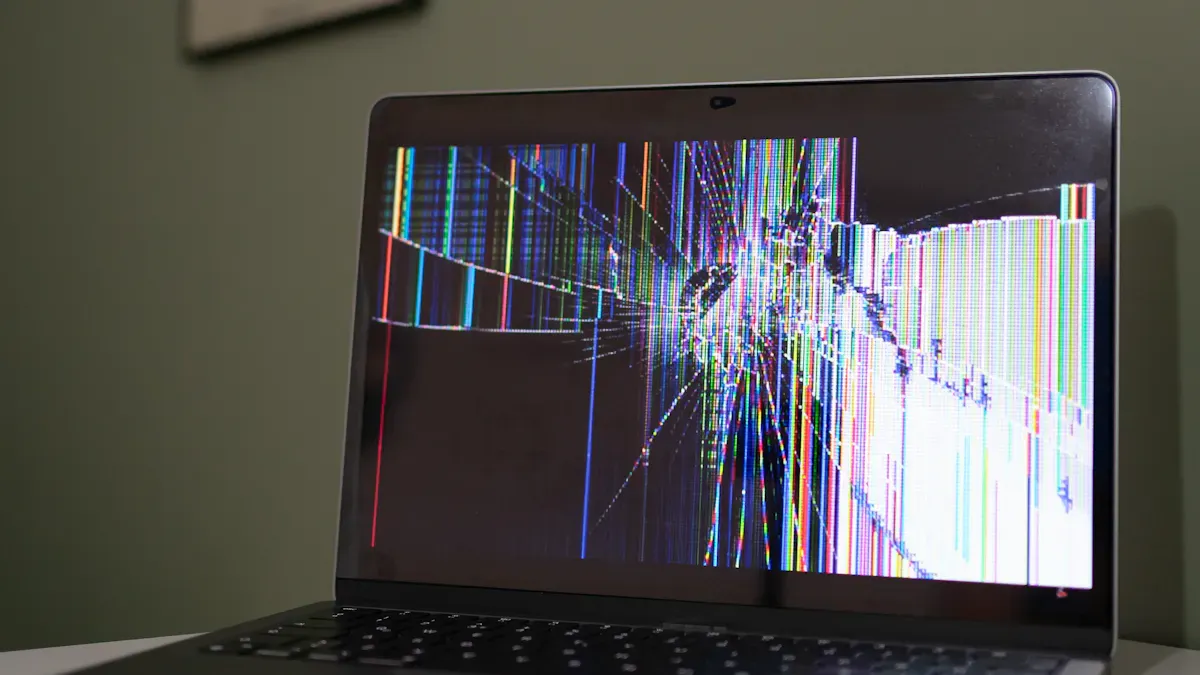
You may notice strange patches, cloudy areas, or streaks on your screen that distract you from enjoying movies or games. These visual problems often point to the Mura effect, a common issue in modern displays. Users describe their screens as grainy or uneven, especially on OLED devices, and report discomfort like headaches or dizziness. Many express frustration when manufacturers call these problems normal or offer little help. Understanding what causes these symptoms helps you recognize and address display quality concerns.
Key Takeaways
The Mura effect causes uneven brightness or color on screens, leading to distracting patches or streaks.
Common symptoms include clouding, banding, and spotting, which can affect your viewing experience.
Environmental factors like temperature and humidity can worsen the Mura effect, so keep devices away from harsh conditions.
Manufacturing inconsistencies can lead to the Mura effect, so choose brands known for strict quality control.
If you notice the Mura effect, consider adjusting display settings or using compensation techniques to improve uniformity.
Mura Effect Overview
What Is the Mura Effect
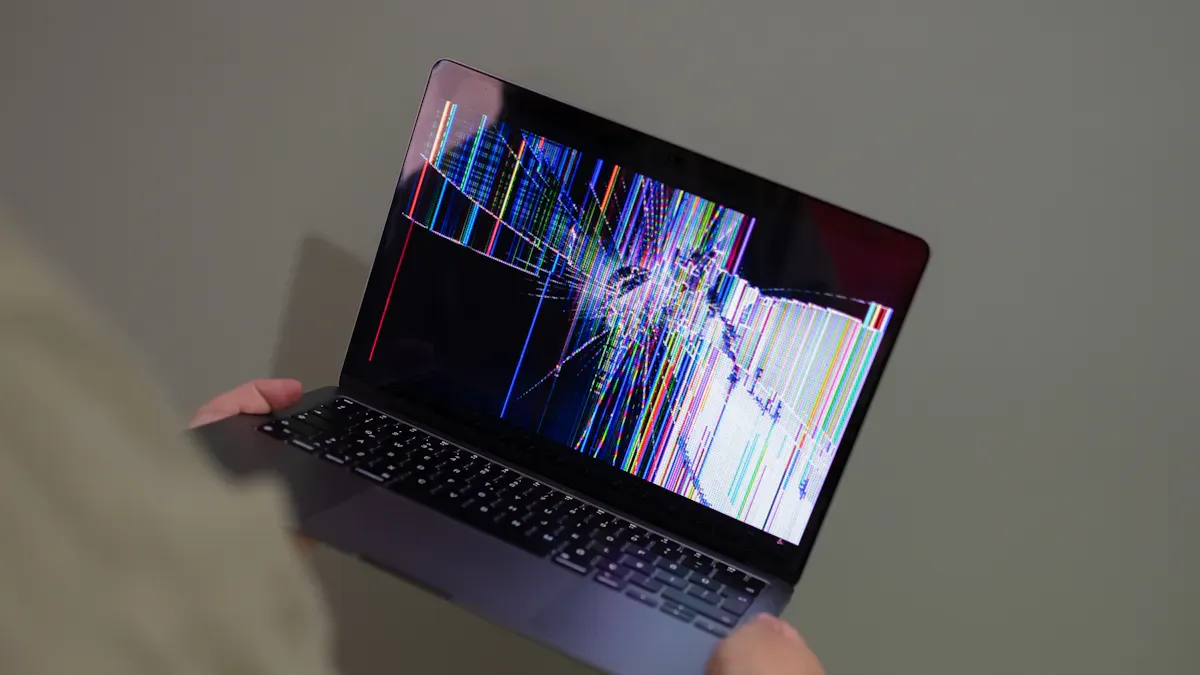
You encounter the Mura effect when your screen displays uneven brightness or color. The term "Mura" comes from Japanese, meaning unevenness or blemish. In display technology, it describes defects that create cloud-like or patchy patterns on LCD and OLED screens. These irregularities result in luminance non-uniformity, which can reduce your satisfaction with the device. The Mura effect often appears as dark spots or patches, caused by issues such as deterioration of the liquid crystal alignment layer, impurities, or thermal stress. When you notice these inconsistencies, you experience a less immersive and less comfortable viewing experience.
How Mura Appears on Screens
You may observe several symptoms of the Mura effect on your screen. The most common include:
Clouding: Uneven backlighting creates cloudy patches or areas with different brightness.
Banding: Horizontal or vertical lines show varying brightness or color intensity.
Spotting: Dark or bright spots appear, disrupting the uniformity of the display.
These symptoms make it difficult for you to enjoy content, especially when watching movies or playing games. You might see these issues more clearly on dark backgrounds or when viewing the screen from certain angles.
Tip: If you notice these patterns, check your screen under different lighting conditions and angles to confirm the presence of the Mura effect.
Mura vs. Other Visual Artifacts
You may confuse the Mura effect with other visual artifacts. Understanding the differences helps you identify the exact issue affecting your screen. The table below outlines the distinctions:
Description | |
|---|---|
Mura Effect | Inconsistencies in color and brightness between adjacent pixels. |
Screen Door Effect | Visibility of gaps between pixels creating a grid-like appearance. |
Aliasing | Jagged edges when rendering diagonal or curved lines due to pixel grid structure. |
You see that the Mura effect involves uneven brightness or color, while the Screen Door Effect shows a grid pattern, and Aliasing creates jagged lines. Recognizing these differences allows you to communicate your concerns more effectively when seeking support or troubleshooting display issues.
Causes of the Mura Effect
Liquid Crystal Alignment Issues
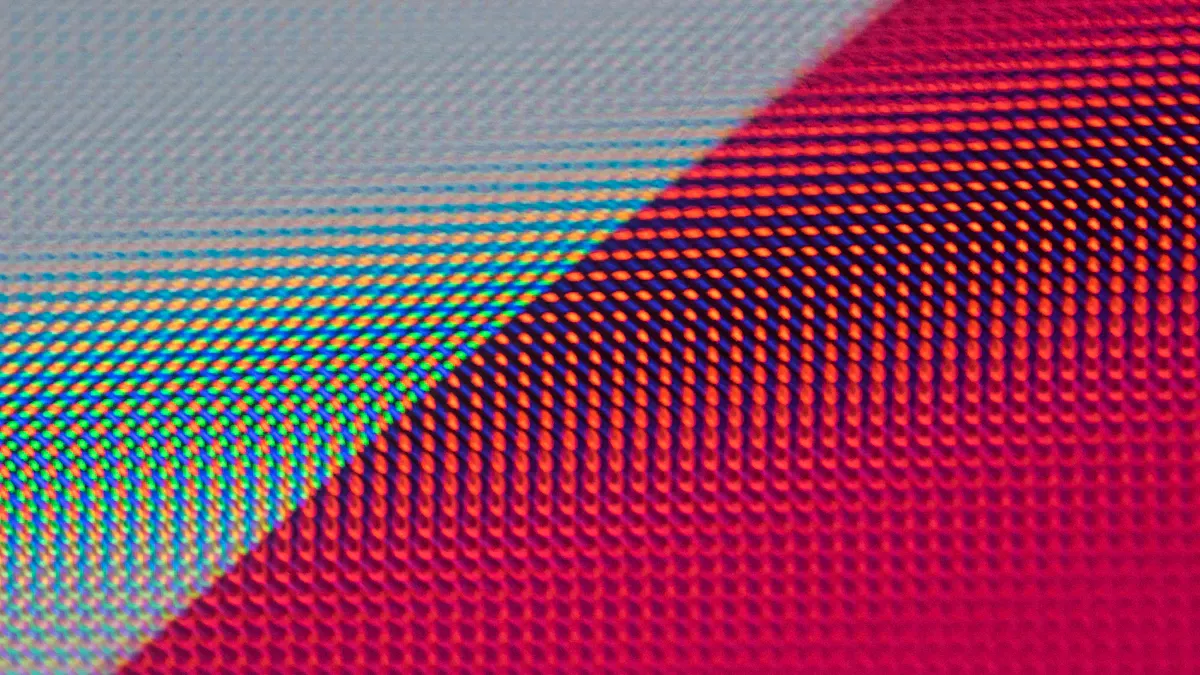
You see the Mura effect most often when the liquid crystal alignment layer inside your screen deteriorates or becomes inconsistent. This layer controls how light passes through each pixel. If the thickness of the liquid crystal layer varies, you notice uneven light transmission. This results in brightness differences across the display. Dust particles or irregular electric fields can disrupt the orientation of the liquid crystals, creating visual spots or color differences. You may observe dark patches, cloudy areas, or streaks that make the screen appear uneven.
Cause | Description |
|---|---|
Layer Variation | Variations in the thickness of the liquid crystal layer can lead to uneven light passage, causing brightness differences. |
Backlight Stress | Improper distribution of LED backlights or diffusers can create areas of varying brightness on the display. |
Impurities or Defects | Dust particles or irregular electric fields can disrupt liquid crystal orientation, leading to visual spots or color differences. |
Note: If you notice cloudiness or streaks, these often signal problems with liquid crystal alignment or impurities within the panel.
Temperature and Environmental Factors
You experience the Mura effect more frequently when your screen faces harsh environmental conditions. UV exposure can degrade polymers in the display, affecting glossiness and causing yellowish patches. High humidity levels may trigger hydrolysis, weakening the adhesion of protective coatings. Temperature fluctuations stress the materials, leading to uneven performance and visible defects. These environmental factors influence the durability of your screen and increase the risk of non-uniformity.
Tip: Avoid exposing your device to direct sunlight or high humidity to reduce the chance of developing the Mura effect.
Material and Manufacturing Variations
You encounter the Mura effect when manufacturers use inconsistent materials or processes during production. Variability in the workflow, such as producing a wide range of products or lacking standardized procedures, can introduce defects. Inconsistent employee skills or fluctuating demand patterns also contribute to irregularities. These inconsistencies disrupt the smooth flow of work and increase the frequency of Mura defects.
Variability and inconsistencies disrupt the manufacturing process.
Fluctuations in demand or product variation introduce defects.
Lack of standardization or skill differences lead to uneven quality.
You may see dark or light patches, cloudiness, or streaks as a result of these manufacturing variations. The Mura effect becomes more noticeable when the production process fails to maintain uniformity across all panels.
Alert: If you observe uneven brightness or color, manufacturing inconsistencies may be the root cause.
Impact and Solutions
Effects on Display Quality
You notice the Mura effect when your screen shows uneven brightness or color. This issue reduces the clarity and uniformity of images. You may see distracting patches, streaks, or cloudy areas, especially during dark scenes or when viewing from an angle. These inconsistencies can lower your satisfaction with movies, games, or professional work. You might also experience eye strain or discomfort if you use the display for long periods.
Prevention and Correction Methods
You can reduce the risk of the Mura effect by using advanced prevention methods during production. Manufacturers use several strategies to improve display quality:
Description | |
|---|---|
Process Optimization | Refines production to minimize variations in component quality and alignment precision. |
Quality Control Testing | Uses rigorous Mura testing at different stages to catch defects early. |
Compensation Algorithms | Adjusts display output with software to reduce visible irregularities. |
Display Uniformity Enhancement Films | Applies special films to diffuse light and hide non-uniform areas. |
If you already have a screen with visible Mura, correction techniques can help. These methods adjust brightness and color to make the display look more even:
Technique | Description |
|---|---|
Brightness Compensation with Grayscale-Based Pixel Weight Calculation | Repairs Mura by adjusting pixel brightness using grayscale values from surrounding areas. |
Separate Brightness and Color Non-Uniformity Adjustments | Compensates for both brightness and color issues using data from different frames. |
Per-Pixel Brightness Compensation | Adjusts each pixel’s brightness based on similar colored pixels to improve uniformity. |
Hierarchical Area-Based Compensation | Divides the display into areas for targeted brightness adjustments. |
Average Value Differences in Display Units | Refines compensation by comparing average values and adjusting to prevent over- or under-correction. |
Quality Control and Best Practices
You benefit from strict quality control in display manufacturing. Companies use advanced tools and methods to detect and minimize the Mura effect:
Method | Purpose |
|---|---|
Identify Mura with high spatial accuracy using JND mapping. | |
Machine Learning Algorithms | Automate detection and classification with high accuracy. |
Manufacturing Optimization | Improve uniformity in backlighting and material purity. |
Automated Quality Control | Catch subtle defects early with imaging systems. |
Calibration Techniques | Minimize inconsistencies through calibration and optical films. |
Industry experts recommend best practices to prevent Mura during production:
Value Stream Mapping helps you visualize material and information flow.
Gemba Walks let you observe work processes directly on the shop floor.
5S Methodology organizes the workplace for better efficiency.
Just-In-Time manages inventory based on actual demand.
Kanban visualizes workflow to prevent bottlenecks.
Tip: When you choose a display, look for brands that follow these best practices to ensure better screen quality.
You see the Mura effect when inconsistencies in liquid crystal deposition, material purity, or manufacturing processes disrupt display quality. The table below highlights what causes this issue and how it affects your viewing experience:
Causes of Mura Effect | Effects on Display Quality |
|---|---|
Inconsistent liquid crystal layers | Compromised image clarity and uniformity |
Material purity variations | Noticeable brightness and color differences |
Process fluctuations | Visual discomfort and reduced performance |
You benefit from ongoing research that explores new methods to improve luminance uniformity and reduce visible blemishes. Stay informed about display quality and look for devices with advanced quality control.
FAQ
What does the Mura effect look like on your screen?
You see uneven patches, cloudy areas, or streaks. These defects appear as brightness or color differences. You notice them most on dark backgrounds or when viewing from an angle.
What causes the Mura effect to develop over time?
You experience the Mura effect when liquid crystal alignment deteriorates, environmental stress increases, or manufacturing inconsistencies occur. High temperatures and impurities also contribute to visible defects.
What can you do if your screen shows the Mura effect?
You can adjust display settings, use compensation algorithms, or apply uniformity enhancement films. If the issue persists, contact the manufacturer for support or consider professional repair.
What types of screens are most affected by the Mura effect?
You find the Mura effect most often on LCD and OLED screens. Devices with large panels or high pixel density show these defects more clearly.
What steps help prevent the Mura effect during manufacturing?
Manufacturers optimize processes, test for defects, and use quality materials. Strict quality control and calibration techniques reduce the risk of Mura appearing on your screen.
See Also
Understanding White Spots on LCD Screens and Their Solutions
The Importance of Eye Protection Screens for Eye Safety
Effective Strategies to Safeguard Your Eyes from Screens
The Energy Efficiency of Multi-Frequency Displays Explained
Essential Guidelines for Creating Museum Digital Screen Displays