Why a Portable Monitor Could Change the Way You Use Your Laptop
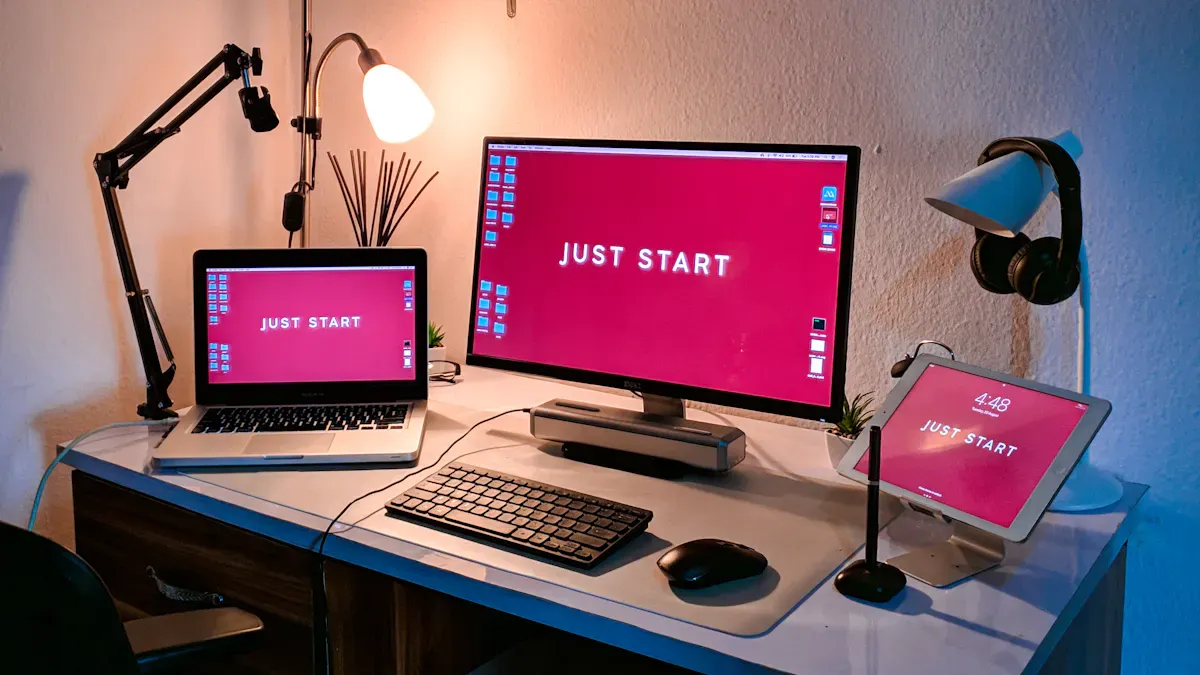
A portable monitor unlocks new ways for you to use your laptop, letting you work, game, or create with greater freedom. You join a fast-growing trend—market size has jumped from $445.6 million in 2024 and continues to surge as more people demand mobile productivity in every environment.
Key Takeaways
A portable monitor can boost your productivity by up to 42%. Use it to manage multiple tasks and reduce time spent switching between applications.
Setting up a portable monitor improves your comfort. Adjust the height and angle to reduce neck and eye strain, promoting better posture during long work sessions.
Investing in a portable monitor is now more affordable. Look for budget-friendly options that connect easily to your devices and enhance your mobile workspace.
Portable Monitor Benefits
Improved Productivity and Multitasking
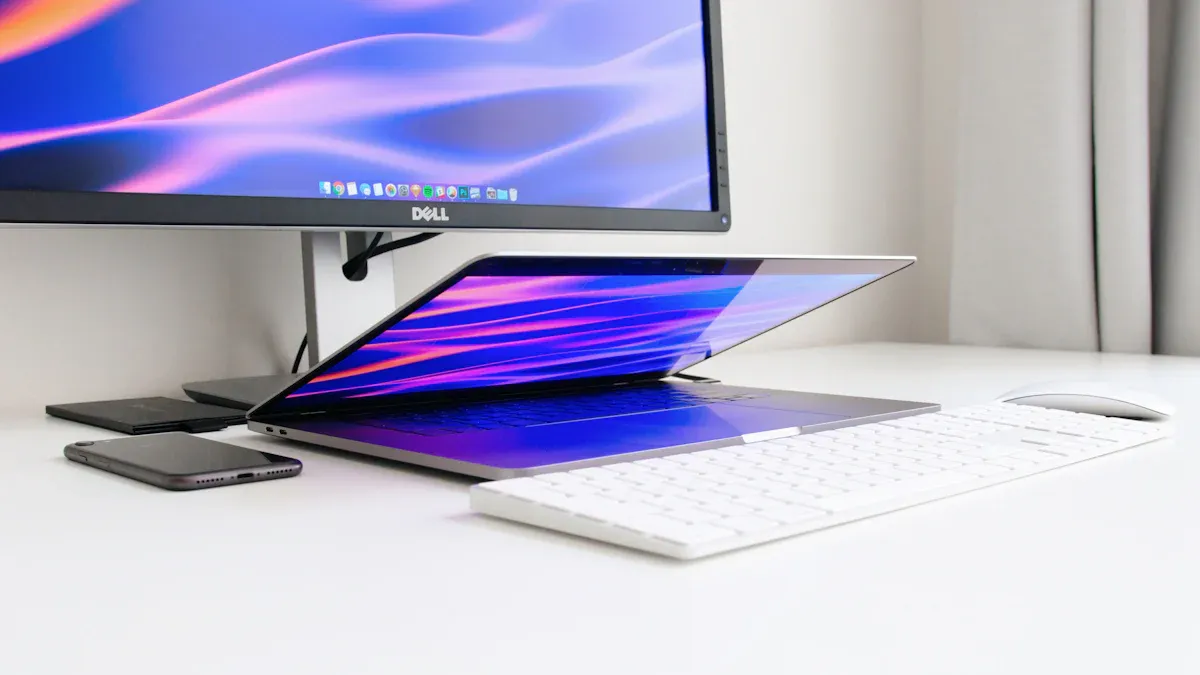
You want to get more done in less time. A portable monitor gives you the power to do just that. Research shows that using dual monitors can boost your productivity by up to 42%. You can keep your main task on your laptop and use the extra screen for reference materials, emails, or chat apps. This setup lets you manage multiple applications at once, so you spend less time switching between tabs.
Here’s a quick look at how much faster you can work with dual monitors:
Source | Productivity Increase |
|---|---|
Jon Paddie Research | |
Microsoft Study | Up to 42% |
You can see the difference. With a portable monitor, you can process data faster and complete tasks with greater accuracy. You avoid the frustration of constantly minimizing windows. This means you can focus better and finish your work sooner.
Tip: Set up your portable monitor as a second monitor to keep your workflow smooth and organized.
Ergonomic Advantages
You care about your comfort while working or studying. A portable monitor helps you create a more ergonomic workspace wherever you go. You can adjust the height and angle of your extra screen to reduce neck and eye strain. This flexibility lets you set up your laptop and portable monitor at eye level, which supports better posture.
When you use dual monitors, you spread out your work. This reduces the need to hunch over a small screen or squint at tiny text. You can compare documents side by side or keep a video call open on one screen while taking notes on the other. This setup not only boosts your multitasking but also helps you stay comfortable during long sessions.
Reducing Screen Clutter
You want a clean and organized digital workspace. A portable monitor gives you extra screen space, so you can keep your main task front and center while using the extended screen space for supporting materials. This setup cuts down on digital clutter and helps you stay focused.
You can keep your main project on your laptop and use the portable monitor for reference documents or communication apps.
You can compare files or images side by side without constant window switching.
You can host a video call on one screen and take notes or share content on the other.
A portable monitor restores smoothness to your workflow. You no longer need to juggle dozens of tabs or windows. Research and user experience show that dual monitors improve productivity and reduce the mental friction of multitasking. You can enjoy these benefits anywhere—at a coffee shop, in a hotel room, or in your home office.
Why Now Is the Best Time to Upgrade
The market for portable monitors is growing fast. Prices are dropping as more people look for affordable ways to boost their efficiency. You can now find budget-friendly options that offer great features and easy connectivity. This makes it easier than ever to add an extra screen to your laptop or mobile device and enjoy improved productivity.
Portable monitors let you set up dual monitors in hotels, conference rooms, libraries, or coffee shops.
Many models use OLED technology for thin, lightweight panels.
Most connect with a single USB-C cable, making setup quick and simple.
You can maximize your multitasking and efficiency without breaking the bank. Now is the perfect time to invest in a portable monitor and change the way you use your laptop.
Extra Screen Setup & Uses
Real-World Scenarios for Professionals and Students
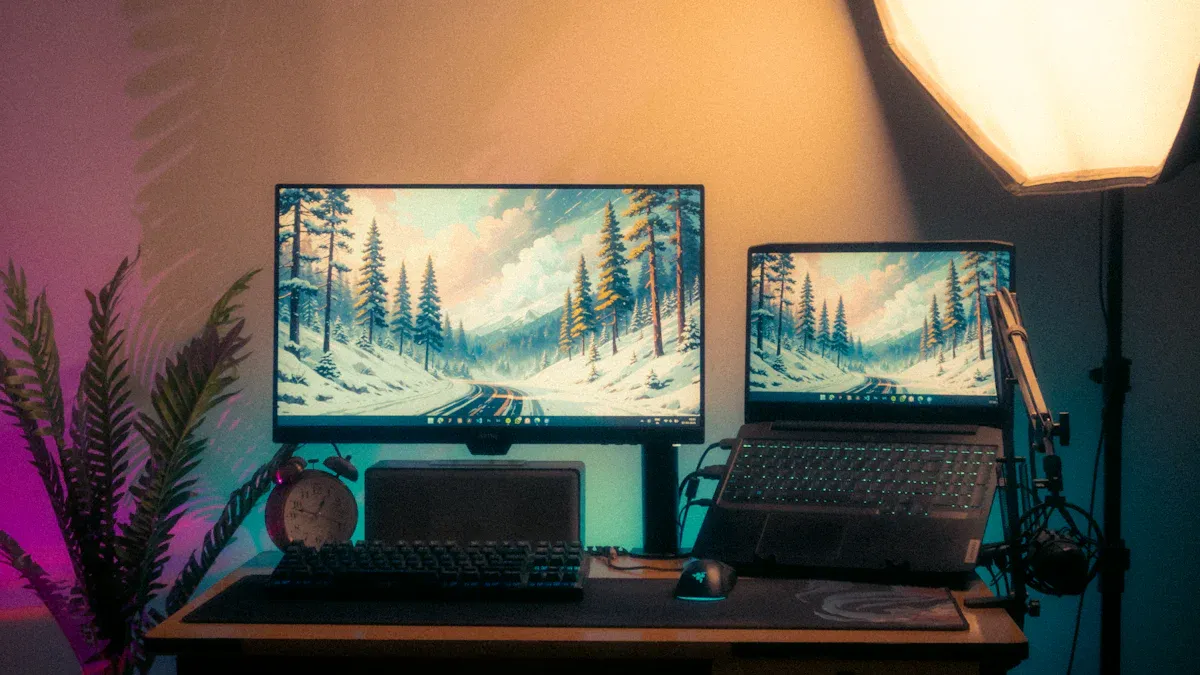
You want your workspace to adapt to your needs, whether you work from a coffee shop, travel for business, or study in a library. A portable monitor gives you the flexibility to create a productive environment anywhere. You can use an extra screen to manage multiple windows, present ideas, or collaborate with others. This mobile work solution helps you stay organized and efficient, no matter where you go.
Here are some common scenarios where you benefit from a portable monitor:
Scenario Type | Description |
|---|---|
Working From a Coffee Shop or Shared Space | Use a portable monitor to manage multiple windows efficiently in a compact environment. |
Traveling for Business or Study | Facilitate presentations and collaboration by using dual screens in temporary workspaces. |
Creative Projects in Flexible Spaces | Enhance creative workflows by utilizing a portable monitor for tools and previews while working. |
Learning, Coding, and Research | Reference multiple sources simultaneously to improve focus and information retention. |
You can see how an additional computer screen transforms your workflow. Creative professionals use travel-friendly displays to keep editing tools and previews visible at all times. Students and researchers reference articles and take notes side by side. Remote workers collaborate in real time, sharing content and ideas with ease. Gamers enjoy immersive play by extending their view or keeping chat windows open during streams.
Tip: Use a portable monitor during virtual meetings to annotate documents and highlight key points. This keeps everyone engaged and makes collaboration smoother.
Easy Setup and Compatibility
You do not need to be a tech expert to set up a portable monitor. Most models offer simple connection methods that work with a wide range of devices. You can connect your monitor to your laptop, tablet, or even a gaming console in just a few steps.
How to connect your portable monitor:
Identify the correct ports on your monitor and laptop.
Use the included usb-c connection cable to link the monitor to your device.
For power management, connect your laptop's charger to the monitor's second USB-C port if available.
You can also use HDMI or DisplayPort for older devices. The table below shows the pros and cons of each connection method:
Connection Method | Pros | Cons | Best For |
|---|---|---|---|
HDMI | Extremely common, reliable, supports high resolutions and audio passthrough. | Relatively large port size, older versions may not support high refresh rates. | Users with older or mainstream laptops, gamers needing simplicity. |
DisplayPort | Supports higher bandwidth, higher resolutions, and daisy-chaining. | Less common on ultra-portable laptops, requires adapters for HDMI-only monitors. | Designers, video editors, hardcore gamers needing performance. |
USB-C | Single-cable solution for video and power, minimalist setup. | Requires compatible USB-C port, cables can be expensive. | Modern laptop users valuing simplicity. |
You get the best experience with a portable monitor that supports USB-C with Power Delivery and DisplayPort Alt Mode. This allows you to use one cable for video, data, and power. MacBooks and many Windows laptops support this feature. If you use older devices or gaming consoles, look for HDMI ports. Always check compatibility with your main devices before you buy.
Some portable monitors offer touchscreen input, which adds another layer of interaction. You can draw, swipe, or tap directly on the screen. This feature works best when your device and software support it.
Note: Some operating systems may require drivers for full functionality. Always verify compatibility to avoid setup issues.
Buying Guide for Portable Monitors
You want the best value when you invest in a portable monitor. Focus on features that match your needs and work style. Here are the key factors to consider:
Choose a sturdy built-in stand or a protective case that doubles as a stand.
Prioritize ergonomics and viewing comfort over high refresh rates for general use.
For creative work, select a high-resolution ips panel with at least Full HD (1920×1080) resolution and good brightness.
Gamers should look for higher refresh rates, fast response times, and HDMI inputs.
Mobile users need compatibility with video output standards and low power consumption.
Minimum Full HD resolution ensures clarity and detail.
Look for color accuracy with at least 95% sRGB coverage for professional applications.
IPS panel technology provides better color consistency and wide viewing angles.
Screen size impacts usability and battery life. The table below helps you choose the right size:
Screen Size Category | Resolution Requirement | Usability Impact |
|---|---|---|
Larger than 13 inches | Minimum Full HD (1920×1080) | Better clarity for professional tasks |
Larger than 21 inches | 4K resolution recommended | Enhanced image sharpness and detail |
Screen Size | |
|---|---|
Smaller Displays | 2-3 times longer battery life |
Larger Displays | Shorter battery life, affecting mobility |
You want a monitor that fits your workflow and travel habits. Smaller screens last longer on battery and are easier to carry. Larger screens give you more space for multitasking but may drain power faster.
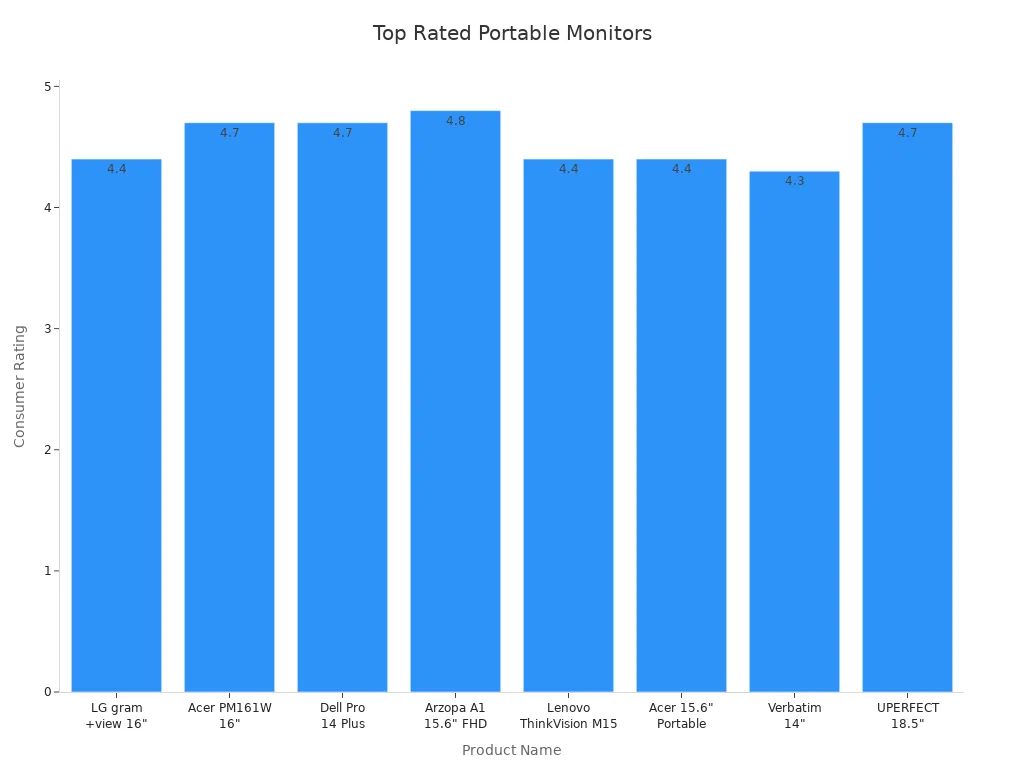
Here are some of the most highly rated portable monitors based on recent consumer reviews:
Product Name | Price | Number of Reviews | Rating |
|---|---|---|---|
LG gram +view 16" Portable Monitor | $249.99 | 163 | 4.4 |
Acer PM161W 16" Portable Monitor | $99.99 | 148 | 4.7 |
Dell Pro 14 Plus Portable Monitor | $339.99 | 129 | 4.7 |
Arzopa A1 15.6" FHD Lightweight Travel Monitor | $72.99 | 223 | 4.8 |
Lenovo ThinkVision M15 Portable Monitor | $149.00 | 410 | 4.4 |
Acer 15.6" Portable Monitor | $89.99 | 774 | 4.4 |
Verbatim Portable Monitor 14" | $145.94 | 239 | 4.3 |
UPERFECT 18.5" Portable Monitor | $239.99 | 12 | 4.7 |
Callout: Always check for calibration, display quality, and connectivity before you buy. Some users face challenges with drivers or software, so read reviews and choose a model with strong support.
A portable monitor gives you the freedom to build a dual monitor setup anywhere. You can boost your productivity, enjoy better ergonomics, and collaborate more effectively. Make your laptop a true mobile workstation with the right extra screen.
You gain more productivity, comfort, and workflow improvements when you add a portable monitor to your laptop.
You reduce mental strain and neck discomfort.
You boost multitasking and enjoy mobile workstation capabilities.
Try a portable monitor to see how it transforms your workspace and entertainment experience.
FAQ
Can you use a portable monitor with any laptop?
Most portable monitors work with any laptop that has USB-C or HDMI. You just plug in and start using your extra screen.
Does a portable monitor need its own power source?
Many portable monitors draw power from your laptop through USB-C. Some larger models may need an external power adapter for best performance.
Will a portable monitor slow down your laptop?
You will not notice any slowdown with modern laptops. Portable monitors use minimal resources, so you keep your workflow fast and smooth.
See Also
Understanding LED And LCD Monitors For Your Needs
Top Affordable Gaming Monitors To Consider For 2025
A Simple Guide To Multi-Frequency Displays For Laptops