What Features Should You Look for in a Portable Monitor
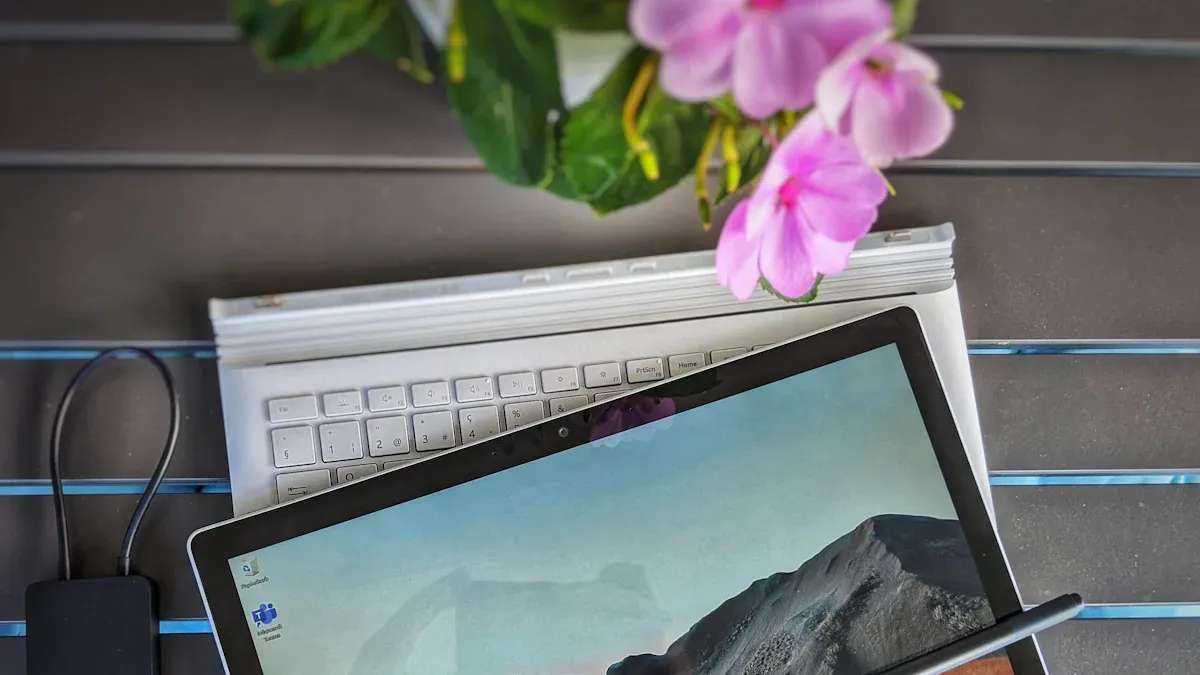
If you want to get the most out of your portable monitor, you need to focus on the right features. Think about what matters to you: do you need a portable touch screen monitor for work, gaming, or travel? The right display can make text crisp and videos pop, while strong connectivity options let you multitask with ease. Lightweight and portable designs boost on-the-go productivity. Touch features give you faster control, and great battery life means you stay unplugged longer. A portable display with all the right features can truly change how you work and play.
Key Takeaways
Choose a portable monitor with the right screen size and resolution for your needs. Full HD is ideal for most tasks, while 4K is great for gaming and creative work.
Look for strong connectivity options like USB-C and HDMI. These allow easy setup and compatibility with various devices.
Consider the weight and build quality of the monitor. A lightweight design makes it easy to carry, while durable materials protect against damage.
Select a monitor with good battery life and touch screen features. This enhances productivity and allows for flexible use in different environments.
Always check device compatibility before purchasing. Ensure the monitor works with your operating system and meets your power needs.
Display Quality in Portable Monitors
Screen Resolution and Size
When you pick a portable monitor, screen resolution and size matter a lot. You want your portable display to look sharp and clear, whether you’re working or watching videos. Full HD is the most common resolution for portable monitors, especially those over 13 inches. If you need even more detail, a 4k portable monitor gives you stunning clarity, perfect for creative tasks or gaming. Some models offer 1920 x 1200, which adds a bit more vertical space for documents and spreadsheets.
Here’s a quick look at typical sizes and their uses:
Screen Size Category | Size Range (Inches) | Applications and User Experience Considerations |
|---|---|---|
Compact Displays | 7-10 | Great for travel and simple tasks like point-of-sale. |
Mid-Range Displays | 11-15 | Balances portability and function for work or school. |
Large Format Displays | 16-24 | Best for collaboration or detailed design work. |
Larger portable displays need higher pixel density for clarity.
Full HD works well for screens over 13 inches.
4k portable monitor options shine for screens above 21 inches.
Panel Type and Color Accuracy
You want your portable monitor to show colors accurately and look good from any angle. IPS or OLED panels are the top choices. IPS panels deliver exceptional color accuracy and wide viewing angles, making them ideal for creative work. OLED panels offer vivid colors and perfect blacks, so your portable display looks amazing. Here’s a quick comparison:
Panel Type | Color Accuracy | Viewing Angles | Strengths | Weaknesses |
|---|---|---|---|---|
IPS | Exceptional | Wide | Great for collaboration and creative tasks | Lower contrast, higher price |
OLED | Vivid | Excellent | Perfect blacks, unmatched contrast | Expensive, risk of burn-in |
If you want a 4k ips portable monitor, you get both high resolution and great color.
Brightness and Refresh Rate
Display quality depends on brightness and refresh rate. For comfortable indoor use, a brightness level of 200 to 300 nits is enough. If you plan to use your portable monitor outdoors, look for models with 350 nits or more. Gamers should check refresh rates—at least 60 Hz is standard, but higher rates like 75 Hz or 144 Hz make games smoother and more responsive. Upgrading to a higher refresh rate improves motion clarity and reduces ghosting, which makes your gaming experience more immersive.
Environment | Brightness Level (nits) | Refresh Rate (Hz) |
|---|---|---|
Basic indoor use | 200–250 | At least 60 |
Bright rooms | 250–350 | Higher preferred |
Outdoor use | 350+ | Competitive play |
Some users notice that portable monitors with 350 nits brightness don’t match premium models.
Flimsy stands can affect display quality, so check for sturdy support and adjustable options.
HDMI ports help connect your portable monitor to many devices.
Choosing the right screen resolution, panel type, and brightness ensures your portable monitor delivers the best display quality for your needs.
Connectivity Options for Portable Monitors
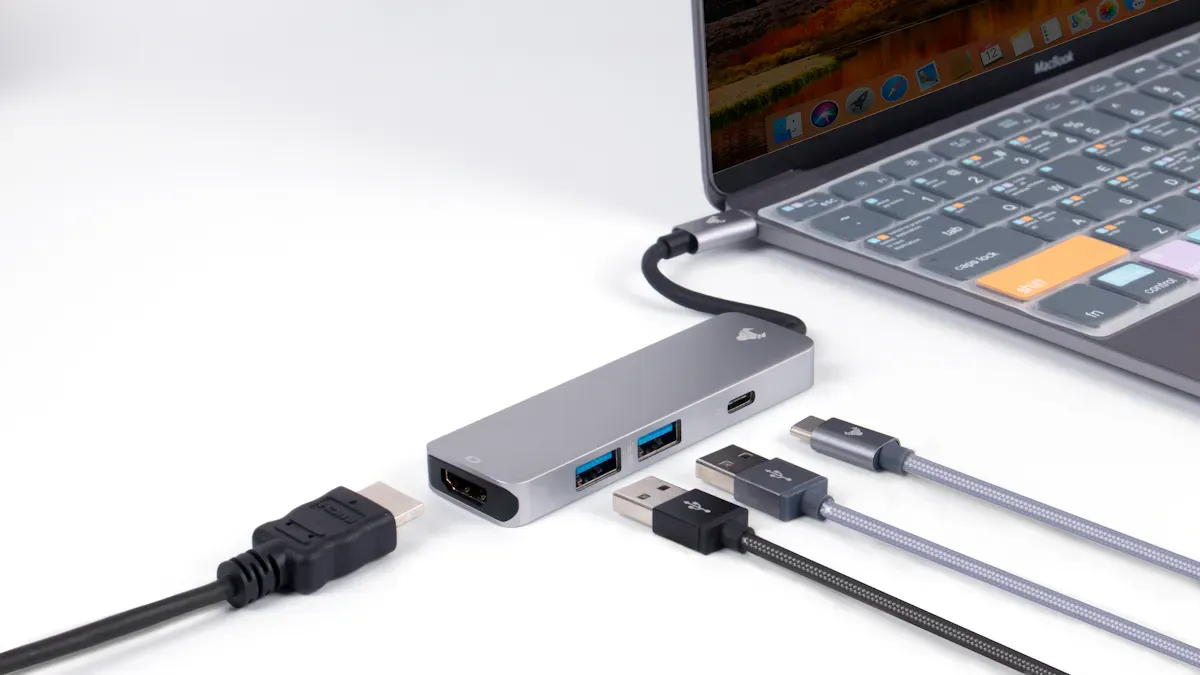
When you choose a portable monitor, you want flexible connectivity that matches your devices and your workflow. The right input options make your portable display easy to set up, whether you work at a desk or on the go. Let’s break down what you should look for.
USB-C, HDMI, and DisplayPort
You’ll see many portable monitors with a usb-c port. This is the gold standard for seamless laptop integration. Usb-c connectivity lets you use a single cable connection for power, video, and audio. You don’t need extra adapters or chargers. If your laptop supports usb-c with displayport alternate mode, you get plug-and-play convenience. Many portable displays also include HDMI or DisplayPort input for older devices or gaming consoles. Multiple input options mean you can connect to almost anything, from tablets to cameras. You can even set up dual-screen setups with just one usb-c port on your laptop.
Wireless and USB-Powered Solutions
Some portable monitors offer wireless input or run entirely on USB power. These options boost portability and keep your workspace tidy. You can move your portable display anywhere without worrying about cable length. Setup feels instant, and you avoid clutter. Here’s a quick comparison:
Advantage/Limitations | Wireless/USB-Powered Monitors | Traditional Wired Models |
|---|---|---|
Mobility | Enhanced mobility without physical cables | Limited by cable length |
Setup | Immediate setup without pairing | Requires cable connection |
Workspace Organization | Reduces clutter and allows flexible positioning | Can create clutter with cables |
Latency | May have slight delays, but improving | Lower latency and consistent performance |
Power Management | Relies on batteries, needs management | Power delivery through cable, no battery issues |
Security | Vulnerable to interception, needs configuration | More secure due to physical connections |
Wireless systems may introduce latency, which can affect gaming or video editing.
Battery life varies, so you need to manage power to avoid interruptions.
Environmental interference can impact wireless display performance.
Power Delivery and Pass-Through Charging
A usb-c port with power delivery lets you charge your laptop while using your portable monitor. This single cable connection keeps your setup simple and efficient. Pass-through charging means you don’t lose a usb-c port on your device. You can work longer without searching for outlets. Many portable displays support this feature, making them perfect for travel or remote work. Always check for a usb-c port that supports both input and power delivery for the best experience.
You want a portable monitor that adapts to your needs. The right connectivity options make your portable display a true productivity booster.
Portability and Build Features
Weight and Thickness
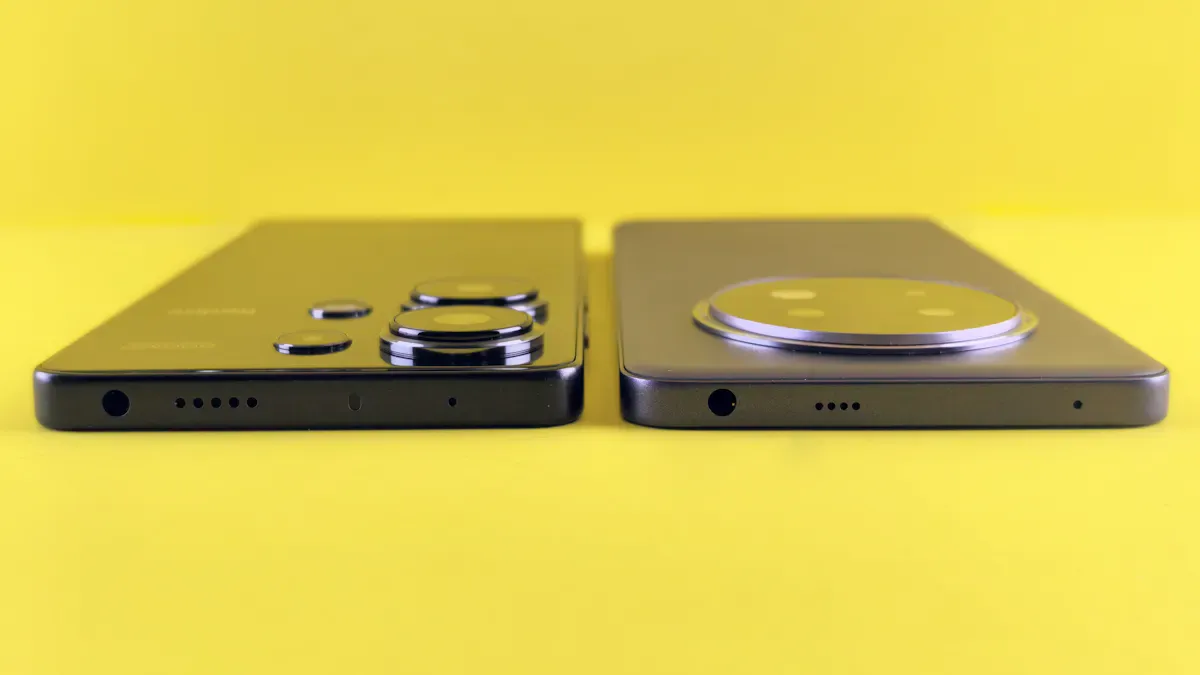
You want a portable monitor that feels light in your bag and doesn’t take up much space. Weight and thickness play a huge role in mobility. If you travel often or move between workspaces, a slim portable display makes your life easier. Most portable monitors weigh less than two pounds and measure under half an inch thick. You can slip one into your backpack or laptop sleeve without a second thought. Lightweight designs boost mobility and help you stay productive wherever you go.
Build Quality and Materials
Build quality matters when you use your portable monitor every day. You want a display that stands up to bumps and scratches. Manufacturers use different materials, and each has its own benefits. Aluminum alloy feels solid and resists impact, but adds some weight. Plastic, especially medical-grade polymer, keeps things light but can scratch or crack more easily. Take a look at how these materials compare:
Property | Aluminum Alloy | Plastic (Medical-Grade Polymer) |
|---|---|---|
Durability | High (Resistant to impact and scratches) | Moderate (Can scratch or crack) |
Heat Dissipation | Excellent (Acts as a passive heat sink) | Poor (Acts as an insulator) |
Weight | Heavier | Lighter |
Cost | Higher | Lower |
If you value durability and heat management, aluminum is a smart choice. If you want maximum mobility, plastic keeps your portable display light and easy to carry.
Integrated Stand or Case
You don’t want your portable monitor to tip over or get damaged during travel. Integrated stands and cases make a big difference in usability and protection. Here are the most common types:
Built-in kickstands let you adjust the viewing angle and keep your display stable.
Protective cases shield your portable monitor from scratches and bumps while you’re on the move.
Magnetic folio covers work as both a stand and a case, giving you flexibility and extra protection.
A sturdy stand or case helps you set up your portable display anywhere, from coffee shops to hotel rooms. You get better mobility and peace of mind. Check out how these features influence portability and protection:
Feature | Description |
|---|---|
Stand / Kickstand | Built-in stands reduce the need for extra accessories and improve ergonomics |
Portability | Lightweight and slim profiles make packing and carrying easier |
You want a portable monitor that fits your lifestyle. Lightweight design, strong build quality, and a reliable stand or case give you the mobility and protection you need for work, travel, or entertainment.
Battery and Touch Screen Monitor Features
Battery Portable Monitor Benefits
A battery portable monitor changes how you work and travel. You can set up your portable touch screen monitor anywhere—no need to hunt for outlets. This freedom helps you stay productive in hotel rooms, coworking spaces, or coffee shops. You get a lightweight and slim display that fits right in your laptop bag. You can start working in minutes, which is perfect for busy days.
Here’s why a battery portable monitor makes sense for you:
You boost productivity by 20-30% with a dual-screen setup. You can edit documents and join video calls at the same time.
You enjoy better ergonomics. A larger display helps you sit up straight and reduces neck and eye strain.
You get flexibility. You can work from almost anywhere without worrying about power cords.
You save time with quick setup and easy packing.
A built-in rechargeable battery means you can use your portable touch screen monitor for hours. You don’t have to worry about battery life during meetings or long flights. You can focus on your work, not your charger.
Touch Screen Monitor Capabilities
A touch screen monitor gives you a new way to interact with your devices. You can tap, swipe, and drag right on the display. This makes tasks like drawing, note-taking, and editing much faster. You don’t need a mouse or trackpad for every action. You can use your portable touch screen monitor for presentations, creative work, or even gaming.
You can find a 15.6 inch touch screen that feels just like using a tablet. You get smooth gestures and quick responses. A portable touch screen monitor helps you work smarter, not harder. You can switch between apps, zoom in on details, or sign documents with your finger.
Touch screen monitor features also help you collaborate. You can show ideas to coworkers or clients and let them interact with the display. This makes meetings more engaging and productive.
Multi-Touch and Sensitivity
Modern portable touch screen monitor models use advanced technology for fast and accurate input. Capacitive multi-touch screens let you use several fingers at once. You can pinch to zoom, rotate images, or scroll through pages with ease.
Here’s a quick look at how different touch screen monitor types perform:
Touchscreen Type | |
|---|---|
Capacitive | 3 to 10 |
Resistive | 10 to 15 |
You want a portable touch screen monitor with low response time for smooth, lag-free use. You’ll notice the difference when you draw, play games, or move windows around. High sensitivity means your display reacts to every touch, making your work feel natural.
Battery life matters here, too. You want your portable touch screen monitor to last through long sessions. Many models offer strong battery life, so you can keep working or playing without stopping to recharge. If you use your portable monitor for travel, battery life and touch screen monitor features should be at the top of your list.
Compatibility and Use Cases
Device and OS Support
You want your portable display to work with all your devices. Before you buy, check if the monitor supports your operating system. Most portable screens work right away with Windows. If you use macOS, you might need to install extra drivers for full features like touch or rotation. You should also look at power requirements. Some portable displays draw power from your laptop’s USB-C port. This can drain your battery faster, so it helps to know if you need a separate power source.
You get the most flexibility when your monitor has both USB-C and HDMI ports. USB-C gives you a simple, one-cable setup. HDMI lets you connect to older laptops, game consoles, or even cameras. Here’s a quick guide to help you check compatibility:
Compatibility Aspect | Description |
|---|---|
Works with Windows out of the box; macOS may need drivers for full features. | |
Power Requirements | Some monitors use your laptop’s power, which can affect battery life. |
Connectivity Options | USB-C is easy and modern; HDMI adds support for more devices. |
Tip: Always check the specs for your devices before you buy. This saves you time and frustration later.
Portable Touch Screen Monitor for Work, Gaming, and Travel
A portable display fits into many parts of your life. You can use it for work, gaming, or travel. Each scenario brings unique benefits. For work, you can run video calls on one screen and edit documents on another. If you travel, you can set up a second screen in a hotel or coffee shop. Gamers love using a portable screen for on-the-go play or as a second display for chat and guides.
Here’s how you might use a portable touch screen monitor in different situations:
Scenario | Use Case Description |
|---|---|
Gaming | Portable gaming setup for travel; second screen for streaming or chat; casual touch-based games. |
Business Presentations | Interactive presentations; client document signing; compact kiosk setups for events. |
Remote Workers | Video calls on one screen; multitasking with project tools; quick email responses. |
Students and Educators | Watch lectures while taking notes; research and write essays; group project collaboration. |
You can see how a portable screen boosts your productivity and entertainment. You get more done, stay organized, and enjoy your favorite activities wherever you go.
When you pick a portable monitor, focus on strong connectivity, a clear screen, and a sturdy stand. If you work long hours, choose a model with USB-C or HDMI for easy setup and charging. Gamers and travelers might want a bigger screen and higher resolution. Match your monitor’s features to your main use. Check device compatibility before you buy. Make a shortlist and compare your options.
FAQ
Can I use a portable monitor with my phone?
Yes, you can. Many portable monitors support USB-C connections. If your phone supports video output, just plug it in. You can watch movies, play games, or use apps on a bigger screen.
Do portable monitors need a power source?
Some do, some don’t. Many portable monitors draw power from your laptop or phone through USB-C. Others have built-in batteries. Check the specs before you buy.
Are portable monitors good for gaming?
You can game on a portable monitor. Look for one with a high refresh rate and low response time. These features help reduce lag and make your games look smooth.
How do I protect my portable monitor while traveling?
Tip: Use a padded case or sleeve. Many monitors come with a magnetic cover or built-in stand. These protect your screen from scratches and bumps during travel.
See Also
Essential Features To Consider For Gaming Monitors
A Comprehensive Guide To Selecting Your Ideal Monitor
Understanding LED And LCD: A Simple Shopping Guide