Portable monitor guide for picking your perfect match
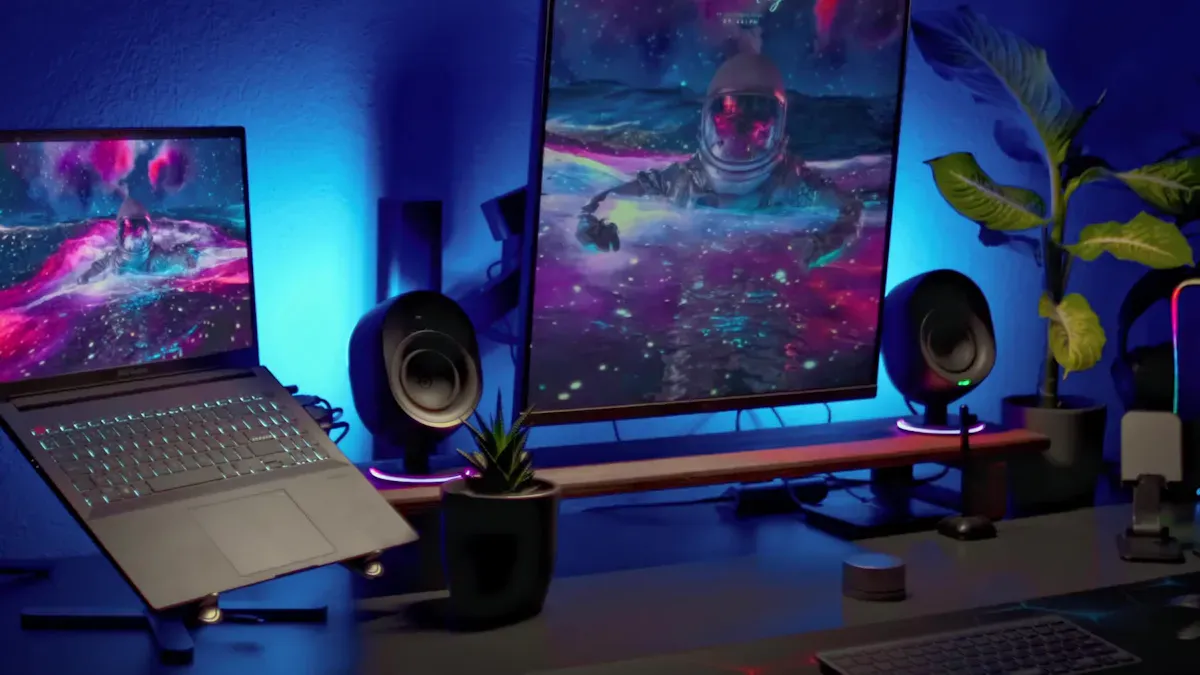
You want a portable monitor, but what’s your main goal? Some people crave better productivity—extra screens can cut task switching and boost workflow. Others need a portable monitor for gaming, which now makes up about 30% of sales. Creative pros love larger displays for editing, while some folks use them for smoother presentations or better movie nights. Matching your needs to the right features is one of the key factors to consider. Keep portability, display quality, connectivity, and budget in mind. Finding your perfect fit really is easier than you think.
Key Takeaways
Identify your primary use for a portable monitor, whether for work, gaming, or creative tasks, to choose the right features.
Look for essential specs like screen size, resolution, and connectivity options to match your needs and devices.
Prioritize portability by selecting lightweight and durable monitors that are easy to carry and set up.
Consider long-term use and compatibility to avoid issues with performance and connectivity over time.
Read reviews and compare options within your budget to find a reliable portable monitor that fits your lifestyle.
Define your portable monitor needs
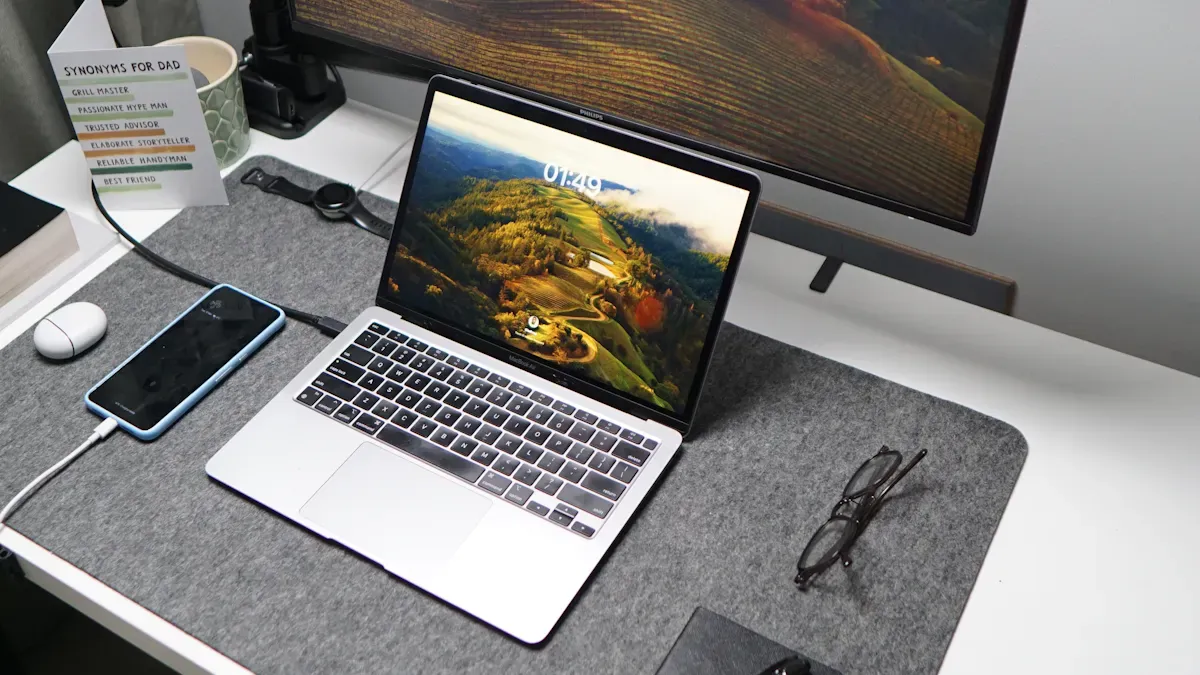
Choosing the right portable monitor starts with knowing how you plan to use it. Each use case comes with its own set of priorities, so let’s break down what matters most for you.
Portable monitor for laptop and work
If you want a portable monitor for laptop productivity, you’ll love the extra screen space. This helps you compare documents, keep chats open, or run presentations with ease. Here’s a quick look at how a portable monitor can boost your workflow:
Feature | Benefit |
|---|---|
Lets you analyze data faster and make fewer mistakes. | |
Streamlined Creation Delivery | Keeps distractions low and helps you multitask smoothly. |
Enhanced Client Interactions | Makes presentations more engaging and keeps eye contact easy. |
Redefined Collaborative Dynamics | Improves teamwork by making meetings more interactive. |
Tip: Look for a sturdy built-in stand, lightweight design, and efficient power draw from your laptop. These features make your setup comfortable and easy to move.
Gaming and entertainment
Gamers and movie lovers need a portable monitor that keeps up with fast action and vibrant visuals. You want smooth gameplay and rich colors, even on the go. Check out these recommended specs:
Specification | Recommendation |
|---|---|
Display Type | |
Size | 15.6 inches for a good balance |
Resolution | Full HD (1920 x 1080 pixels) |
Refresh Rate | 120 Hz for gaming, 60 Hz for movies |
Connectivity | USB-C and HDMI ports |
Extra Features | Built-in stand or protective case |
Short, high-quality cables help keep your gaming area tidy. A portable monitor with these features means you can play or stream anywhere.
Creative and design tasks
Designers and artists need a portable monitor with top-notch color and detail. You want your work to look the same on every screen. Here’s what to look for:
Display Quality | Description |
|---|---|
Color Accuracy & Gamut | Low Delta E (≤2), wide color gamut (Adobe RGB or DCI-P3) |
High Resolution | 4K or higher for sharp images and detailed designs |
Calibration & Consistency | Software calibration for color accuracy over time |
Brightness & Contrast | 300-500 nits brightness, strong contrast for any lighting |
Connectivity & Ergonomics | Multiple inputs and adjustable stands for comfort |
A portable monitor with these specs ensures your creative projects always look their best.
Travel and general use
If you travel often or just want a portable monitor for everyday tasks, focus on portability and compatibility. You need something light, durable, and easy to set up. Here’s what matters:
Lightweight build for easy carrying
Sturdy, adjustable stand for any workspace
Low power consumption to save battery
Touch support for quick navigation
A portable monitor that checks these boxes fits right into your bag and works with your devices, making life on the go much easier.
Portable monitor features
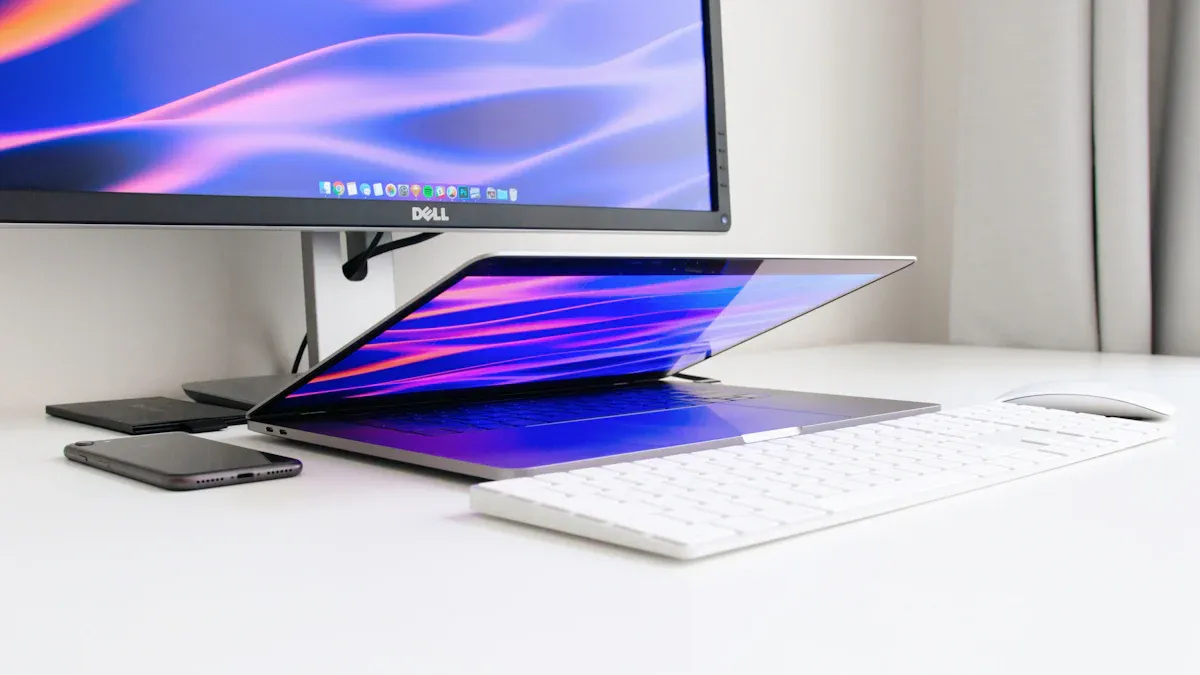
When you start looking for a portable monitor, you’ll notice a lot of specs and features. Let’s break down what matters most so you can match your mobile monitor to your needs.
Screen size and resolution
Screen size affects how much you can see at once. Most portable monitors range from 13 to 17 inches. If you want a compact setup for travel, a smaller screen fits easily in your bag. For multitasking or creative work, a larger portable display gives you more room to spread out.
Resolution plays a big role in display quality. Full HD (1920×1080) is common and works well for most tasks. If you edit photos or videos, 4K resolution offers sharper images and more detail. Higher resolution also improves text clarity, which helps during long work sessions.
Aspect | Portable Monitors | Traditional Monitors |
|---|---|---|
Resolution Options | Full HD (1920×1080) to 4K | Typically higher resolution options |
Image Clarity | High due to resolution density | Superior due to larger screen size |
Usability | Limited screen real estate | More extensive visual detail |
Interaction | Enhanced touch interface | Standard interaction methods |
If you use an iPad, you can connect a portable monitor that supports external display features. This lets you extend your workspace or mirror your screen, making multitasking easier.
Panel type and color accuracy
Panel type affects how your mobile monitor looks and feels. IPS panels offer wide viewing angles and great color reproduction. VA panels give you deeper blacks and better contrast. TN panels cost less and respond faster, but color accuracy and viewing angles are weaker.
Panel Type | Characteristics | Color Accuracy |
|---|---|---|
IPS | Wide viewing angles, good color reproduction | Best for color-sensitive work |
VA | Better contrast, deeper blacks, narrower viewing angles | Moderate |
TN | Cheaper, faster response, weaker color and viewing angles | Least accurate |
If you work with digital art or video, color accuracy matters. Creative professionals often choose portable monitors with wide color gamuts like DCI-P3 or Adobe RGB. These gamuts make colors look more vibrant and lifelike.
sRGB | DCI-P3 | |
|---|---|---|
Visible Spectrum Coverage | ~35% | ~45% |
Target Audience | Web, Office, Social Media | Cinema, Professional Video, HDR |
Vibrancy & Saturation | Natural & Stable | Vivid & Saturated |
DCI-P3 gives you a wider color range than sRGB. You’ll see deeper, more realistic colors.
Digital art and HDR content look more lifelike on a portable display with DCI-P3.
High-end mobile monitors support DCI-P3, which is perfect for video production and graphic design.
Refresh rate and response time
Refresh rate tells you how many times the screen updates per second. If you play games or watch fast-paced videos, a higher refresh rate (like 120 Hz) keeps motion smooth. Response time measures how quickly pixels change color. Lower response times (under 5 ms) reduce blur and ghosting.
For everyday tasks, a standard 60 Hz refresh rate works fine. Gamers and creative users may want more. If you use your portable monitor for multitasking, smooth transitions help keep your workflow efficient.
Connectivity options
Connectivity is key when you pick a portable monitor. USB-C is popular because it carries video, power, and data in one cable. HDMI is common and works with laptops, consoles, and tablets. Some mobile monitors offer mini DisplayPort or micro HDMI for extra flexibility.
Tip: Check your devices before you buy. Make sure your portable monitor supports the ports you need. If you use an iPad or other tablet, look for monitors that support external display features.
You’ll also find portable monitors with wireless connectivity. This lets you connect without cables, which is handy for presentations or travel.
Power and battery life
Some portable monitors draw power from your laptop or tablet. Others have built-in batteries. If you travel or work remotely, battery life matters. A mobile monitor with a long-lasting battery keeps you productive all day.
If you use your portable monitor for gaming or creative work, make sure it can handle high power demands. Efficient power draw helps your devices last longer.
Weight and thickness
Portability depends on weight and thickness. Lightweight mobile monitors are easy to carry and set up anywhere. Thin designs fit in your bag or backpack without taking up much space.
If you move around a lot, look for a portable monitor under 2 pounds and less than half an inch thick. This makes your setup comfortable and hassle-free.
Touchscreen and extras
Touchscreen support adds another layer of interaction. You can tap, swipe, or draw directly on your portable display. This is great for creative work, presentations, or quick navigation.
Some portable monitors offer extras like built-in speakers, swivel stands, or protective cases. These features improve your experience and make your mobile monitor more versatile.
Note: Price range varies based on features. High-end portable monitors offer better display quality, color accuracy, and connectivity options. Budget models focus on basic functionality and portability. Decide which features matter most for your workflow.
When you evaluate portable monitors, think about display quality, portability, and connectivity. Match these features to your needs and budget. You’ll find a mobile monitor that fits your lifestyle and helps you multitask with ease.
Compare and find the best portable monitor
Best portable monitor match for your needs
You want the best portable monitor for your setup, but the right choice depends on how you plan to use it. If you need a portable monitor for gaming, look for high refresh rates and low response times. For work or creative tasks, focus on color accuracy and resolution. If you travel often, choose a lightweight portable monitor with strong battery life. Always check if your devices support external display features, especially if you use tablets or want to connect multiple screens.
Tip: Read reviews from trusted sources before you decide. Real user experiences can reveal how a portable monitor performs in daily life.
Budget and price range
The best portable monitor for you should fit your budget. You can find options from under $150 to over $500. Budget models cover basic needs, while premium monitors offer better display quality and more external ports. Make a shortlist of the best portable monitor choices in your price range, then compare features like screen size, resolution, and battery life.
Brand and warranty
Brand reputation matters when you pick the best portable monitor. Good customer support can save you time and stress if something goes wrong. Some brands offer longer warranties, which means more peace of mind. Many users find that a reliable warranty is just as important as technical specs. Choose a brand known for solid after-sales support and consistent performance.
Brands with strong reputations often provide better service.
Warranty terms can affect how long your portable monitor stays reliable.
User reviews often highlight real-world reliability.
Portable monitor recommendations
Here’s a quick look at the best portable monitor picks for different needs:
Category | Product Name | Link |
|---|---|---|
Best Overall | ASUS ZenScreen OLED MQ16AHE Portable Monitor | |
Best Value | Plugable Portable Monitor | |
Best Budget | MSI Pro MP165 E6 Portable Monitor | |
Best for Gaming | UPERFECT 3K OLED Portable Monitor | |
Best 4K Monitor | INNOCN PU15-Pre C6 Portable Monitor |
You can also check out other top-rated models like the UGame K118 Touch for gamers, Lenovo ThinkVision M14d for business, and Dell C1422H for digital nomads. These best portable monitor options cover a wide range of uses.
If you want an alternative, you can use your iPad as a portable monitor. Apple’s support page explains how to set up your iPad as an external display with Sidecar. This works well for Mac users who want a second screen without buying another device. It’s a smart choice for travel or quick setups.
When you compare the best portable monitor options, look at features, price, and reliability. Make sure your choice supports external connections and fits your workflow. Use these portable monitor recommendations to find your perfect match.
Common mistakes with portable monitors
Compatibility issues
One of the biggest mistakes you can make is ignoring compatibility. Not all portable monitors work seamlessly with your devices. For example, some monitors only support certain ports like USB-C or HDMI, and if your laptop or tablet doesn’t have those, you’re stuck. Plus, USB-C ports often can’t serve as data transfer hubs, limiting their usefulness beyond just display output. If you plan to connect your monitor to multiple devices, double-check the supported connections beforehand. Otherwise, you might end up with a monitor that’s incompatible or requires extra adapters, which can be frustrating.
Overlooking portability
Many people focus on display quality or features and forget about portability. A monitor might look great on paper but be too bulky or heavy to carry around comfortably. Lightweight and slim designs are essential if you want to take your monitor on the go. Keep in mind that some models, despite being portable, can still be fragile. Users often describe portable monitors as the most fragile yet essential gear for travel. A second stand or a sturdy case can improve stability and protect your device during trips. Also, consider peak brightness if you plan to use it outdoors—higher brightness levels help you see better in sunlight.
Ignoring long-term use
Long-term use can reveal hidden issues. Many users find that portable monitors are delicate and prone to damage over time. For instance, built-in speakers tend to lack depth, which affects audio quality during extended use. The same goes for ports; USB-C ports might not support data transfer as expected after months of frequent use. Some users wish for a built-in battery to boost mobility, especially when traveling without easy access to power outlets. Additionally, a portable monitor’s display method can be fragile, and higher peak brightness is often needed for outdoor use. Apple’s support page shows how iPads can serve as secondary displays, but even then, compatibility and durability are key for long-term satisfaction. Investing in a monitor with a sturdy build, reliable connections, and good battery life helps ensure it remains useful over time.
Note: Remember, choosing a portable monitor isn’t just about the initial specs. Think about how it will hold up after months of use, especially if you travel often or rely on it daily. Avoid rushing into a purchase without considering these long-term factors, and you’ll enjoy your portable setup for years to come.
You can find your perfect portable monitor by following these steps:
Pick the right display technology for clear visuals.
Choose a resolution that fits your needs, like QHD or 4K.
Balance size and portability—15.6 inches works well for work on-the-go.
Check for USB-C connectivity for easy setup.
Decide if you need touchscreen features.
Look for a smart cover and stand for protection.
You can even use your iPad as a portable monitor with Sidecar, making your setup more flexible. Compare your options and trust your instincts. Your ideal portable monitor is out there!
FAQ
Can I use my iPad as a portable monitor?
Yes, you can! Apple’s Sidecar feature lets you use your iPad as a second screen for your Mac. Check Apple’s official guide for setup steps. This works well for travel and quick setups.
What’s the best screen size for a portable monitor?
You’ll find most portable monitors between 13 and 17 inches. If you travel often, go smaller. For multitasking or creative work, pick a larger screen. Choose what fits your bag and your workflow.
Do portable monitors work with gaming consoles?
Most portable monitors connect to gaming consoles using HDMI. You can play games on the go if your monitor supports fast refresh rates. Always check compatibility before you buy.
How do I power a portable monitor?
You can power most portable monitors through USB-C or an included adapter. Some models have built-in batteries. If you travel, look for monitors with long battery life or easy charging options.
Are portable monitors fragile?
Portable monitors are lighter and thinner than regular screens. You should use a sturdy case or stand to protect your device. Many users say these monitors need extra care during travel.
See Also
Essential Steps for Selecting Your Ideal Monitor
Guidelines to Discover Your Ideal Gaming Display
Understanding LED and LCD Monitors for Your Purchase