Exploring the Latest Innovations in Portable Monitor Technology
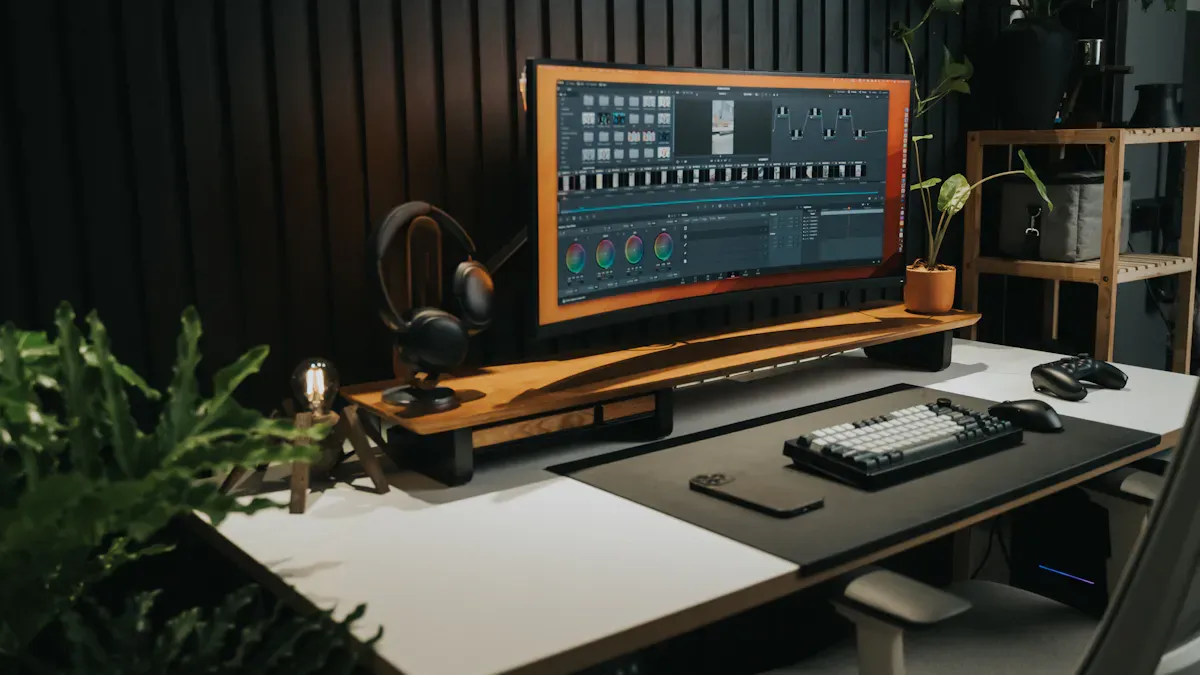
You probably notice how quickly portable monitor technology keeps changing. In 2026, you see features like AI-driven smart adjustments, lightning-fast refresh rates, and designs that let you work, play, or create anywhere. These upgrades make your screen time smoother and more flexible than ever. At CES 2026, thousands of industry pros checked out KTC’s new 32" 4K portable touch monitor and other standout models:
27" 1080P Portable Touch Monitor
25" 1080P Portable Touch Monitor
Check out how the market is booming:
Metric | Value |
|---|---|
US$ 1,542.7 million | |
Global Market Growth Rate (CAGR) | 24.1% (2025 to 2032) |
Historical Market Growth Rate | 21.7% (2019 to 2024) |
Key Takeaways
AI integration in portable monitors enhances user experience by automatically adjusting settings for optimal viewing.
Advanced display technology offers sharper visuals and higher refresh rates, making monitors ideal for gaming and productivity.
Portability features like lightweight designs and USB-C connections simplify setup and usage, perfect for on-the-go lifestyles.
Dual-screen solutions boost productivity by allowing users to multitask efficiently without switching between tabs.
Emerging technologies, such as transparent displays and enhanced audio-visual integration, promise to revolutionize how we use portable monitors.
Portable Monitor Innovations
AI Integration
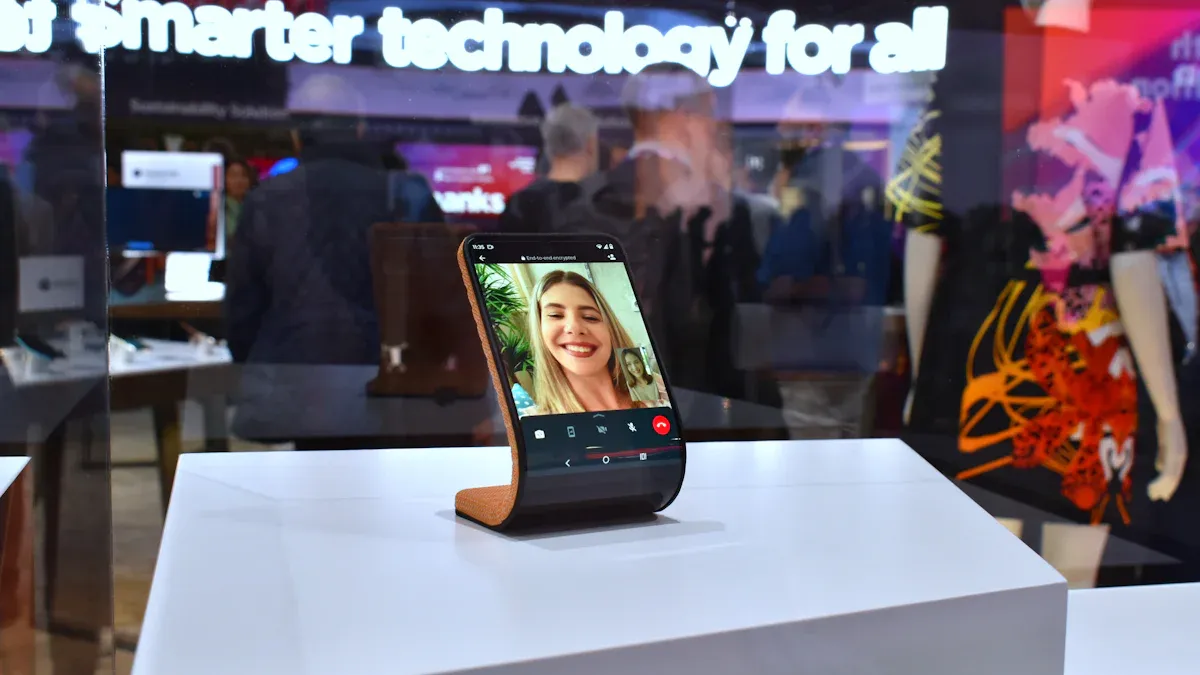
You see AI everywhere now, even in portable monitors. This technology makes your screen smarter and more responsive. AI integration lets your monitor automatically adjust brightness and color based on the lighting around you. You don’t have to fiddle with settings every time you move to a new spot.
AI-driven image enhancement fixes colors and sharpness for you.
Smart monitors learn your preferences and adapt, so you get a personalized experience every time.
These features make your monitor feel intuitive and easy to use.
If you want a monitor that feels like it understands you, AI-powered models are the way to go. You get a more engaging and user-friendly experience, whether you’re working, gaming, or watching videos.
Advanced Display Technology
Display technology has taken a big leap in 2026. You notice sharper visuals, smoother motion, and colors that pop. Many portable monitors now offer high refresh rates and excellent color accuracy. For example, the Nexigo NG17FGQ boasts a blazing 300Hz refresh rate, making it perfect for gaming and fast-paced work. The Arzopa Z1FC stands out for its multifunctional use, letting you switch between work and entertainment with ease.
Here’s a quick look at some advanced display features:
Feature | 2026 Status |
|---|---|
Refresh Rates | |
Color Accuracy | High sRGB coverage, low Delta E |
User Experience | Enhanced motion clarity, reduced fatigue |
You also see monitors with OLED and WUXGA panels, offering deep blacks and vibrant colors. Some models, like the Natural Light Switchable Monitor, replicate natural light and reduce eye fatigue. Dual-screen setups, such as the VG1457, give you more ways to view and organize your work.
Product Name | Technology | Resolution | Features |
|---|---|---|---|
Natural Light Switchable Monitor | Full-spectrum backlight | SGS-certified | Replicates natural light, reduces eye fatigue |
VG1457 | WUXGA | 1920x1200 | Dual 14-inch, five viewing modes |
27-inch Gaming Monitor | OLED 2K QHD | 2560x1440 | Switchable refresh rate |
You get monitors that are not just sharper, but also easier on your eyes. High refresh rates and color accuracy have become standard, making your experience smoother and more enjoyable.
Enhanced Portability
Portability is the heart of portable monitor innovation. You want a device that’s easy to carry, set up, and use anywhere. In 2026, you find monitors that fold, connect with a single USB-C cable, and weigh less than two pounds. Compact tri-screen setups help digital nomads keep multiple apps open at once. Foldable monitors save space and fit easily in your bag. USB-C travel monitors cut down on cables and let you charge your devices on the go.
Check out some models that make portability a breeze:
Model | Size | Weight | Key Features |
|---|---|---|---|
15.6" | Lightweight | Hybrid-signal USB-C connection, sleek design, multitasking | |
Lenovo ThinkVision M14 | 14" | < 2 lbs | Dual USB-C ports, fold-out stand, productivity tasks |
Dell C1422H | 14" | 1.3 lbs | Anti-glare finish, portable design, business use |
LG Gram +View | 16" | N/A | WQXGA display, 16:10 aspect ratio, coding and document writing |
Cocopar 15.6 Inch Monitor | 15.6" | N/A | Built-in speakers, thin edges, work and entertainment |
CEVATON T2 PRO | N/A | N/A | Single USB-C connection, pass-through charging, universal compatibility |
You can grab a portable monitor and head out without worrying about extra weight or complicated setups. These features make your life easier, whether you’re traveling, working remotely, or just moving from room to room.
Tip: If you need a monitor for both work and play, look for models with multifunctional features and lightweight designs. You’ll get the best of both worlds.
Portable Monitor Applications
Gaming and High Refresh Rate Monitors
You love gaming on the go, and portable monitors make it easy. High refresh rates, usually between 120Hz and 144Hz, are now standard. These features help you enjoy smooth motion and clear visuals. Adaptive sync technology keeps your games free from stutter and tearing. Multi-mode monitors let you switch between gaming and work, so you get flexibility. You notice that input latency stays low and response times under five milliseconds reduce motion blur. Portable consoles and mobile gaming keep growing, and slim designs like Arzopa monitors fit right into your travel bag. You get a stylish monitor that works well in hybrid work environments.
Work and Productivity
You want to stay productive wherever you are. Portable monitors help you multitask without the hassle of switching tabs. You can keep your email open on one screen and work on reports or spreadsheets on the other. Meetings feel more organized when you use one monitor for video calls and another for notes. Dual-screen setups make multitasking easier and help you focus. Lightweight and slim monitors are perfect for travel. Clamshell-folding dual monitors protect your screens and keep them at eye level, which helps you avoid neck strain.
Entertainment and Media
You enjoy movies, streaming, and creative work with portable monitors. Low latency and high refresh rates mean you never miss a moment, even when you’re away from your main setup. Gamers love immersive experiences on the go, and creatives use extra screen space for editing graphics. Monitors in 2026 are slimmer, brighter, and more powerful. Streamers can play games on one screen and chat or monitor performance on another. You get a flexible setup that fits your lifestyle.
Education and Accessibility
You see portable monitors making learning more inclusive. Touch-based interfaces let you interact directly with the screen, which helps if you have limited mobility. Customizable options allow you to adjust brightness, contrast, font sizes, and color schemes. Interactive educational software works well with touch screens, making lessons engaging for all students. Teachers can show resources on one monitor and keep students engaged on another. Portable touch screen monitors help students with disabilities join interactive lessons and access resources easily. Flexible setups let teachers adjust technology for different learning styles and physical needs.
Tip: If you want a monitor that fits your needs, look for models with touch interfaces and customizable settings. You’ll find it easier to learn, work, and play.
Best Portable Monitors in 2026
Top Gaming Monitors
You want a monitor that keeps up with your fast-paced games. In 2026, you see gaming monitors that deliver high refresh rates, low response times, and smooth visuals. These features help you stay ahead in every match. You can find models with adaptive sync technology, built-in batteries, and even HDR support for deeper colors. Many gamers love the ASUS ROG Strix XG17 for its 240Hz refresh rate and long battery life. If you prefer a larger screen, the UGame K118 Touch gives you an 18-inch display with 2K resolution and FreeSync support. The Cevaton P4 Portable Monitor stands out for its 1ms response time and wide compatibility, making it easy to connect to your favorite devices.
Here’s a quick look at some of the best gaming monitors in 2026:
Model | Size | Refresh Rate | Response Time | Key Features |
|---|---|---|---|---|
UGame K118 Touch | 18" | 144Hz | N/A | 2K FreeSync, optimized resolution |
ASUS ROG Strix XG17 | 17.3" | 240Hz | 3ms | Adaptive sync tech, long battery life |
Acer Predator X16 | N/A | 144Hz | N/A | G-Sync support, HDR |
Cevaton P4 Portable Monitor | 15.6" | 144Hz | 1ms | Full HD IPS, HDR support, wide compatibility |
ASUS ROG Strix XG16 | 15.6" | 144Hz | N/A | Built-in battery, kickstand compatibility |
Cevaton P5 Portable Dual | 14" x2 | N/A | N/A | Dual 1080P screens, USB-C/HDMI support |
Gamers often say these monitors give them an edge. One user shared, “The XG17’s battery lasts through long tournaments, and the motion stays smooth.” You can trust these models to deliver top performance wherever you play.
Versatile Work Monitors
You need a monitor that adapts to your work style. The best portable monitors for work offer sharp resolution, bright screens, and lightweight designs. You can use them in coffee shops, airports, or your home office. Many professionals choose monitors with touchscreen capabilities and stylus support for creative tasks. If you work in design or programming, you want a 4k display for crisp detail. Power efficiency matters, too, especially when you travel.
Here’s what you should look for when picking a work monitor:
Criteria | Description |
|---|---|
Resolution | The clarity and detail of the display, important for design and programming. |
Brightness | Measured in nits, crucial for visibility in various lighting conditions. |
Weight | Affects portability, especially for mobile work setups. |
Power Requirements | Determines energy efficiency and usability in different environments. |
Touchscreen Capabilities | Enhances interactivity, beneficial for creative tasks. |
Stylus Support | Important for precision tasks, particularly in design work. |
You might hear from users who say, “My portable monitor lets me sketch ideas on the go and review presentations with clients.” If you want flexibility, look for monitors that balance performance and portability. You get a tool that fits your workflow, whether you’re editing photos, writing reports, or managing spreadsheets.
Dual-Screen Solutions
You want to boost your productivity with more screen space. Dual-screen portable monitors give you that edge. You can keep your main task on one screen and reference materials on the other. The CEVATON T2 PRO and ViewSonic VG1457 lead the way in 2026. Both offer dual 14-inch WUXGA displays, but each has unique features. The CEVATON T2 PRO includes pass-through charging and a rigid stand, which helps you set up quickly in any environment. The ViewSonic VG1457 weighs under three pounds and folds for easy travel. It also gives you five viewing modes, so you can switch between Mirror, Extended, Portrait, Landscape, and Share.
Here’s a quick comparison:
Feature | CEVATON T2 PRO | ViewSonic VG1457 |
|---|---|---|
Display Size | Dual 14-inch WUXGA displays | Dual 14-inch WUXGA displays |
Pass-Through Charging | Yes | No |
Integrated Stand | Rigid integrated stand | Foldable design |
Weight | Not specified | Under three pounds |
Viewing Modes | Not specified | Five adaptable viewing modes |
You see dual-screen monitors making a big difference for many jobs. IT professionals manage remote sessions more easily. Developers code on one screen and check documentation on the other. Analysts compare data and results side by side. Video editors preview clips while making changes. Writers keep research open while drafting stories. You get a smoother workflow and less time switching between windows.
Tip: If you want to maximize your multitasking, try a dual-screen solution. You’ll find it easier to stay organized and focused.
Future Trends for Portable Monitors
Market Growth and Projections
You see portable monitors becoming more popular every year. The market keeps expanding as more people want flexible setups for work, gaming, and entertainment. The portable OLED monitor segment is expected to grow at a CAGR of 28.7% from 2025 to 2034. By 2034, the market could reach about USD 5,555.6 million. In North America, you notice a big shift toward remote and hybrid work. People want multi-device solutions for their home offices. Latin America is catching up, driven by mobility and efficiency. The Middle East and Africa are starting to adopt portable monitors as technology and the digital economy grow. Asia-Pacific leads the way, with countries like China, India, Japan, and South Korea pushing rapid adoption. Industrialization and consumer spending fuel this growth.
Emerging Technologies
You get excited about new technology shaping portable monitors. Transparent OLED displays let you multitask across devices, making mobile productivity easier. Enhanced audio-visual integration brings immersive sound with 3D spatial speakers. Flexible display configurations give you free-stop hinges and all-in-one designs for different settings. Check out some of the coolest features coming your way:
Technology Type | Description |
|---|---|
Transparent OLED Displays | Seamless multitasking across devices, boosting mobile productivity |
Enhanced Audio-visual Integration | 3D spatial speakers for immersive sound and visual clarity |
Flexible Display Configurations | Customizable experiences with free-stop hinges and all-in-one designs |
AI and advanced display technologies will change how you use monitors. You can connect multiple devices seamlessly. Real-time visual solutions adapt to your needs. Personalized display settings improve comfort and well-being. SQD-Mini LED technology offers a wide color gamut, higher brightness, and an ultra-slim form factor. Monitors auto-connect wirelessly, interact in natural language, and personalize your experience based on your profile.
User Impact and Opportunities
You benefit from these innovations in many ways. Improved productivity means you spend less time switching tasks and more time getting things done. Creators preview their work on larger screens, boosting quality. Portability lets you use monitors for work, gaming, or entertainment wherever you go. Manufacturers see a growing demand for high-tech monitors with advanced features. You face some challenges, though. High costs and compatibility issues can make it tough to choose the right monitor. Manufacturers are working on affordable models with universal compatibility and integrated features like touch functionality.
Tip: If you want the best experience, look for monitors with a 4k display and advanced technology. You’ll enjoy better visuals and more flexibility.
You see portable monitors changing fast. New tech gives you better mobility and sharper displays. AI and IoT make your screens smarter and more useful. You notice more foldable and ultra-thin designs every year. Battery life keeps getting better. Eco-friendly materials show up in more models.
You get more from remote work and gaming.
Manufacturers push for better features and greener options.
Stay curious about new trends. These changes might shape your next tech upgrade! 🚀
FAQ
What devices can I connect to a portable monitor?
You can connect laptops, tablets, smartphones, gaming consoles, and even cameras. Most portable monitors use USB-C or HDMI ports. Some models support wireless connections for extra convenience.
Do portable monitors need a separate power source?
Many portable monitors draw power directly from your device through USB-C. Some have built-in batteries for true portability. If you want longer use, look for models with their own battery.
Can I use a portable monitor for gaming?
Absolutely! You get high refresh rates, low input lag, and adaptive sync on many models. These features make portable monitors great for gaming at home or on the go.
Are portable monitors good for eye comfort?
Many new monitors include blue light filters, flicker-free screens, and natural light modes. These features help reduce eye strain during long sessions.
How do I choose the right portable monitor?
Think about your main use: work, gaming, or entertainment.
Check size, weight, and connectivity.
Look for features like touch support or dual screens if you need them.
See Also
Discovering BOE's Cutting-Edge Display Tech Innovations for 2025
Best 10 Curved OLED Monitors for Creative Experts
2025 LCD Screens: Innovations Enhancing Clarity and Efficiency
Key Innovations in Digital Museum Screens to Watch for 2025
Essential Eye-Friendly Display Technologies to Explore in 2025