Essential Tips for Using Portable Monitors Outdoors in 2026
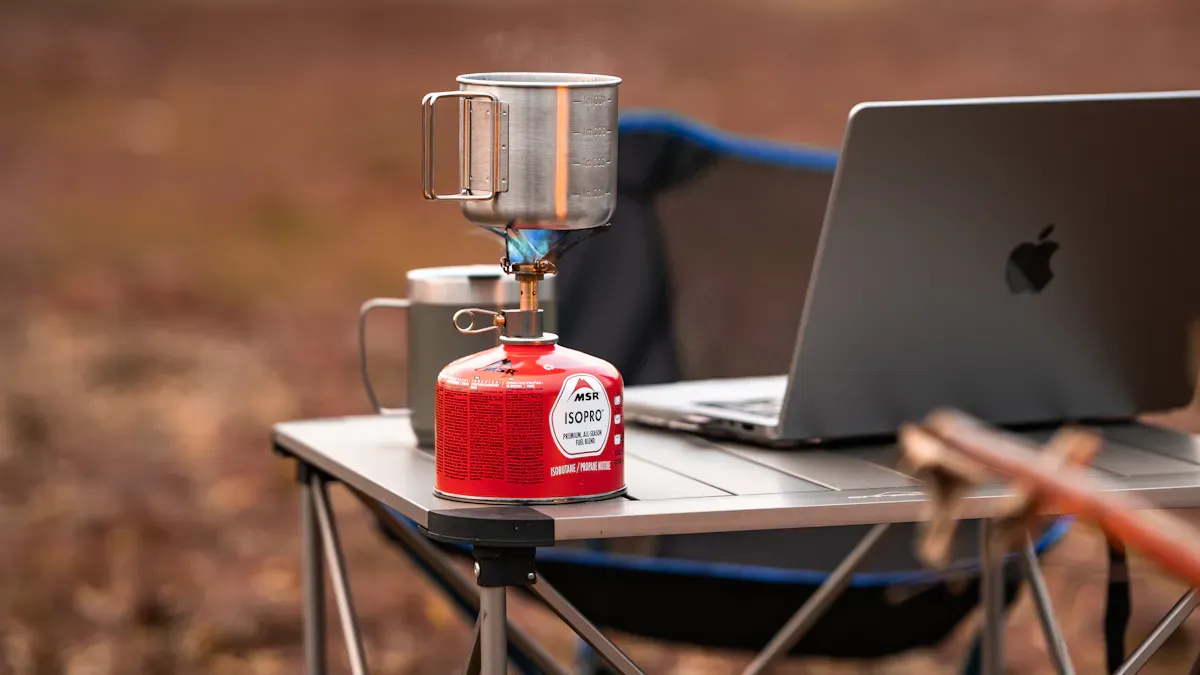
You love taking your portable monitor outdoors, but glare and battery drain can ruin your work. Picture yourself camping or on a road trip, trying to stream movies as a replacement for in-flight entertainment. Picking the right gear and protecting your screen makes outdoor setups easy.
Key Takeaways
Choose a sunlight-readable monitor with at least 500 nits brightness for clear visibility outdoors.
Look for monitors with anti-glare coatings to reduce reflections and improve screen clarity in bright conditions.
Ensure your portable monitor has a durable design with an IP rating to withstand outdoor elements like dust and water.
Why Portable Monitors Outdoors Matter
Outdoor Challenges for Portable Monitors
You probably know that using a portable monitor outside can feel tricky. Sunlight, dust, and unpredictable weather can make your screen hard to see and even damage your device. If you try to use a standard monitor in bright light, you might struggle to read anything on the screen. Sunlight-readable monitors solve this problem by boosting brightness and using optical bonding technology. This helps you see your display clearly, even when the sun is shining directly on it.
Here’s a quick comparison to show how sunlight and weather affect monitor performance:
Feature | Standard Monitors | Sunlight-Readable Monitors |
|---|---|---|
Brightness (nits) | 200-400 | 1000-3000+ |
Visibility in Bright Light | Poor | Excellent |
Optical Bonding | No | Yes |
Automatic Brightness Control | No | Yes |
Sunlight-readable monitors are built for outdoor application. They handle ambient light levels up to 100,000 lux. You also get robust construction, so your device can survive bumps, drops, and sudden weather changes. If you want to keep your portable monitor safe and visible, you need to look for these features.
Tip: Always check if your monitor has optical bonding and automatic brightness control. These features make outdoor application much easier.
Common Field and Travel Scenarios
You might use portable monitors in all kinds of places. Maybe you’re working on a project at a construction site, or you’re setting up a mobile office in a park. You could be traveling for business, giving a presentation in a coffee shop, or just relaxing at a campsite. Portable monitors help you stay productive and comfortable wherever you go.
Let’s look at the main reasons people use portable monitors outdoors in 2026:
Productivity: You can manage multiple tasks without switching back and forth, which reduces mental fatigue.
Mobility: Lightweight and compact designs let you set up ergonomic workspaces anywhere, from airplanes to cafes.
Professional Presentations: You can show your content in informal settings and still look professional.
If you need a reliable screen for outdoor application, a portable monitor gives you flexibility and convenience. You can keep your work going, share ideas with others, and enjoy entertainment on the move.
Choosing the Right Portable Monitor
Brightness and Sunlight Readability
When you use a portable monitor outdoors, screen brightness becomes your best friend. You want to see your work clearly, even when the sun is out. A display brightness of at least 500 nits is recommended for outdoor display requirements. If your monitor only reaches 400 nits, it may look dim in direct sunlight. You need higher brightness to make your content stand out against glare and reflections. This helps you avoid the annoying "mirror effect" that happens when you see more of yourself than your screen.
Tip: For high brightness environments, always check the brightness levels in the specs before buying. A portable monitor with higher brightness will give you better sunlight readability and less eye strain.
Screen Type and Anti-Glare
Glare can ruin your outdoor experience. Standard LCDs work well indoors but struggle outside because of glare and strong light. That’s where anti-glare coatings come in. These coatings scatter light, making reflections less noticeable. You get a clearer view, even in moderate sunlight. For even better performance, some monitors use anti-reflection coatings. These minimize reflections and boost contrast, which is perfect for bright outdoor settings.
Here’s a quick look at anti-glare coating options:
Coating Type | Best For | Pros | Cons |
|---|---|---|---|
Anti-Glare (AG) | Moderate outdoor use | Reduces glare, cost-effective | May soften images |
Anti-Reflection (AR) | High brightness environments | Maintains clarity, boosts contrast | Higher cost |
Transflective/Reflective | Direct sunlight | Sunlight readability, low power use | Limited color accuracy |
If you want a high-resolution portable monitor, anti-reflection coatings are a smart choice. They keep images sharp and colors true. Anti-glare coatings work well for most outdoor uses, but you might notice a slight drop in color saturation. When choosing the right portable monitor, think about how much glare you’ll face and pick the screen type that matches your needs.
Portability and Size
You want a portable monitor that fits your lifestyle. Design for portability means you can slip your monitor into a backpack or carry-on without hassle. Look for slim profiles and lightweight builds. A 13- to 15-inch screen size hits the sweet spot for most people. It gives you enough space to work but stays easy to carry. If you travel often, design for portability should be at the top of your list.
Note: Bigger screens offer more workspace, but they add weight. Balance your need for screen real estate with how much you want to carry.
Battery Life and Power Needs
Screen brightness has a direct impact on battery life. When you crank up the brightness for sunlight readability, your portable monitor will use more power. You need to plan for this if you’ll be away from outlets. Some monitors come with built-in batteries, while others draw power from your laptop or a power bank. Always check the battery specs and consider how long you’ll need your monitor to last.
Lower brightness saves power but may hurt visibility.
Higher brightness drains the battery faster but improves outdoor use.
Carry a portable power bank for longer sessions.
If you want to keep working outdoors, make sure your portable monitor matches your power needs.
Durability for Outdoor Use
Outdoor adventures can get messy. Dust, rain, and bumps are common. You need a portable monitor that can handle it all. Look for durability features like IP ratings. An IP54 rating means your monitor resists dust and can handle splashes from any direction. If you want even more protection, an IP67 rating keeps out all dust and lets your monitor survive a dunk in water for up to 30 minutes.
IP54: Dust-resistant, splash-proof
IP67: Dust-tight, water-resistant up to 1 meter
When choosing the right portable monitor, durability matters as much as portability. You want a device that lasts, no matter where you take it.
Tip: Always check for rugged design features like reinforced corners and tough casings. These add extra protection without sacrificing portability.
Balancing Portability and Durability
It’s easy to focus on one feature and forget the other. You want a portable monitor that’s light and slim, but you also need it to survive outdoor use. Try to find a balance. Look for models that use lightweight materials but still offer rugged design. Some monitors use magnesium alloy or reinforced plastic to keep weight down and strength up.
Choose a size that fits your bag and your workflow.
Pick a model with an anti-glare coating for outdoor use.
Make sure the monitor has at least an IP54 rating for durability.
When you balance portability and durability, you get a portable monitor that’s ready for any adventure.
Optimizing Visibility Outdoors
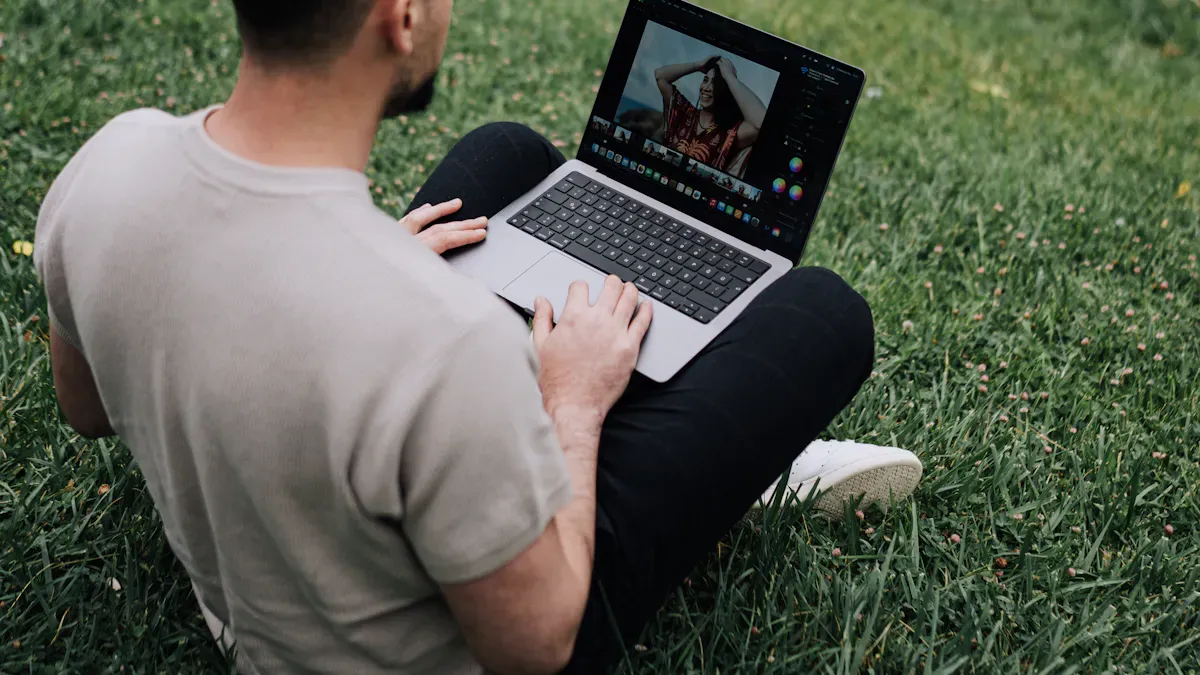
Adjusting Brightness and Contrast
When you use your portable monitor outside, you need to make sure the screen stays clear and easy to read. Start by turning up the brightness. A monitor with at least 1,000 nits works best for outdoor use. If your screen looks washed out, try increasing the contrast ratio. A high contrast ratio, like 1000:1 or higher, helps text and images stand out against bright backgrounds. This keeps your eyes comfortable and prevents strain. If you notice the display still looks dull, check if sunlight is hitting the screen directly. High ambient light can lower the contrast, making it tough to see details.
Tip: Adjust both brightness and contrast until you find the sweet spot for your eyes. You want everything to look sharp, not faded.
Using Anti-Glare and Screen Protectors
Glare can make your monitor almost impossible to use outdoors. You can fight glare by adding an anti-glare coating or a special screen protector. Matte screen protectors, made from PET or tempered glass, cut down on reflections but sometimes create a slight white fog effect. If you want something clearer, try a Fresh Coat screen protector. It reduces glare by about 75% without making the screen look hazy. Anti-glare coatings also help by scattering light, so you see less of your own reflection and more of your work.
Anti-glare coating: Reduces mirror-like glare.
Matte screen protectors: Lower glare but may add a foggy look.
Fresh Coat: Cuts glare sharply with no haze.
Positioning to Reduce Glare
You can avoid most glare just by changing where you set up your monitor. Place your screen at eye level or a bit higher. Try to keep it out of direct sunlight. If you can, use an awning, umbrella, or even a tree for shade. Look around for buildings or plants that block sunlight and help reduce glare. Sometimes, just turning your monitor a few degrees makes a big difference.
Positioning Tip | Benefit |
|---|---|
Eye-level placement | Reduces reflections |
Use shade or awnings | Blocks direct sunlight |
Adjust angle | Minimizes glare from the sun |
Remember: Small changes in position can make your screen much easier to see and help you avoid annoying glare.
Power Management for Portable Monitors
Battery-Saving Tips
You want your portable monitor to last as long as possible when you’re outdoors. Simple changes can make a big difference for battery life. Try these steps:
Set your laptop’s charge limit to 70–80%. This reduces stress on the battery and helps it last longer.
Turn off Bluetooth if you’re not using it. Idle Bluetooth uses very little power, but every bit helps.
Use USB-C PD 3.1 EPR chargers. These match your power bank’s output and cut down on wasted energy.
Pick solar panels with high efficiency. They capture more sunlight and charge your devices faster.
Set your devices to suspend peripherals before the display goes to sleep. This cuts down on standby drain.
Tip: Small tweaks to your setup can stretch your battery life and keep you working longer.
Portable Power Banks and Solar Chargers
You need reliable power when you’re away from outlets. Look for power banks that use Lithium Iron Phosphate (LiFePO₄) batteries. These last longer and handle heat better than other types. Make sure your power bank supports USB-C PD 3.1 EPR for fast charging. The EcoFlow RAPID Pro X Power Bank is a great choice. It has a 27,650mAh capacity and a 300W output, so you can run your monitor and laptop at the same time. For longer trips, pair your power bank with a high-efficiency solar charger.
LiFePO₄ batteries: Safe and long-lasting
USB-C PD 3.1 EPR: Fast, reliable charging
Solar panels: Great for extended outdoor use
Managing Power for High Brightness
High brightness modes help you see your screen in sunlight, but they use more power. Here’s how brightness affects battery life:
Brightness Level | |
|---|---|
Standard | 1x |
High Brightness | 2-3x |
Doubling Brightness | 2.5-3x |
To manage power, use automatic brightness control. This feature adjusts your screen based on the light around you and can save 30–50% of your battery life. You can also set up time-based schedules or use intelligent sleep modes to cut power use when you’re not working. These tricks help you get the most out of your portable monitor, even in high brightness modes.
Cleaning and Protecting Your Portable Monitor
Cleaning Tips for Outdoor Use
Keeping your portable monitor clean helps you see the screen clearly and reduces glare. Dust, fingerprints, and even sand can build up fast when you’re outside. Here’s how you can keep your monitor spotless:
Use a dry microfiber cloth for daily or weekly cleaning. This removes dust and light fingerprints without scratching the screen.
For stubborn smudges, grab a slightly dampened microfiber cloth with distilled water or a screen-safe solution.
Try pre-moistened wipes made for electronics if you want something quick and easy.
Wash or replace your microfiber cloths often. Dirty cloths can leave streaks or even scratch the surface.
Never spray cleaner directly on the screen. Spray it on the cloth first and use gentle pressure.
Avoid harsh chemicals and strong solvents. They can damage coatings that help reduce glare and protect your display.
Weatherproofing and Cases
Outdoor use means you need to protect your monitor from rain, dust, and temperature swings. The right case makes a big difference. Check out this quick guide:
Type of Case | Protection Level | Ideal Use Cases |
|---|---|---|
Superior impact protection, consistent seal | Kayaking, construction, travel | |
Soft Waterproof Pouch | Easier daily use, less impact protection | Beach days, pool parties, rainy commutes |
Look for cases with silicone or rubber seals. These create a tight barrier against water and dust. Some premium cases use dual materials for extra shock absorption. Remember, even with an IP68 rating, tiny dust particles can sneak into ports and cause problems. Keep ports covered when not in use.
Maintenance for Longevity
A little routine care keeps your portable monitor working longer and helps prevent glare from dirt buildup. Try these habits:
Wipe your screen daily with a dry microfiber cloth.
Schedule a deeper clean every week, paying attention to corners and ports.
Watch out for extreme temperatures and humidity. Store your monitor in a cool, dry place when you’re not using it.
Use the right tools for tight spots and check for any loose connections after cleaning.
Good habits now mean fewer problems later. Your monitor will stay clear, bright, and ready for any outdoor adventure.
Portability and Travel Use Cases
Portable Monitors Good for Travel
You want a monitor that fits your travel routine. Portable monitors good for travel offer slim designs and ultralight frames. You can slip them into your backpack or laptop sleeve without adding bulk. USB-C connectivity makes setup easy, and durability keeps your device safe from bumps. Here’s a quick look at some top models in 2026:
Monitor Model | Key Features |
|---|---|
Monduo Pro Duo | Ultra-light 1.9 kg, tri-screen workstation, 2560 x 1600 resolution, 144Hz |
ASUS ZenScreen Go | Extremely lightweight, ideal for students and basic setups |
LG Ultra Slim TravelView | Ultra-slim frame, high visual fidelity, sleek design |
AOC TravelLite | Compact, budget-friendly, USB-C connectivity |
You get portability, high-quality displays, and improved durability. These monitors are essential travel accessories for anyone who values on-the-go performance.
Productivity Setups on the Go
You can set up portable monitor setups anywhere. Extra screen space lets you multitask and reduces eye strain. You don’t need to switch tabs as often, so you save time and energy. Modern portable monitors use only 15-25 watts, which helps you work from anywhere without draining your battery. You can create outdoor workstations in cafes, parks, or even airports. Maximizing productivity becomes easy when you have optimal for productivity tools.
Tip: Try pairing your monitor with a compact stand for stable portable monitor setups wherever you go.
Group Use and Presentations
Portable monitor setups help you share ideas with others. You can use them for group projects, presentations, or watching movies with friends. On-the-go performance means you don’t need a fixed office. An external monitor improve productivity for teams, making collaboration smoother. You can work together, brainstorm, and present your work in any location.
Quick Comparison and Checklist
Feature Comparison Table
You want to pick the best portable monitor for outdoor adventures. Let’s break down the features that matter most. This table helps you compare key specs side by side:
Feature | Why It Matters | What to Look For |
|---|---|---|
Survives bumps and drops | Aluminum or metal chassis | |
Weight | Easy to carry on the go | Lightweight, balanced with sturdiness |
Screen Quality | Clear view in sunlight | High brightness, anti-glare coating |
Connectivity | Works with many devices | USB-C, HDMI, wireless options |
Tip: You don’t have to sacrifice durability for portability. Look for a sturdy build that stays light enough for travel.
Outdoor Use Checklist
Ready to head outside? Here’s a handy checklist to make sure you don’t forget anything:
Choose a portable monitor with a protective sleeve or case.
Optimize for portability. Smaller screens are easier to carry.
Use a case that doubles as a mouse pad for extra convenience.
Consider using an iPad as a secondary monitor if you want more versatility.
Pack a folding laptop stand and a separate keyboard for comfort.
Make sure all devices connect with USB-C. This keeps your setup simple.
Check your monitor’s screen quality before you leave. Brightness and anti-glare matter.
Keep your cables organized. Tangles waste time.
Remember: A little planning goes a long way. You’ll enjoy your outdoor workspace more when you have the right gear.
You want the best outdoor experience with your portable monitor. Focus on battery life, display quality, and versatile connectivity. Check this quick table before you head out:
Feature | Recommendation |
|---|---|
Battery Life | 4-6 hours for optimal outdoor use |
Display Quality | Full HD IPS or OLED panels preferred |
Connectivity | USB-C and HDMI for versatility |
Apply these tips and share how you make your outdoor work shine!
FAQ
Can I use a portable monitor in direct sunlight?
You can use it, but you will see better results with high brightness and anti-glare features. Try to find some shade for the best view.
How do I keep my portable monitor safe outdoors?
Use a weatherproof case and keep the ports covered. Clean your screen often. Avoid leaving your monitor in extreme heat or cold.
What is the best way to power my portable monitor outside?
A power bank with USB-C works well. Solar chargers help on long trips. Always check your battery level before you head out.
See Also
Seven Essential Tips for Choosing an 8K Monitor
Three Affordable Gaming Monitors You Should Consider
Guidelines for Selecting the Ideal Gaming Display