Portable Monitor Tips for Better Gaming and Study
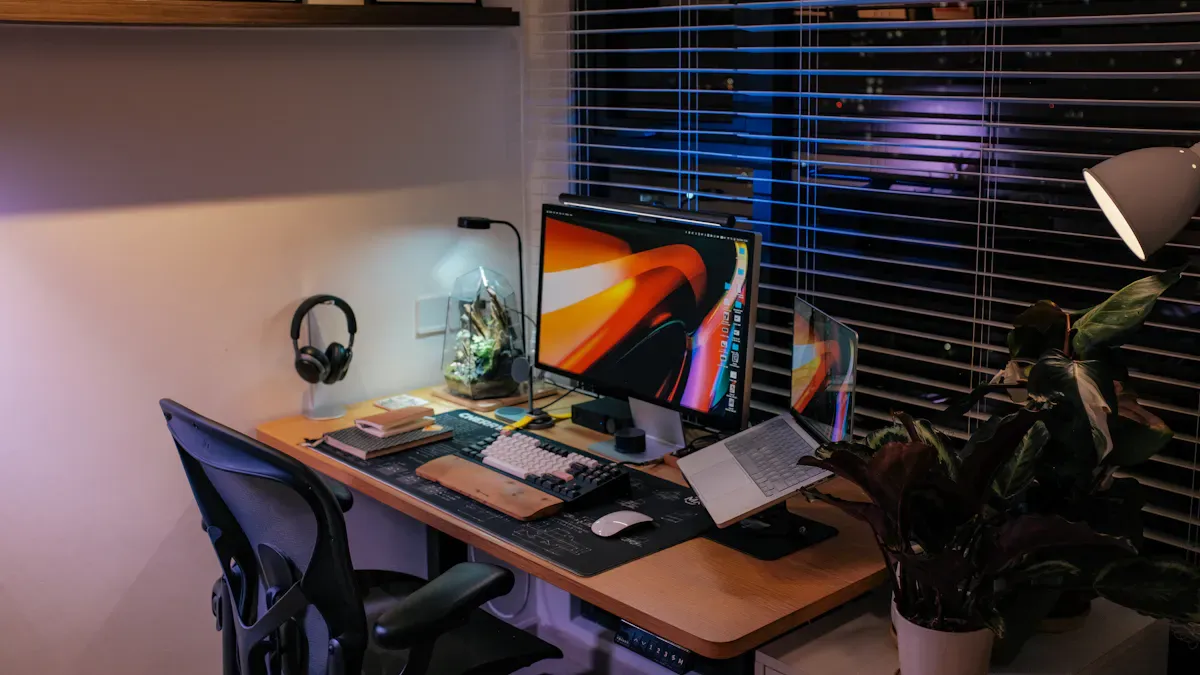
Choosing the right portable monitor matters when you want better results for gaming or study. You gain more than just a bigger screen. A portable monitor can turn your console into a cinematic display, boost productivity, and help you share experiences. Focus on display quality, refresh rate, connectivity, and price.
Key Takeaways
Choose a portable monitor with high resolution for sharp images. Full HD is great for everyday tasks, while 4K is ideal for creative work.
Select the right screen size based on your needs. A 13-inch monitor is portable, while a 17-inch monitor offers more workspace for multitasking.
Look for a monitor with both USB-C and HDMI ports. This ensures compatibility with various devices and enhances your setup flexibility.
Display Quality for Portable Monitors
When you choose a portable monitor, screen quality matters more than you might think. A high-quality portable display can transform your experience, whether you use it for gaming, study, or creative work. You need to focus on three main factors: resolution, screen size, and panel type. Each one plays a unique role in how you see and use your monitor.
Resolution
Resolution determines how sharp and clear your images and text appear. If you want to boost productivity or enjoy detailed visuals, you should pay close attention to this feature. Most portable monitors offer Full HD (1920x1080), which provides a clear image for everyday tasks. Some advanced models deliver 4K (3840x2160), which brings exceptional detail. This level of clarity benefits video editors, photographers, and anyone who values crisp visuals.
Tip: Higher resolution means you can fit more content on your screen without losing clarity. This helps you multitask and reduces eye strain during long study sessions.
You can compare pixel density and application suitability in the table below:
Pixel Density (PPI) | Quality Level | Application Suitability |
|---|---|---|
>150 PPI | Acceptable | Professional tasks |
>200 PPI | Print-quality | Detailed work |
If you want the best portable monitors for both gaming and study, aim for a model with at least Full HD resolution. For creative work, a 4K portable monitor will give you the edge.
Screen Size
Portable monitors usually range from 13 to 17 inches. The right size depends on how you plan to use your device. A 13-inch monitor offers maximum portability and fits easily in most backpacks. A 15.6-inch model strikes a balance between portability and workspace. If you need more room for multitasking or want a cinematic feel for gaming, a 17-inch monitor gives you extra space.
Smaller screens are lighter and easier to carry.
Larger screens improve visual comfort and make it easier to work with multiple windows.
Medium sizes offer a compromise between portability and productivity.
You should consider your main portable monitor uses before choosing a size. If you travel often, a compact model works best. If you need to view spreadsheets or edit documents, a larger screen will help you stay organized.
Panel Type
Panel type affects color accuracy, contrast, and viewing angles. The two most common types are IPS and TN panels. IPS panels stand out for their accurate colors and wide viewing angles. You can see strong colors even from the side, which is great for group work or sharing content. TN panels, on the other hand, struggle with color accuracy and have narrow viewing angles. Colors can shift or fade if you do not look straight at the screen.
Here is a quick comparison:
Feature | IPS Panels | TN Panels |
|---|---|---|
Color Accuracy | More accurate colors, supports 16.7 million colors | Struggles with color accuracy, supports only 262,144 colors |
Viewing Angles | Wide viewing angles, colors remain strong from side positions | Narrow viewing angles, colors change quickly when viewed off-center |
IPS panels are ideal for designers, photographers, and anyone who values color quality.
TN panels may cost less but often show color banding and lose contrast at angles.
For the best portable monitor experience, IPS panels deliver superior performance.
When you select a portable monitor, remember that screen quality matters. High resolution, the right screen size, and a good panel type will help you get the most out of your device. You will see the difference in both productivity and entertainment.
Refresh Rate and Gaming Performance
Smooth Gameplay
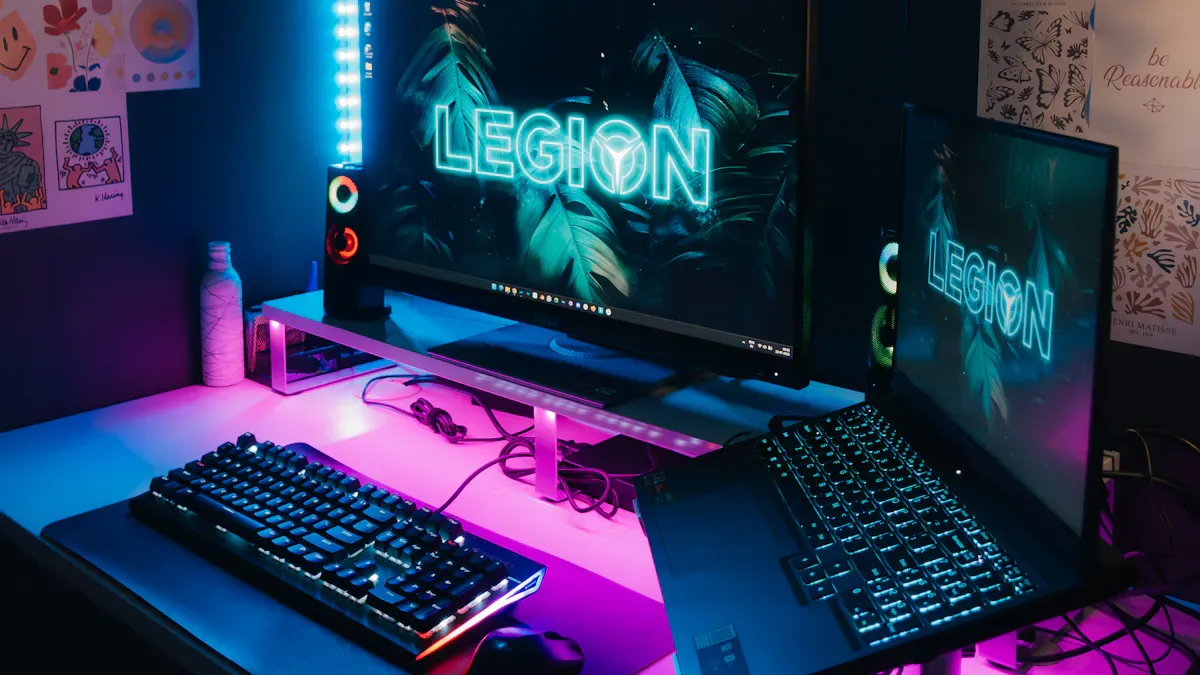
Refresh rate plays a critical role in gaming performance on a portable monitor. You want your games to look smooth and feel responsive, especially during fast-paced action. Most gamers recommend a minimum refresh rate of 144Hz for smooth gameplay. Competitive players often seek monitors with 240Hz or higher, which can give you an edge in reaction time. When you use a portable monitor for on-the-go gaming, you notice the difference immediately. Higher refresh rates reduce motion blur and make every movement crisp.
Technologies like G-Sync and FreeSync help synchronize your monitor with your graphics card. However, some users report uneven frame pacing when switching between high and low refresh rates, which can affect gameplay quality.
If your game runs below the monitor’s refresh rate, you may perceive lag. For example, a user found that games running under 120fps felt laggy on a 240Hz monitor, while a 144Hz monitor delivered smoother performance at lower frame rates.
You can lower the refresh rate to 60Hz for games that do not handle high refresh rates well.
Tip: Choose the best portable monitors with refresh rates that match your gaming style and hardware. This ensures optimal performance and quality.
Study Task Impact
Refresh rate also influences productivity and study tasks. When you scroll through documents or switch between windows, a higher refresh rate makes transitions smoother. You experience less eye strain and fatigue during long study sessions. If you use a portable monitor for multitasking, a refresh rate of 60Hz is usually sufficient. For the best overall portable monitor, balance refresh rate with resolution and panel quality. If you need a best dual screen portable monitor or a best budget portable monitor, check refresh rate specifications to match your portable monitor uses.
Connectivity Options for Best Portable Monitors
USB-C and HDMI Ports
You need reliable connectivity to get the most out of your portable monitor. USB-C and HDMI ports are the most common options. USB-C supports high-resolution video and audio. It often provides both power and video transmission through a single cable. This makes it easy to connect a portable monitor to your laptop or smartphone. HDMI is widely compatible with many devices. You can use it with laptops, gaming consoles, and tablets. HDMI usually requires a separate power source, but it offers strong performance for multimedia and gaming.
USB-C: Delivers power, video, and audio with one cable.
HDMI: Works with many devices, but needs extra power.
DisplayPort: Found on higher-end monitors, supports higher refresh rates and resolutions.
Tip: Choose a portable monitor with both USB-C and HDMI ports. You gain flexibility and can connect to almost any device.
Device Compatibility
Device compatibility matters when you select the best portable monitors. You want to connect a portable monitor to different devices without hassle. Many monitors feature two USB-C ports for two-way charging, a micro HDMI port, and a headphone jack. Some models include USB-C and mini-HDMI for seamless connection to various multimedia devices.
Connectivity Option | Benefits |
|---|---|
USB-C | One-cable solution for power, data, and video signals. Works with laptops and smartphones. |
HDMI | Widely used for laptops and gaming consoles. Enhances compatibility. |
DisplayPort | Offers high-resolution support. Useful for professional setups. |
You improve productivity and quality by choosing a monitor with multiple ports. You expand your portable monitor uses and avoid compatibility issues. Always check the port options before you buy.
Portability and Build
Lightweight Design
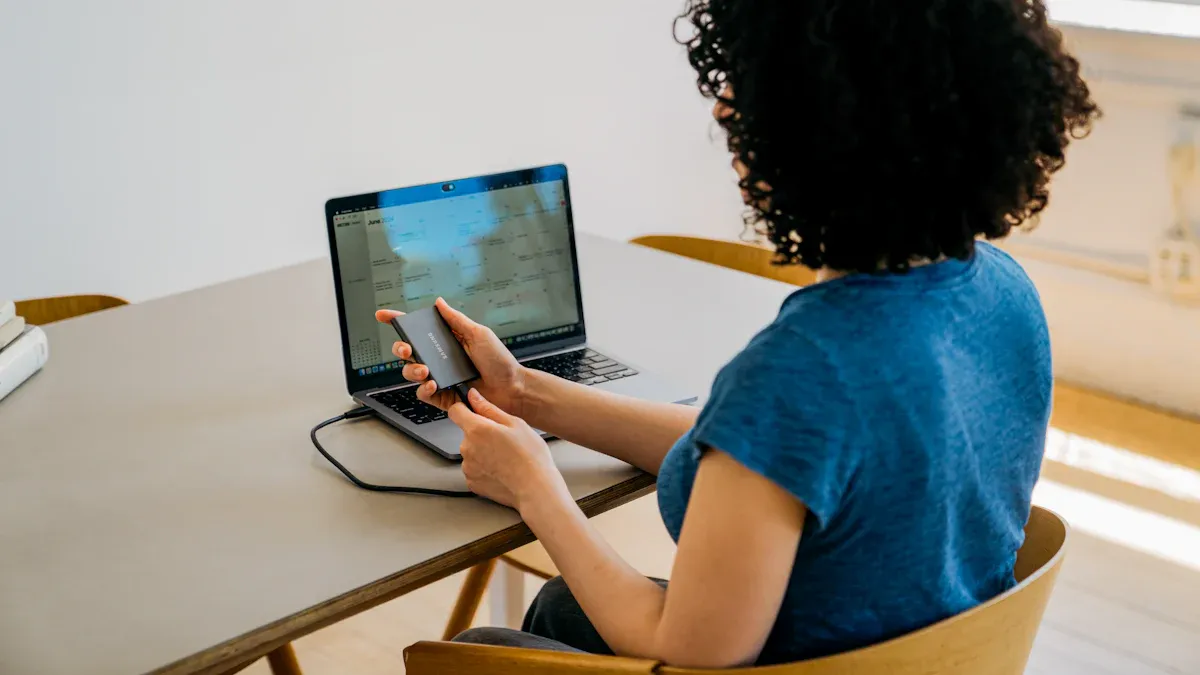
You need a portable monitor that fits your lifestyle, especially if you travel often for study or work. Portability becomes essential for frequent flyers and commuters. Every gram matters when you pack your bag. A lightweight chassis can determine if you bring your monitor along or leave it behind.
You move more easily with a lighter monitor in your backpack.
You reduce physical strain during travel.
You set up your workspace quickly in any environment.
Benefit | Description |
|---|---|
Easier Mobility | You can carry a lightweight monitor in your laptop bag, improving transport. |
Reduced Strain | A lighter design means less shoulder or back pain during commutes. |
Quick Setup | You deploy a lightweight monitor fast, boosting productivity anywhere. |
Travelers often choose monitors that are slim enough to fit beside a laptop. An ultra-slim profile encourages you to use your portable monitor for productivity every day.
Durability
You want your monitor to last, even with daily use. Manufacturers use advanced materials to improve durability. Anti-scratch coatings increase hardness and protect against damage. Reinforced bezels add impact resistance and shield your monitor from stress.
Material Type | Benefit Description |
|---|---|
Anti-scratch coatings | Protect your monitor from scratches and keep the display clear for longer. |
Reinforced bezels | Absorb shocks and prevent cracks, ensuring your monitor survives frequent travel. |
A durable portable monitor gives you confidence in both study and gaming environments.
Adjustable Stand
Comfort matters during long sessions. The best portable monitors feature adjustable stands. You can change the height and angle to match your posture. This flexibility reduces neck and eye strain. You maintain focus and achieve improved productivity, whether you use your monitor for gaming, study, or work. Adjustable stands also support different portable monitor uses, from dual screen setups to presentations.
Tip: Look for a monitor with a sturdy, adjustable stand if you want the best overall portable monitor experience.
A reliable stand transforms a best budget portable monitor or a best dual screen portable monitor into a tool for performance and quality.
Power and Battery Life
Power Sources
You need to understand how your portable monitor gets its power. The source of power affects how you use your monitor every day. Most portable monitors rely on either USB bus power or an extended battery. Each option has its own impact on usability and performance.
Power Source | Usability Impact |
|---|---|
USB Bus Power | Enables portability and ease of use, but may limit brightness and performance. |
Extended Battery | Allows for mobile use without constant power supply, but can affect display quality. |
If you want the best portable monitors for travel or remote work, look for models that support both power options. You can connect your monitor to a laptop or power bank using USB-C. This setup keeps your workspace flexible and supports your productivity goals. Extended batteries give you more freedom, but you may notice changes in display quality or brightness when running on battery alone.
Battery Convenience
Battery life plays a big role in how convenient your portable monitor is for gaming or study. You want a monitor that lasts long enough to support your sessions without frequent charging.
Battery life is essential for portability and convenience, especially for students and gamers.
Extended battery operation allows use in various locations without power access.
Monitors that last 2-3 hours on battery provide flexibility for gaming and studying in different environments.
A portable monitor with strong battery life lets you work or play anywhere. You can set up in a library, coffee shop, or classroom without searching for an outlet. This flexibility boosts your productivity and helps you get the most out of your monitor. Always check battery specs to ensure the monitor matches your performance needs.
Price and Value
Balancing Features and Budget
You want to maximize your investment when choosing a portable monitor. The price range for portable monitors varies based on features and screen size. You can review the typical prices and features in the table below:
Monitor Type | Typical Price Range | Screen Size | Common Features |
|---|---|---|---|
Portable Gaming Monitor | $200 - $600+ | 13" - 17" | USB-C, HDMI, IPS/OLED, 60-120Hz refresh |
Traditional Gaming Monitor | $150 - $800+ | 24" - 32" | Higher refresh rates (144-360Hz), larger |
You should balance your needs and budget by following these steps:
Select a form factor that fits your lifestyle. Stand-alone monitors work well in larger spaces. Laptop-attached extenders suit tight areas.
Avoid overspending on resolution. For most work tasks, 1080p delivers sufficient quality.
Prioritize connectivity. USB-C with DisplayPort Alt Mode and a backup HDMI port ensure flexibility.
Tip: The best budget portable monitor often provides essential features without unnecessary extras. You can achieve high productivity and performance without overspending.
Long-Term Value
You gain long-term value by focusing on features that support durability and adaptability. Consider these factors:
Evaluate connectivity options such as USB-C and HDMI.
Choose portable monitors with lightweight designs and compact sizes.
Assess panel technology differences, especially between IPS and OLED.
Look for strong warranty and reliable customer support.
Seek units with long battery life and consistent display quality.
Prefer robust construction and efficient power management.
Invest in a portable monitor if you multitask or switch contexts often.
Models with USB-C power delivery, matte anti-glare panels, and native 1440p resolution offer lasting benefits.
The best portable monitors deliver consistent quality and performance. You improve productivity and enjoy flexibility with the best dual screen portable monitor or the best overall portable monitor. You make a smart investment when you match features to your needs.
Extra Features for Portable Monitor Productivity
Touch Support
Touch support transforms your portable monitor into a versatile tool for productivity. You interact with applications directly, just like you do on a smartphone. This method speeds up navigation and feels more intuitive than using a trackpad, especially when you work in tight spaces. You can sketch, annotate documents, and edit photos with simple gestures. These actions turn your monitor into an interactive canvas, making tasks like brainstorming or creative editing more efficient. If you want the best portable monitors for a dual-screen setup for productivity, touch support stands out as one of the best portable monitor features.
Note: Touch-enabled monitors help you maximize extended screen space and streamline your workflow.
Built-in Speakers
Built-in speakers add convenience to your portable monitor. You do not need extra accessories for audio. You can watch videos, join online meetings, or listen to music without carrying external speakers. This feature improves your experience during gaming or study sessions. You save space and reduce clutter, which supports a clean and organized workspace. Quality audio from integrated speakers boosts productivity and keeps you focused.
Integrated Stand
A reliable integrated stand increases the usability of your portable monitor in many environments. You gain stability from a sturdy kickstand, which prevents frustration during use. You adjust the viewing angle to suit your posture, improving comfort and supporting ergonomic setups. Magnetic folio covers protect your monitor and enhance usability. These features make portable monitor shopping tips more relevant, as you look for monitors that offer both protection and flexibility.
Stable kickstand prevents tipping.
Adjustable angles support different tasks.
Magnetic covers combine protection and usability.
You benefit from extended screen space and improved quality when you choose a portable monitor for productivity with these features.
You improve your gaming and study experience by choosing the right portable monitor. Review the most important features in the table below to find the best portable monitors for your needs.
Feature | Why It Matters |
|---|---|
Connectivity | Works with many devices |
Display Quality | Sharp visuals for study and gaming |
Refresh Rate | Smooth performance |
Portability | Easy to carry |
Color Accuracy | True colors for creative tasks |
Built-in Speakers | Useful for travel |
Battery-free | Simple power via USB-C |
Avoid common mistakes when selecting a monitor:
Focusing only on price
Ignoring compatibility
Underestimating brightness and comfort
Skipping reviews
You should compare options and test a portable monitor in person to ensure the best fit.
FAQ
What is the best portable monitor size for study and gaming?
You should choose a monitor between 15 and 17 inches. This size gives you enough screen space for multitasking and gaming without sacrificing portability.
How do you connect a portable monitor to your laptop?
You can use a USB-C or HDMI cable. Most best portable monitors support both options, making setup quick and easy.
Does screen quality matter for productivity?
Yes, screen quality matters. A high-resolution monitor improves productivity by displaying clear text and vibrant visuals, reducing eye strain during long sessions.
See Also
Essential Advice for Choosing Your Ideal Gaming Monitor
Top Affordable Gaming Displays to Consider in 2025
Key Features to Look for in Gaming Monitors