What Is Color Gamut and Why Does It Matter
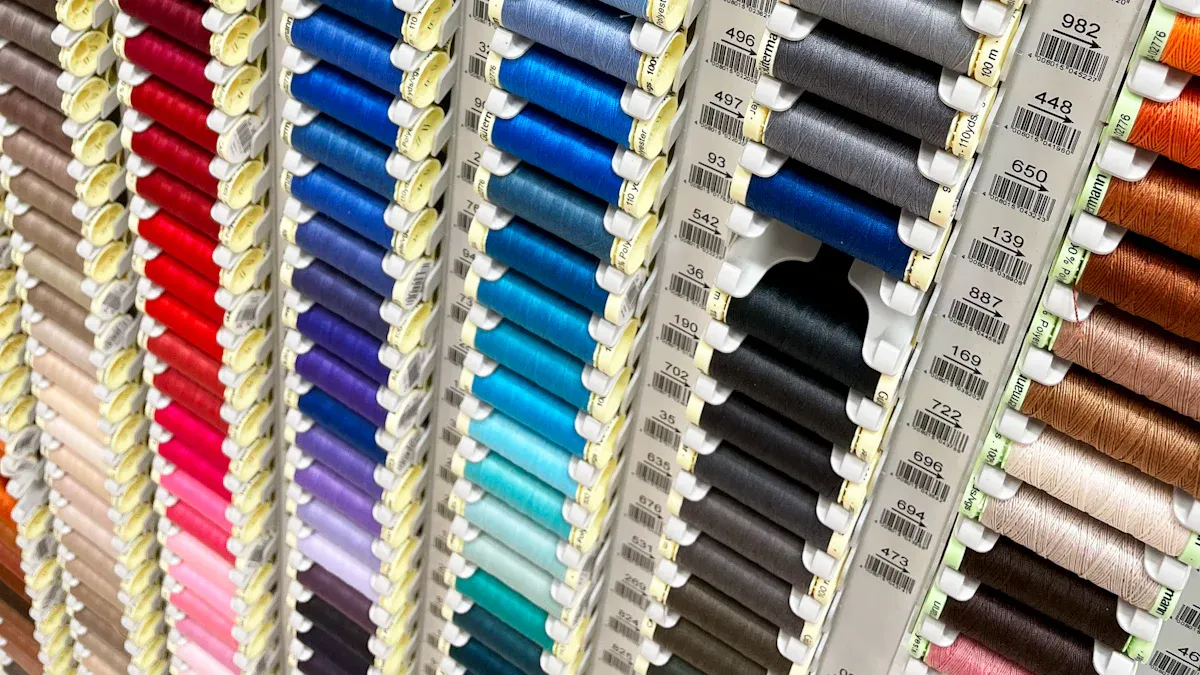
Color gamut means the range of colors a screen can show. You see this on your phone, computer, or TV every day. If a screen has a wide color gamut, you see more real and bright colors. Here is how it changes what you see:
Aspect | Explanation |
|---|---|
Wide Color Gamut | Shows more colors so pictures look richer. |
Image Quality Misconception | Just having a wide color gamut does not mean the image is great. |
Other Factors | Things like tonal gradation and display technology also change how colors look. |
You can pick better screens when you know how color and technology work together.
Key Takeaways
Color gamut shows the range of colors a screen can show. A bigger gamut means images look brighter and more real.
Not all screens with a big color gamut look great. Calibration and color accuracy are also very important for good results.
Different types of screens, like OLED and LCD, use color gamut in different ways. OLED usually gives a bigger color range and brighter colors.
When you pick a screen, think about the color gamut standard it uses, like sRGB or DCI-P3. Choose based on what you need for gaming, editing, or just normal use.
Calibrating your screen often helps colors look right. This helps you get the best picture quality for your work.
What Is Color Gamut
Definition and Basics
You see color gamut when you look at any screen. Color gamut is the range of colors a device can show. Not all devices have the same range. Some screens can show more colors, and some show less. Experts say color gamut is the group of colors a device can make. You can imagine this on a chromaticity diagram. This diagram shows all the colors you can see. The Y axis tells you how bright a color is. The X and Z axes show the color and how strong it is.
Tip: If you want better pictures, pick screens with a wider color gamut. These screens can show more shades and tones. Pictures will look more real.
Color depth is important too. It tells you how many colors each pixel can show. When color depth goes up, the color gamut gets bigger. You see brighter and more real images.
How Devices Reproduce Color
Devices use different ways to make color. OLED and LCD are the most common types. Each one handles color gamut in its own way.
Technology | Color Gamut | Color Accuracy | Vibrancy |
|---|---|---|---|
OLED | Wider | High | Very High |
LCD | Narrower | Moderate | Moderate |
OLED screens, like in Samsung’s Galaxy S phones, show a wider color gamut. You see brighter reds, greens, and blues. LCD screens, like in Canon’s pro monitors, focus on color accuracy. They may not show as many colors, but colors look true. OLED displays cover more of the RGB and DCI-P3 color spaces. This means you get bright and real images, especially with HDR. LCDs with quantum dots are better now, but they still do not match OLED for color at all brightness levels.
Manufacturers use special tools to measure color gamut. You might hear about Gamut Rings or colorimeters. These tools check how well a device shows red, green, and blue. The results are shown on diagrams using the CIE system.
Color Gamut vs. Visible Spectrum
You cannot see every color that exists. The visible spectrum is all the colors your eyes can see. Color gamut is just part of this spectrum. Devices cannot show every color you see in nature. They use standards to measure how much of the visible spectrum they can show.
Here are some common standards:
BT.709: Used for standard TV signals.
DCI-P3: Covers more colors for HDR movies.
BT.2020: Shows an even wider range for advanced displays.
Adobe RGB: Used for printing and graphics.
Manufacturers list color gamut coverage in product specs. You might see things like "125% sRGB." This means the device can show 25% more colors than sRGB. Actual coverage tells you how much of a color space the device can show with accuracy.
Note: A wider color gamut does not always mean better pictures. You need good color accuracy and calibration for the best results.
Now you know color gamut is important for image quality. It links technology, standards, and what you see on your screen.
Why Color Gamut Is Important
Impact on Visual Quality
Color gamut affects what you see on a screen. A wider gamut means you see more colors. This makes pictures look more real and lively. For example, DCI-P3 shows about 26% more colors than sRGB. You will see reds that look richer and greens that are brighter. The wider rgb range makes images look bold and true to life. Pictures have more depth and pop, especially in HDR movies or digital art.
A wide color gamut shows more shades and details.
You see scenes in games and movies that look real.
The rgb colors look deeper and more natural.
Tip: For the best image quality, pick screens with high color accuracy and good gamut coverage.
Color Accuracy in Displays
Color accuracy and gamut coverage are important for editing photos or videos. You want your screen to show colors as they really are. Calibrated monitors help you fix and edit images the right way. The light in your room and even your wall color can change how colors look. Following ISO rules helps keep your content and colors correct.
Calibration keeps your rgb colors correct.
Accurate screens help you match prints and digital files.
You do not get surprises when you share your work.
Applications in Gaming and Content Creation
A wide color gamut changes how you play games and make things. In games, color accuracy helps you find enemies and read maps. Good rgb contrast and brightness make scary games scarier and action games clearer. For creators, a bigger gamut gives you more freedom and better pictures.
Benefit | Description |
|---|---|
DCI-P3 covers more of the visible color spectrum, so colors look brighter. | |
Greater color consistency | Colors stay the same on different devices, making things look better. |
Improved contrast | Works well with HDR, giving you more exciting images. |
Encourages creative experimentation | The wider color range lets you use bold colors and connect with viewers. |
You can use the full rgb range to make your work special. Knowing color theory and how colors work together helps you tell stories and set moods in your projects.
Common Colour Gamuts

sRGB and Adobe RGB
You see the srgb standard almost everywhere you look. Most pictures on the web use srgb. Social media and most devices use it too. This rgb color space helps colors look the same on different screens. Adobe rgb can show more colors than srgb. It is better at showing greens and cyans. People use Adobe rgb for high-quality photos or printing. The table below shows how srgb and Adobe rgb are different:
Color Space | Primary Use | Typical Gamut Characteristics | When to Prefer |
|---|---|---|---|
srgb | Web, social, general use | Smaller gamut; works on most devices | If you want consistent color for online content |
Adobe rgb | Photography, print | Wider gamut; more greens and cyans | If you need extra color range for photos and printing |
The srgb standard only shows colors most screens can handle. Adobe rgb lets you see more colors for better prints.
DCI-P3 and Rec. 2020
You find dci-p3 in new TVs, monitors, and movies. This rgb color space can show about 26% more colors than srgb. You see reds that are brighter and greens that stand out. Rec. 2020 can show even more colors than dci-p3. It works with advanced displays and is used for 4K and 8K TVs. You get colors that look more real and images that look better.
Gamut | Use Case | Color Range |
|---|---|---|
dci-p3 | Movies, HDR, gaming | Wider than srgb |
rec. 2020 | 4K/8K, pro video, science | Widest rgb coverage |
You see rec. 2020 in top displays and pro video work. This rgb color space helps you see all the colors in new movies and shows.
Standard vs. Wide Colour Gamut
A standard gamut like srgb only covers about 35% of what your eyes can see. This means you cannot see all the colors in some pictures. Wide color gamut screens use Adobe rgb, dci-p3, or rec. 2020. These screens can show many more colors. You notice this when you play games, watch movies, or make art.
Wide color gamut is important for streaming, making videos, and medical images.
You get better rgb colors and more details in every picture.
Standard gamuts can cause problems where some colors do not show right.
Note: Wide color gamut is best when you want real color and top image quality. You see the difference in games, editing, and the best screens.
Misconceptions and Practical Tips
Wide Colour Gamut Myths
Some people think a wider gamut always means better images. This is not always true. Many believe HDR always makes pictures brighter and more colorful. But HDR and SDR can look the same most of the time. You only see big changes with HDR in very bright scenes. Here are some myths people have:
A wide rgb gamut always looks better.
More colors always mean pictures are more correct.
You need to think about more than just the color range. The rgb values and how your device uses them are also important.
Calibration and Device Choice
Calibration is important for color accuracy. If you want rgb colors to look right, you must calibrate your screen. This keeps your pictures looking the same on different devices and over time. Good calibration helps with color management and makes pictures more correct. You can use different tools to calibrate. The table below shows some choices:
Tool Type | Accuracy Level | Price Range | Best For | Setup Difficulty |
|---|---|---|---|---|
Hardware Colorimeter (e.g., X-Rite i1Display Studio) | High | $150 - $300+ | Professionals, serious hobbyists | Moderate |
Software Calibration (e.g., DisplayCAL) | Moderate | Free - $30 | Casual users, budget-conscious | Easy |
Built-in Monitor Calibration | Low | Included with monitor | Basic adjustments | Easy |
When you calibrate your monitor, you make sure rgb values match real life. This helps you get the best from your display’s gamut.
Choosing the Right Gamut
Pick a display that fits what you do most. If you edit photos or videos, you need a wide rgb gamut and high accuracy. For web or schoolwork, a standard rgb gamut is fine. Here are things to check:
Grayscale for science or medical use
Delta E values, which show how close colors are to real life
To choose well, look at rgb coverage and accuracy in the specs. A good display shows many colors and keeps your pictures true. Color management and calibration help you get the most from your device.
When you know how color works, you can pick better screens. The right color range makes pictures look bright and real. You will enjoy watching videos and looking at photos more.
Pictures look colorful and lifelike.
Games and art projects seem more real.
Good screens last longer and follow new rules.
Both cheap and expensive screens with wide color ranges look great now and later.
FAQ
What is color gamut and why does it matter?
Colour gamut is the range of colors your device can show. It matters because it changes how real and bright pictures look. A bigger color gamut lets you see more shades. Devices with a small color gamut show less colors.
How does wide color gamut improve my viewing experience?
Wide color gamut means you get more colors on your screen. You will see reds that are brighter, blues that are deeper, and greens that are richer. Movies, games, and photos look more real with wide color gamut. You feel more part of the action with these displays.
Why is calibration important for color gamut accuracy?
Calibration helps your screen show the right colors. If you do not calibrate, your device might not use all its colors. Calibration makes sure what you see matches the real image. You get better results if you calibrate often, especially for photos.
When should you choose adobe rgb over other color gamuts?
Pick adobe rgb if you edit photos or print pictures. Adobe rgb shows more greens and cyans than other color gamuts. You see more details in your pictures with adobe rgb. Many pros use adobe rgb because it has a wide color gamut.
Can you use calibration tools at home for adobe rgb and wide color gamut screens?
You can use calibration tools at home. These tools help you set up your screen for adobe rgb and wide color gamut. Calibration tools make sure your colors look right. You get the best from your adobe rgb and wide color gamut screens when you calibrate.
See Also
Essential Features To Consider For Gaming Monitors
Key Features To Look For In OLED Televisions
Seven Essential Tips For Choosing An 8K Monitor