What is local dimming
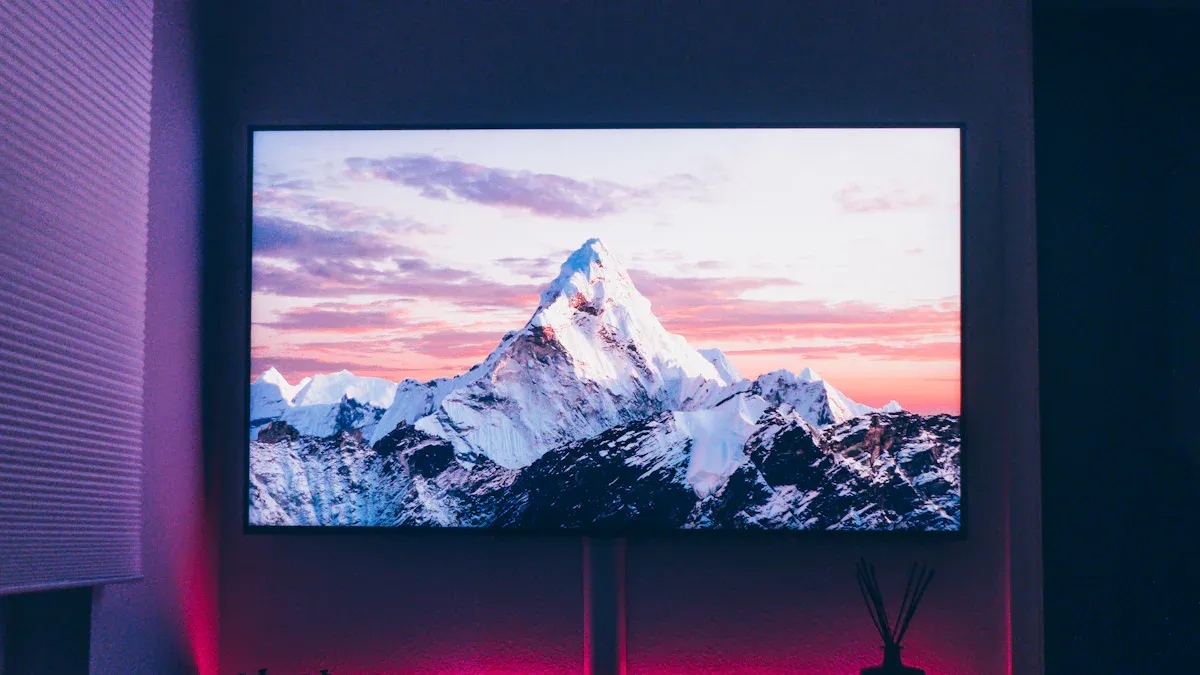
Local dimming lets your LED TV control different parts of its backlight separately. This feature helps your screen show deeper blacks and brighter highlights, which makes movies and shows look more lifelike.
You notice the biggest difference in dark rooms, where contrast stands out.
Each backlight zone adjusts to match the scene, so dark areas look truly dark and bright spots pop.
Misconception
Truth
Zone count and technology vary; not all TVs perform equally, even if labeled the same.
Key Takeaways
Local dimming enhances your TV's picture quality by allowing different backlight zones to adjust independently, resulting in deeper blacks and brighter highlights.
Full-array local dimming offers the best performance with hundreds of zones, reducing blooming and improving contrast compared to edge-lit designs.
For optimal viewing, choose a TV with more dimming zones, especially if you watch HDR content or movies with high contrast scenes.
Adjust your TV settings to find the right balance between brightness and contrast, which can help minimize blooming and enhance your viewing experience.
Understanding local dimming helps you make informed choices when selecting a TV, ensuring you enjoy lifelike images and rich detail.
How local dimming works

Backlight zones explained
You can think of your LED TV’s backlight as a grid made up of many small zones. Each zone contains a group of LED bulbs that light up a specific part of the screen. Local dimming lets your TV control these zones individually, which means some areas can be bright while others stay dark. This control helps your TV show deeper blacks and brighter highlights at the same time.
Here’s a simple breakdown of how your TV manages these zones:
Step | Description |
|---|---|
1 | The TV’s processor analyzes what’s happening in the scene. |
2 | It creates a brightness map, deciding which zones should be bright or dark. |
3 | The backlight adjusts, lighting only the zones that need it. |
Most LED TVs use between 8 and 16 zones for basic local dimming, while advanced models with full-array local dimming can have hundreds or even over a thousand zones. More zones usually mean better control and less unwanted light in dark areas.
Tip: More zones help reduce the “halo” effect around bright objects on dark backgrounds.
Local dimming in use
You will notice the benefits of local dimming most when watching movies or playing games with lots of dark and bright scenes. For example:
When you watch a movie with a bright moon in a dark sky, the moon looks sharp and the sky stays deep black.
Subtitles on a dark background appear crisp, without a distracting gray glow around the letters.
In video games with shadowy environments, you see more detail in the darkness instead of a washed-out look.
Bright HDR effects, like explosions or sunlight, stand out more clearly.
Local dimming works by adjusting the brightness of each zone in real time. If a scene has both dark and bright areas, your TV dims the backlight behind the dark parts and boosts it behind the bright parts. This dynamic adjustment makes images look more lifelike and helps you see details that might otherwise get lost.
LED vs. OLED differences
You might wonder how local dimming compares to other TV technologies. LED TVs use local dimming to improve contrast, but OLED TVs work differently. Each pixel in an OLED TV produces its own light and can turn off completely, creating perfect black levels.
Here’s a quick comparison:
Feature | Full Array LED TVs | OLED TVs |
|---|---|---|
Black Levels | Not as deep as OLED | True, perfect blacks |
Contrast | Superior, with more depth | |
Low-light Scenes | Shadows look less lifelike | Shadows look more realistic |
You get good contrast and brightness with local dimming on LED TVs, but OLED TVs deliver even deeper blacks and more lifelike shadows. However, LED TVs with advanced local dimming can still offer impressive picture quality, especially in bright rooms or for viewers who want a larger screen at a lower price.
Types of local dimming
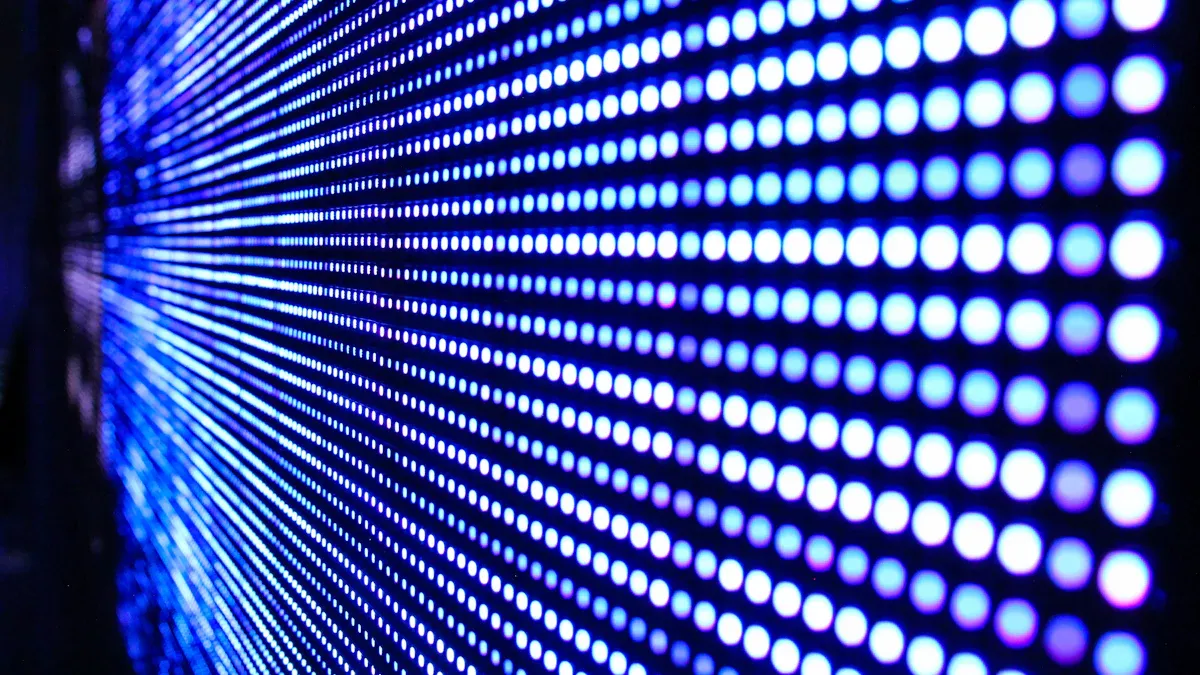
Full-array local dimming
Full-array local dimming uses a grid of LEDs placed directly behind the entire screen. You get advanced control because these LEDs spread evenly across the back panel. Each zone can brighten or dim independently, which gives you deeper blacks and higher contrast. This setup reduces the chance of light streaks or halos around bright objects. You see more detail in both dark and bright scenes.
Full-array systems allow for advanced local dimming with specific zones.
You benefit from more precise control over brightness and contrast.
Edge-lit local dimming
Edge-lit local dimming places LEDs only along the edges of the screen. The TV directs light from the sides toward the center. This design can lead to uneven brightness, especially in scenes with both dark and bright areas. Edge-lit systems usually have fewer dimming zones, so you may notice more blooming or light bleeding around bright objects.
Edge-lit systems may result in less effective dimming due to their design.
You might see a halo effect when bright and dark areas appear together.
Feature | Full-Array Local Dimming | Edge-Lit Local Dimming |
|---|---|---|
LED Placement | LEDs spread across the screen | LEDs along the edges |
Brightness Control | Precise | Less precise |
Local Dimming Effect | More effective | Less effective |
Dimming zones impact
The number and size of dimming zones play a big role in picture quality. Full-array local dimming often uses hundreds or even thousands of zones. Edge-lit models usually have only a few, sometimes as low as eight. More zones mean your TV can control light more accurately, which improves contrast and reduces blooming.
Dimming Type | Number of Dimming Zones | Performance Characteristics |
|---|---|---|
Full-Array Local Dimming | Hundreds to thousands | Precise control, better contrast |
Edge-Lit Local Dimming | Few (8-32) | Basic dimming, more blooming |
Note: Blooming happens when light from bright objects bleeds into dark areas. More dimming zones help reduce this effect, while larger zones can make it worse.
You should look for TVs with more dimming zones if you want the best contrast and minimal blooming. This choice will help you enjoy movies and games with richer detail and more lifelike images.
Benefits and drawbacks
Contrast and HDR performance
You get a big boost in picture quality when your TV uses local dimming. This feature lets your screen show both bright highlights and deep shadows at the same time. Here are some main benefits:
You see a higher contrast ratio because the TV controls brightness in different areas.
Bright highlights in HDR movies and shows look more vibrant and detailed.
Scenes with both light and dark parts appear more realistic, especially in a dark room.
Tip: Local dimming is essential for HDR content. Without it, even TVs with high peak brightness cannot show true HDR effects.
Blooming and detail loss
While local dimming improves most scenes, it can also introduce some issues. You may notice a halo or blooming effect around bright objects, especially when they appear on a dark background. This effect happens when light from bright areas bleeds into darker parts of the screen. Some common drawbacks include:
Blooming is more visible on TVs with fewer dimming zones or lower-cost models.
Subtitles and small bright objects may have a faint glow around them.
You might lose detail in shadows because the TV cannot always adjust brightness quickly enough.
Drawback | What You Might Notice |
|---|---|
Blooming | Halos around bright objects in dark scenes |
Detail Loss | Shadows look less sharp or washed out |
Note: All LED TVs with local dimming show some blooming, but more dimming zones help reduce this effect.
When local dimming matters
You notice the impact of local dimming most in high-contrast scenes. Watching movies with dark backgrounds and bright highlights, such as stars in the night sky, makes the benefits clear. This feature stands out in dark rooms, where your eyes pick up more detail and contrast. The number of dimming zones also matters—a TV with more zones gives you better control and less blooming.
Local dimming works best for HDR content and movies with lots of dark and bright areas.
You may see more blooming if your TV has fewer dimming zones or if the feature is not well implemented.
If you want the best picture quality for movies, games, or streaming, look for a TV with advanced local dimming and a high number of dimming zones.
Choosing and optimizing local dimming
Picking the right TV
When you choose a TV, you should pay attention to the number of dimming zones. More zones give you better control over brightness and contrast. This means you see deeper blacks and richer colors. Full Array backlighting offers finer control than Edge Lit designs. Full Array TVs place LEDs behind the entire screen, while Edge Lit TVs only use LEDs along the edges. You get more precise local dimming with Full Array models, which leads to better image quality. You should also consider possible issues like ghosting or black crush, which can affect scenes with both light and dark areas. Brands differ in performance. For example, TCL’s QM8K model stands out for its strong local dimming and high brightness, while other brands may show more blooming or lose shadow detail.
Getting the best results
You can improve your viewing experience by adjusting your TV’s settings. Look for options like “dimming settings” or “backlight control” in the picture menu. Lowering these settings can reduce blooming and make blacks look deeper, but it might also make the picture less bright. Raising the settings gives you a brighter image, which helps in well-lit rooms, but it may increase blooming and reduce black levels. TVs with more dimming zones let you fine-tune these effects more easily. Try different settings to find what looks best for your room and content.
Tip: Test your TV with scenes that have both bright and dark areas, such as movies with night skies or games with explosions, to see how well local dimming works.
Alternatives to local dimming
You can find other technologies that improve contrast and reduce blooming. MiniLED TVs use thousands of tiny LEDs, which allow for many more dimming zones than standard models. Chip on Board (COB) technology combines advanced manufacturing with precise control, helping to eliminate halo effects. Some high-end TVs use Precision Dimming Pro, which offers thousands of micro-zones for even better control. The table below compares some options:
Technology | Contrast Enhancement | Blooming Control | Cost Considerations |
|---|---|---|---|
High | Excellent | Moderate | |
MiniLED | Very High | Superior | Higher |
Precision Dimming Pro | Very High | Superior | Higher |
Direct-Lit Systems | Moderate | Poor | Low |
You should weigh your needs and budget when choosing between these options.
Local dimming lets you enjoy deeper blacks and brighter highlights on your TV. You see improved contrast because the backlight divides into zones that adjust independently. QLED TVs use this feature to manage lighting transitions. Understanding local dimming helps you compare TV types and spot issues like blooming. Consider your viewing habits and favorite content when choosing a TV.
Feature | Description |
|---|---|
Full-Array | LEDs spread behind the screen for precise local dimming. |
Contrast Boost | Zones dim or brighten, giving you richer contrast and deeper blacks. |
FAQ
What does local dimming do for your TV?
Local dimming lets your TV adjust brightness in different screen areas. You see deeper blacks and brighter highlights. This feature improves contrast and makes movies and games look more realistic.
What is blooming, and why does it happen?
Blooming is a glow or halo around bright objects on dark backgrounds. You notice it when your TV cannot control light precisely. TVs with fewer dimming zones show more blooming.
What type of local dimming is best?
Full-array local dimming works best. You get more dimming zones and better control over brightness. This setup reduces blooming and gives you richer contrast compared to edge-lit designs.
What content benefits most from local dimming?
You see the biggest improvement in movies, HDR shows, and games with dark scenes and bright highlights. Local dimming helps you spot more detail and enjoy a lifelike picture.
What settings should you adjust for better local dimming?
You should explore your TV’s picture menu. Adjust the local dimming or backlight settings. Lowering these can reduce blooming. Test with scenes that mix dark and bright areas for the best results.
See Also
Key Features Of OLED TVs That You Should Consider
The Energy Efficiency Benefits Of Multi-Frequency Displays Explained
Understanding Micro LED Technology For Future Display Innovations